 首页
 网站论坛圈子
 每日快讯New
 游戏下载



本游戏玩法总结
围绕《微软模拟飞行2020免安装绿色版》这类单机游戏资源,可结合玩法、配置需求和页面版本说明选择是否适合体验。
从玩法结构来看,《微软模拟飞行2020免安装绿色版》更适合喜欢经营规划和持续发展的玩家,重点通常落在设施布局、资源调度、收益平衡和内容解锁上。如果你平时会找模拟经营单机、建造类游戏或休闲管理作品,本游戏通常也比较对口。
关于此游戏
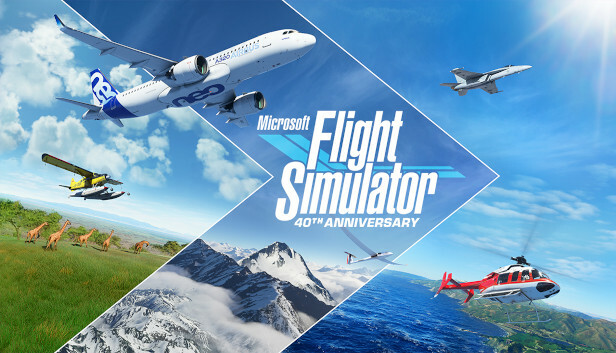
From light planes to wide body jets to gliders and helicopters, fly highly detailed and accurate aircraft in the Microsoft Flight Simulator 40th Anniversary Edition. The world is at your fingertips.
Microsoft Flight Simulator 40th Anniversary Edition features 37 airplanes, gliders, and helicopters with unique flight models, 25 handcrafted airports, 4 classic commercial airports, 14 heliports and 15 glider airports.
Explore Your World
• Vivid and Detailed Landscapes – Immerse yourself in the vast and beautiful world that is our planet with over 1.5 billion buildings, 2 trillion trees, mountains, roads, rivers and more.
• Living World – The Earth is vibrant and ever-changing and so is the world of Microsoft Flight Simulator, which includes live traffic, real-time weather, and animals.
Earn Your Wings
• Aircraft – Hone your pilot skills in a variety of aircraft from light planes to commercial jets with comprehensive flight models. Every aircraft includes highly detailed and accurate cockpits with realistic instrumentation.
• Checklist System – From pro to beginner, scale your level from full manual to full assist with interactive and highlighted instrument guidance and checklist.
Test Your Skill
• Live Weather -The weather engine enables users to switch on the live weather mode to experience real-time weather including accurate wind speed and direction, temperature, humidity, rain and more.
• Day and Night Engine – Experience flight at any time of day or year allowing for night VFR, visual flight rules, navigation.
• Aerodynamic Modeling – A state-of-the-art physics engine with over 1000 control surfaces per plane allows for a truly realistic experience.
Microsoft Flight Simulator has fulfilled the aspirations of aviators worldwide for 40 years. Celebrate the award-winning franchise with the 40th Anniversary Edition, loaded with all-new features, aircraft and content that span the history of aviation.
The 40th Anniversary Edition update introduces:
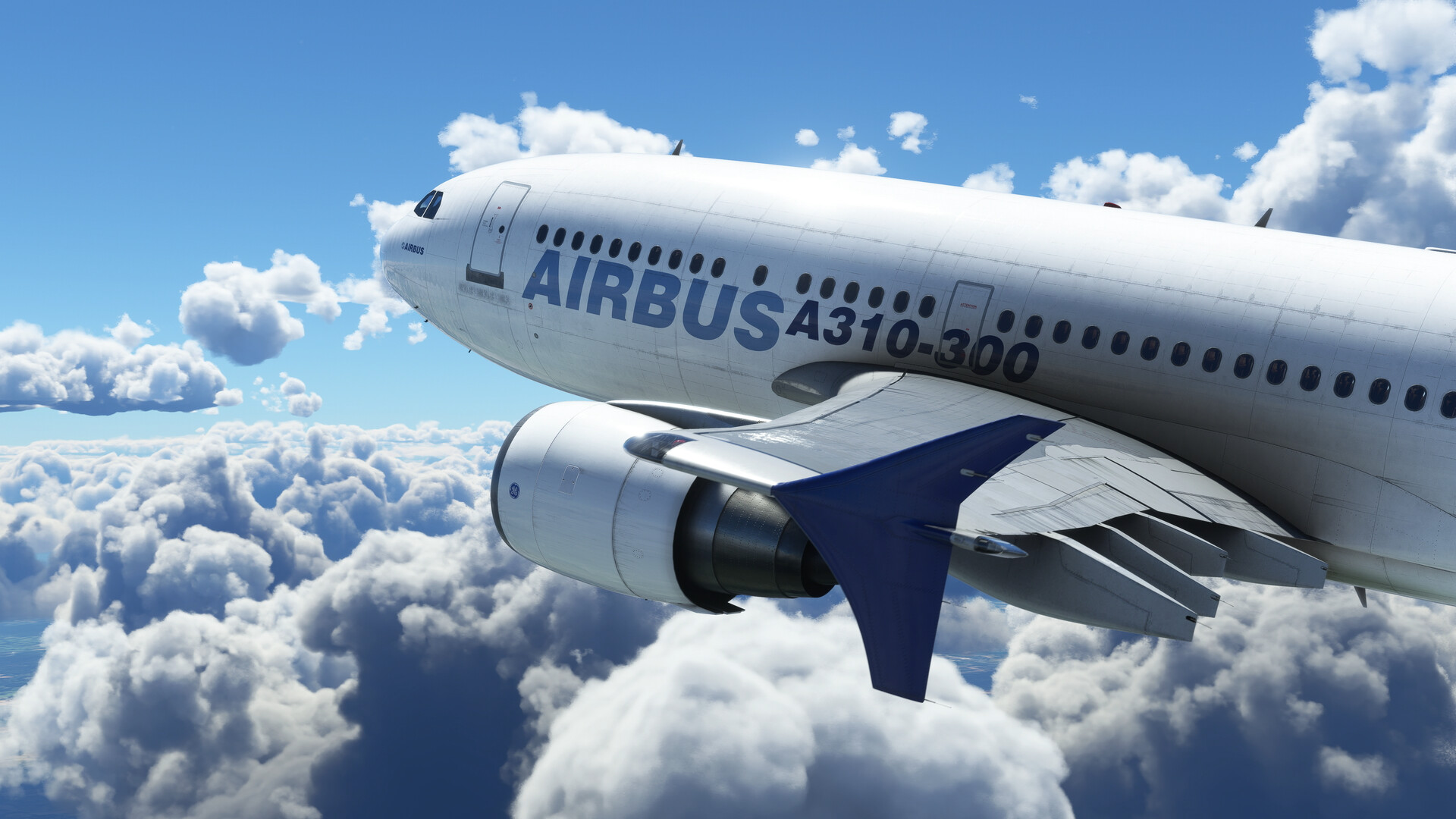
• 1 true-to-life Airbus A310 Airliner
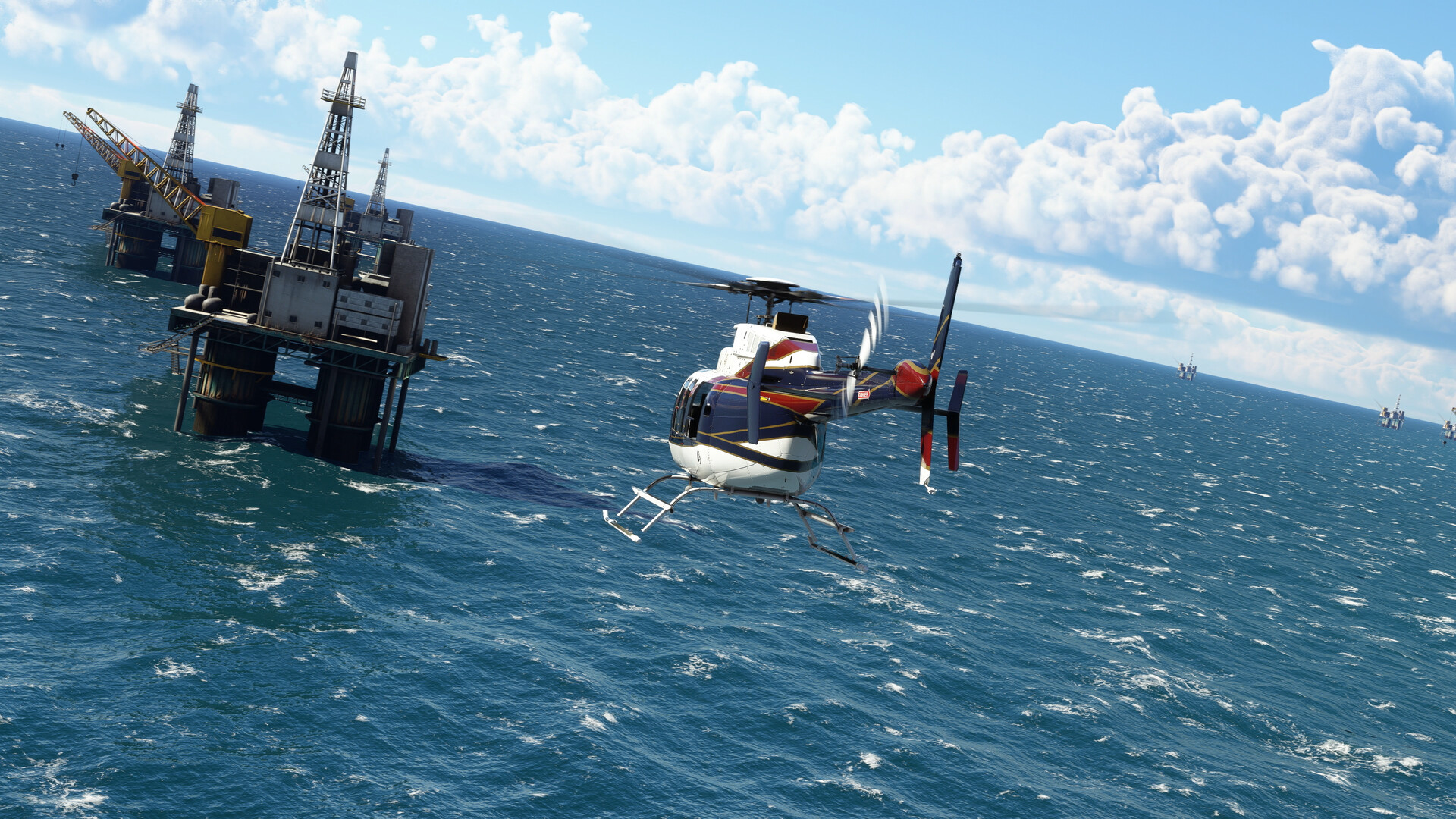
• 2 helicopters and 14 heliports
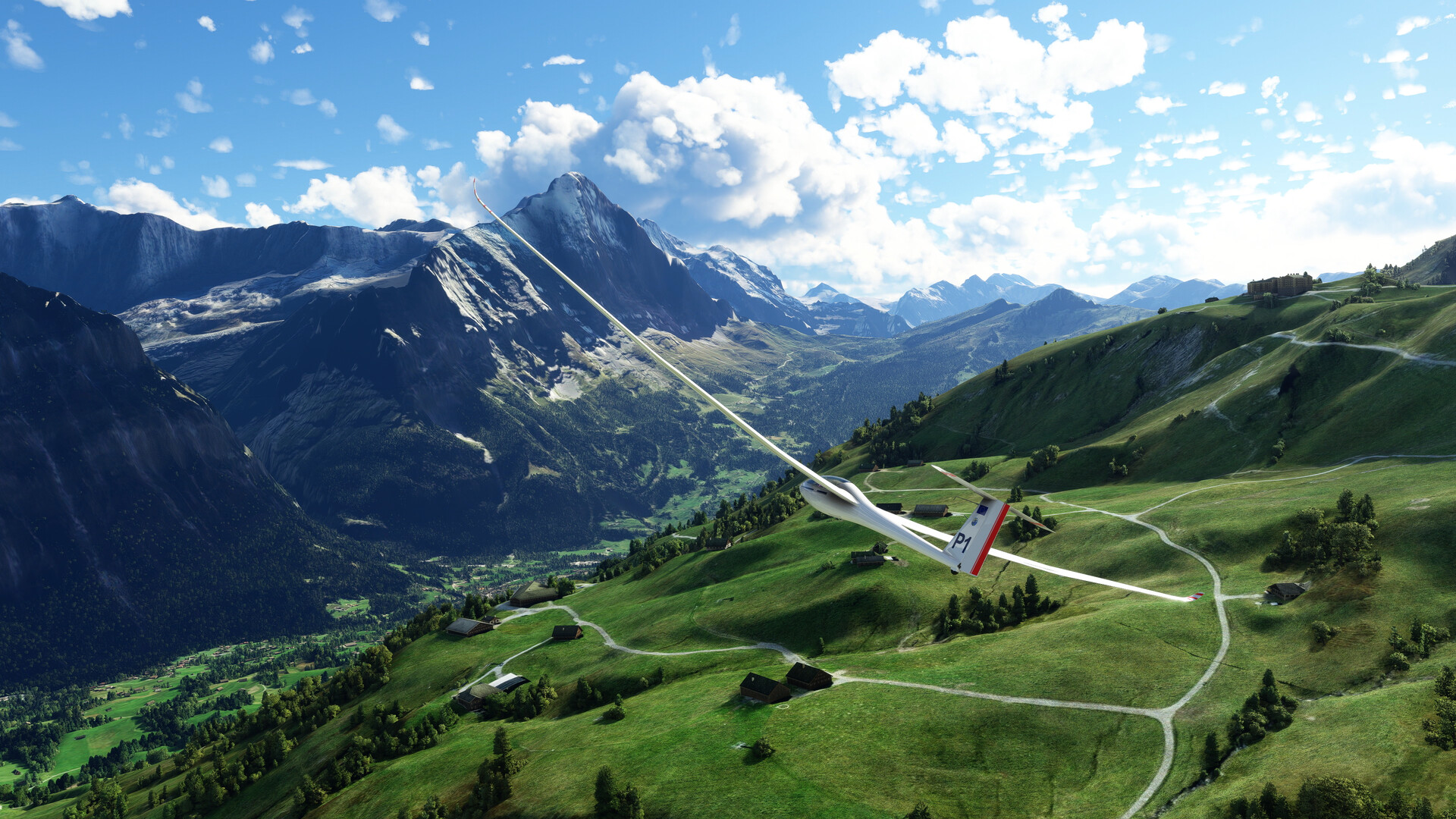
• 2 gliders and 15 glider airports
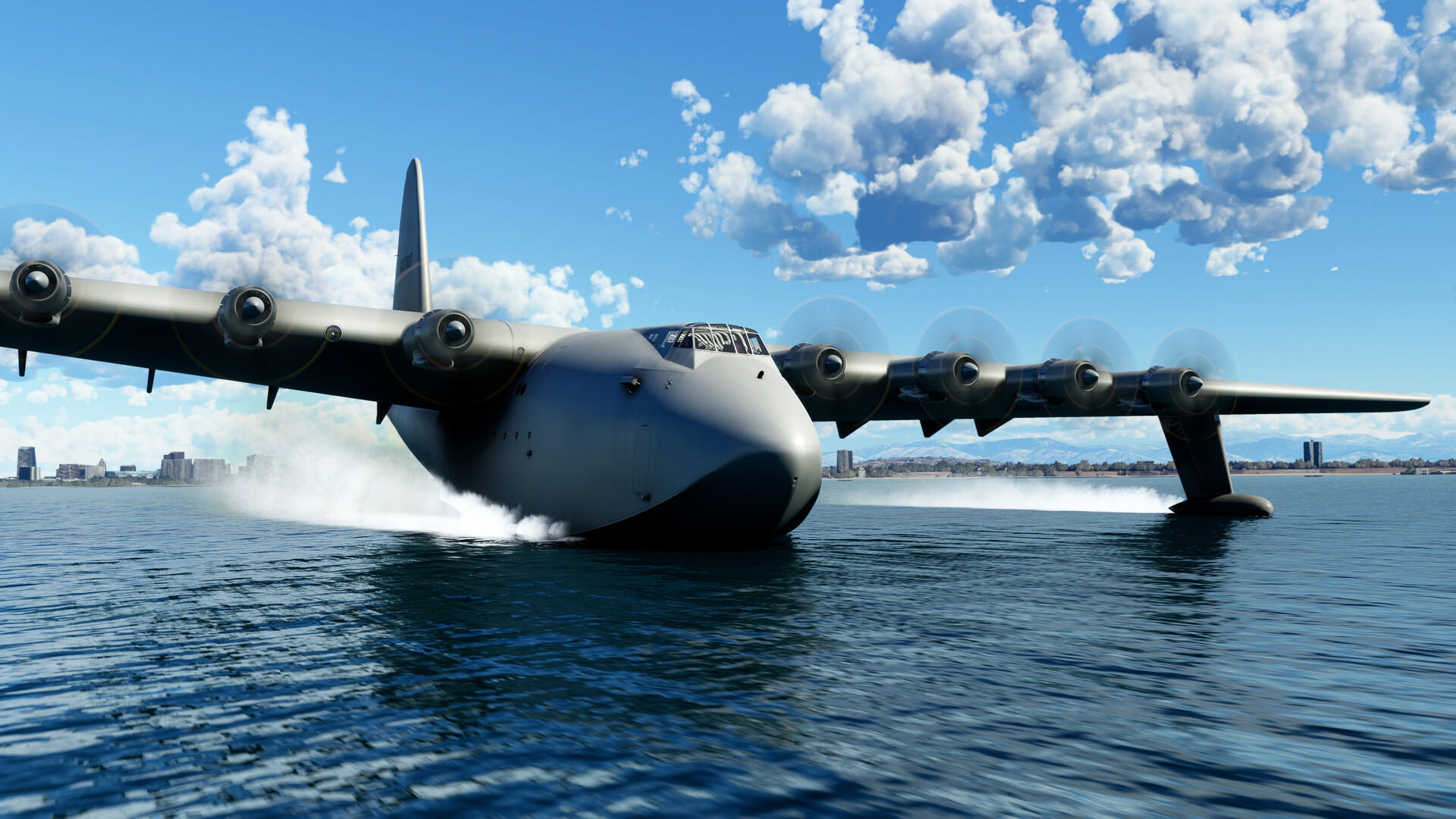
• 7 famous historical aircraft including the Hughes H-4 Hercules (aka the Spruce Goose)
• 4 classic commercial airports
• 24 classic missions from the franchise’s past
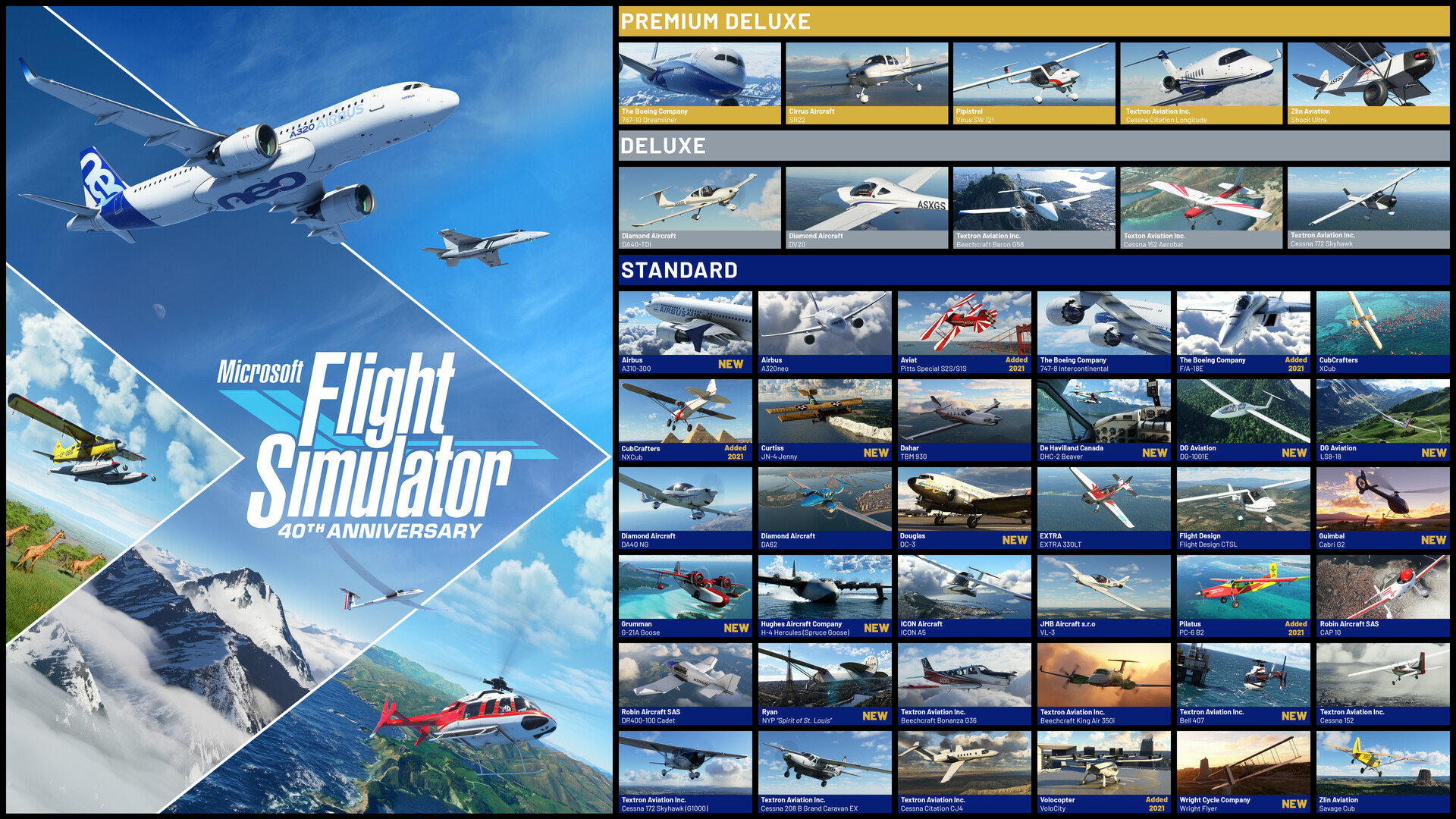
The Deluxe Edition includes everything from the Standard Edition plus 5 additional highly accurate planes with unique flight models and 5 additional handcrafted international airports.
Deluxe Additional Aircraft
• Diamond Aircraft DA40-TDI
• Diamond Aircraft DV20
• Textron Aviation Beechcraft Baron G58
• Textron Aviation Cessna 152 Aerobat
• Textron Aviation Cessna 172 Skyhawk
Deluxe Additional Handcrafted Airports
• Amsterdam Airport Schiphol (Netherlands)
• Cairo International Airport (Egypt)
• Cape Town International Airport (South Africa)
• O’Hare International Airport (USA)
• Adolfo Suárez Madrid–Barajas Airport (Spain)
The Premium Deluxe Edition includes everything from the Deluxe Edition plus 5 additional highly accurate planes with unique flight models and 5 additional handcrafted international airports.
Premium Deluxe Additional Aircraft
• Boeing 787-10 Dreamliner
• Cirrus Aircraft SR22
• Pipistrel Virus SW 121
• Textron Aviation Cessna Citation Longitude
• Zlin Aviation Shock Ultra
Premium Deluxe Additional Airports
• Denver International Airport (USA)
• Dubai International Airport (United Arab Emirates)
• Frankfurt Airport (Germany)
• Heathrow Airport (United Kingdom)
• San Francisco International Airport (USA)
游戏介绍
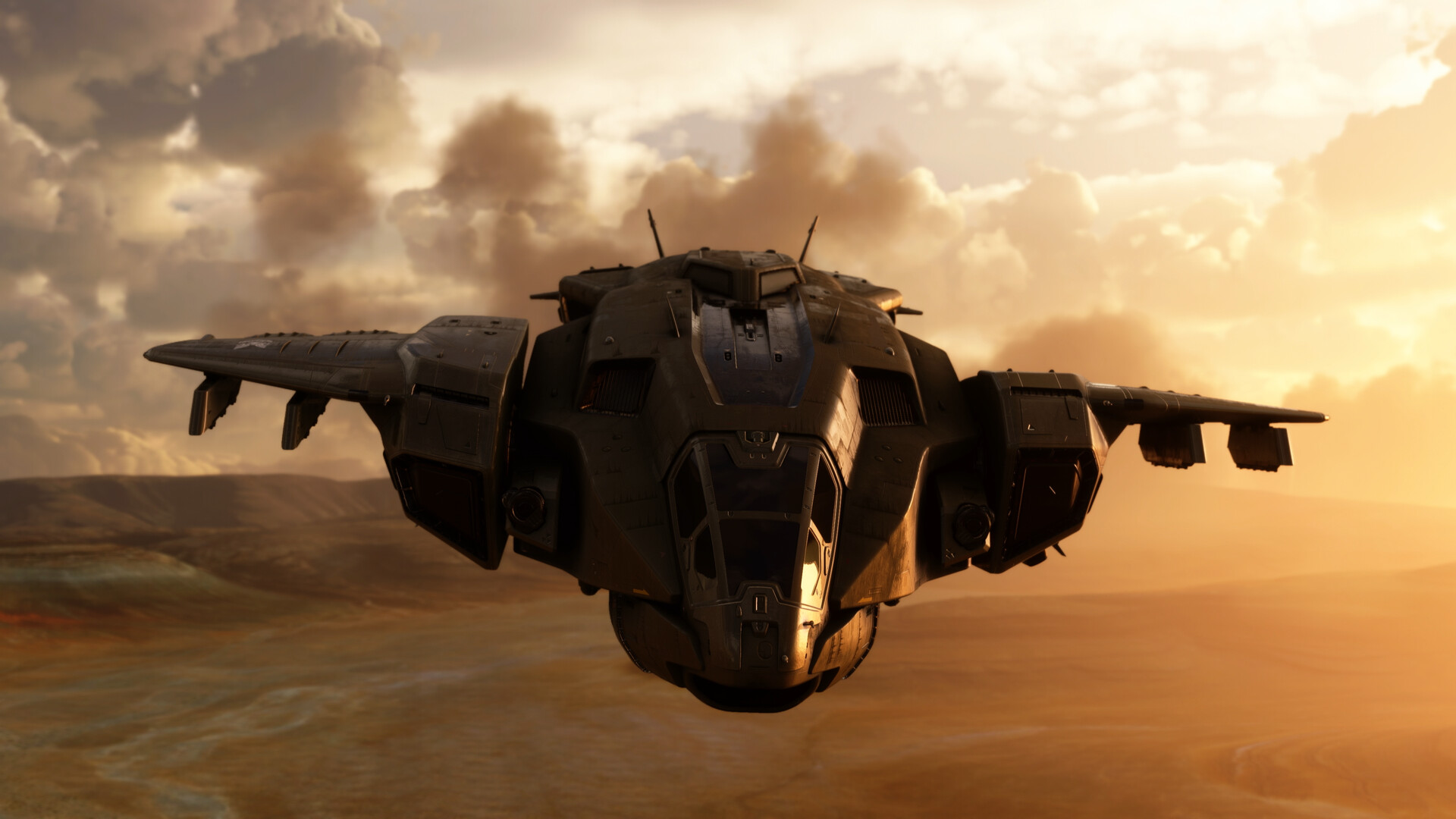
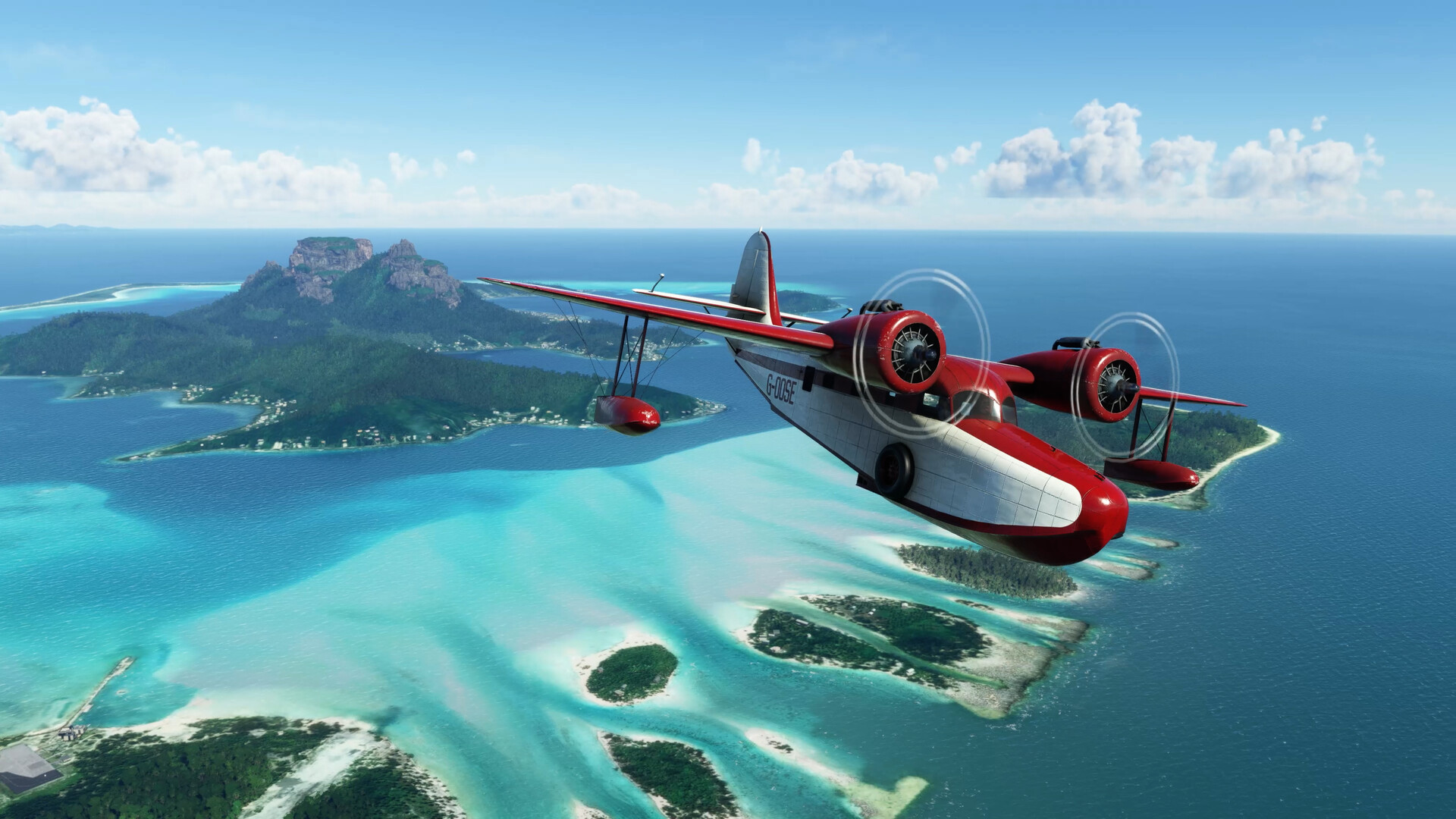
《微软飞行模拟》是一款由Microsoft发行制作的模拟飞行类游戏,注重真实的飞行体验及令人惊叹的游戏画面与环境,专为飞行模拟类粉丝打造。通过重新运用微软的现有科技以及与相关产业机构和社区的通力合作,致力于为广大玩家提供一流的模拟飞行体验。
游戏视频
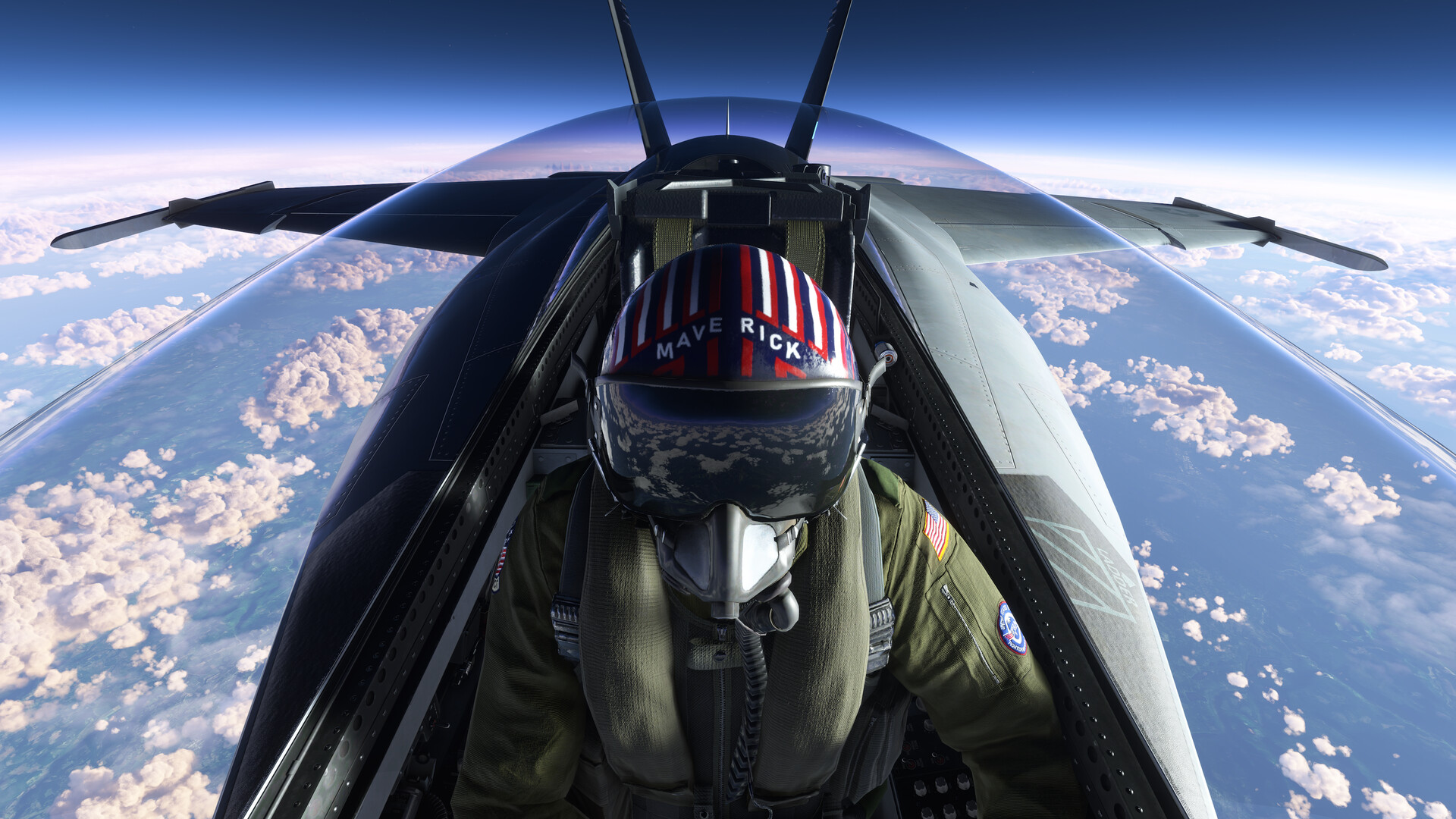
游戏截图
配置要求
最低配置:
操作系统: Windows 10 / Windows 11(64位)
处理器: Intel i5-4460 / AMD Ryzen 3 1200
内存: 8 GB RAM
显卡: NVIDIA GTX 770 / AMD Radeon RX570
DirectX 版本: 11
存储空间: 需要 286 GB 可用空间
推荐配置:
操作系统: Windows 11(64位)
处理器: Intel Core i7 9800X / AMD Ryzen 7 Pro 2700X
内存: 16 GB RAM
显卡: NVIDIA RTX 2080 / AMD Radeon VII
DirectX 版本: 11
存储空间: 需要 286 GB 可用空间
重要说明
1、游戏需要Win10/Win11(64位)完整版系统,不支持精简版系统。
2、游戏只能玩单机模式,不能联网地景,没实时天气,但是启动游戏时需要联网才能玩。
3、单机版目前只能用键鼠和飞行摇杆来玩,不支持游戏手柄(电脑连手柄玩游戏必闪退)
4、进入游戏后,每次都要选择开启离线模式游玩,若选择OK在线模式必定是无限加载中……
5、正常进游戏就是简体中文,若游戏变英文,按下图重新设置简体中文。
6、目前游戏有一个BUG,按ESC键退出游戏无效,按Alt+F4组合键强制关闭游戏,然后在“任务管理器”中找到进程“FlightSimulator.exe”右键“结束任务”。


注意事项
游戏安装好直接就有106架飞机,若你想要更多的机模、机场、地景、涂装等,从百度网盘的附件下载并安装。
游戏版本信息
v1.29.30高级豪华版|容量286GB|官方简体中文|支持键盘.鼠标.手柄|赠400架飞机+地景+涂装+机场+语音包[1100G]
常见问题FAQ
《微软模拟飞行2020免安装绿色版》下载后应该怎么解压和安装?
先确认所有压缩包均已完整下载,再使用常见解压工具统一解压。不要直接在压缩包内运行程序,建议使用纯英文目录,并提前确认磁盘空间充足。具体步骤可以参考 游戏手动解压安装教程。
《微软模拟飞行2020免安装绿色版》解压后打不开怎么办?
优先检查安全软件是否误拦截、文件是否解压完整、运行库是否缺失、显卡驱动是否过旧,以及系统版本是否满足要求。首次运行也可以尝试右键以管理员身份启动。
【游戏问题】游戏启动提示缺少 DLL 或运行组件怎么处理?
这类提示通常与常用运行库不完整有关。建议补全 DirectX、Visual C++ 等常见游戏运行组件,再重新启动游戏。教程可以参考 游戏常用运行库合集。
【游戏问题】启动出现黑屏、闪退、无响应或没有声音怎么办?
通常需要检查显卡驱动、运行组件、解压完整度、安装目录权限和安全软件拦截。建议先更新电脑驱动、补全运行库,并将游戏放在纯英文路径下运行。
【游戏问题】无法存档或手柄无效怎么办?
无法存档通常与目录写入权限有关,可以尝试管理员身份运行或更换可写目录。手柄无效时,请检查驱动、连接模式和游戏内控制器设置。
《微软模拟飞行2020免安装绿色版》修改器在哪里下载?
是否支持修改器取决于游戏版本和修改器版本。使用前请核对版本说明,并注意部分安全软件可能会拦截修改器程序。也可以查看 WeMod 超8000+单机游戏最新修改器 的使用说明。
文章标题:微软模拟飞行2020(微软飞行模拟2020(Microsoft Flight Simulator)免安装绿色版
文章链接:https://www.ymxq.net/859.html
更新时间:2026年05月30日