 首页
首页  网站论坛圈子
 每日快讯New
 游戏下载
游戏下载




本游戏玩法总结
本页整理《放置螺旋》的单机游戏下载信息,安装方式、版本内容及相关说明以页面资源为准。
从玩法结构来看,《放置螺旋》更适合喜欢经营规划和持续发展的玩家,重点通常落在设施布局、资源调度、收益平衡和内容解锁上。如果你平时会找模拟经营单机、建造类游戏或休闲管理作品,本游戏通常也比较对口。 同时,本游戏也带有休闲益智方向,更强调上手门槛、节奏舒适度和持续解锁体验。
关于此游戏

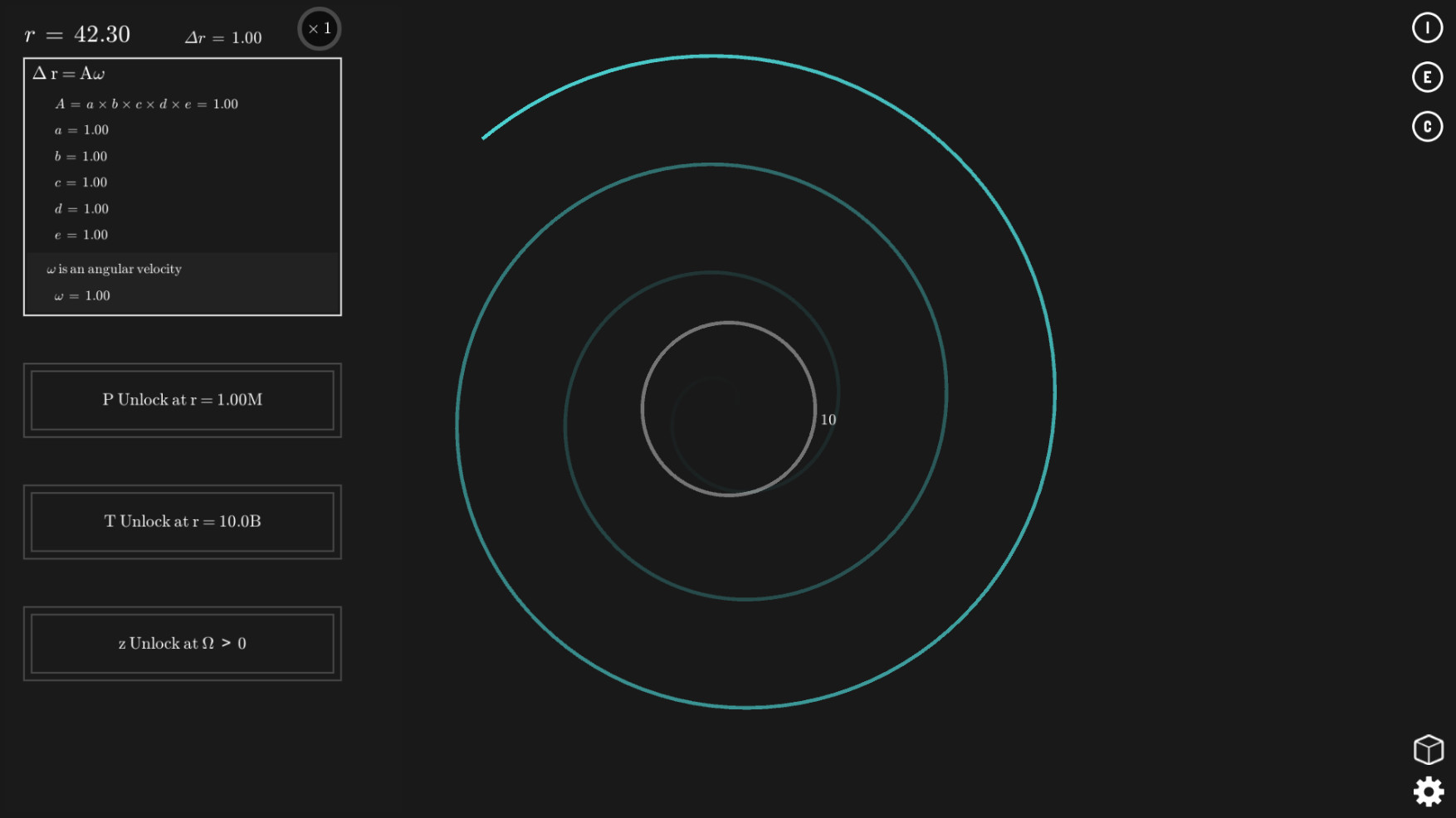
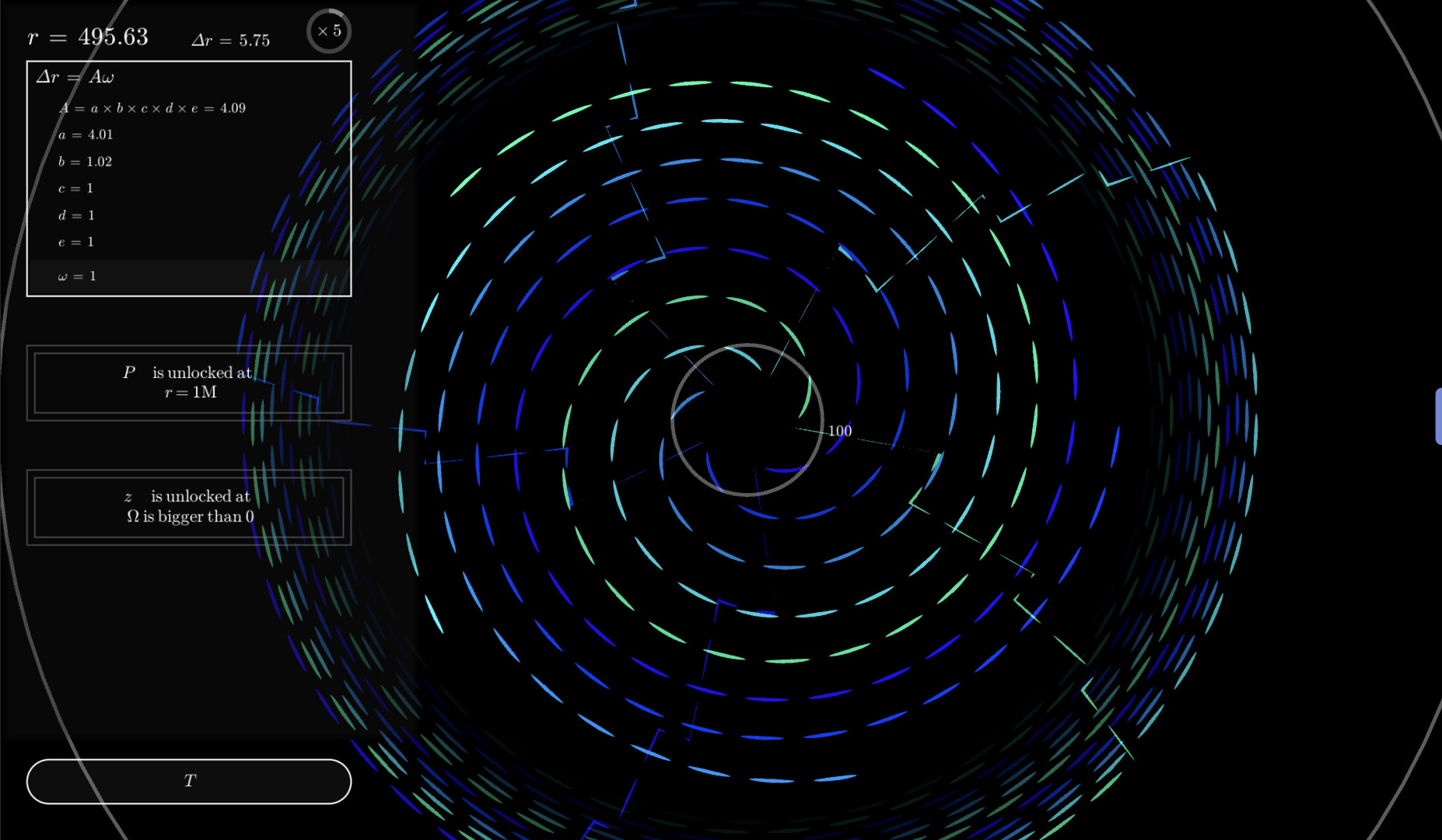
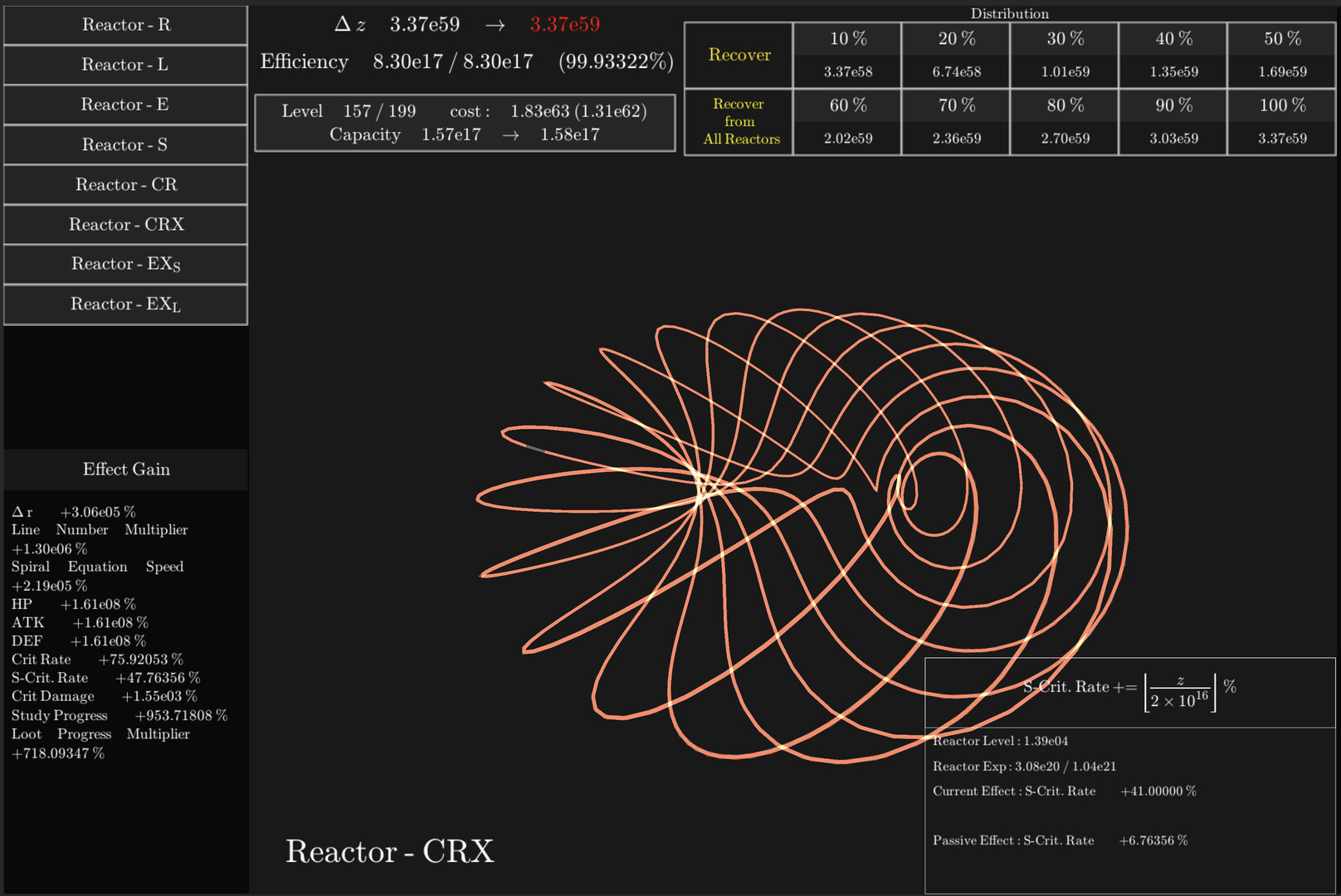
This is a beautiful “Idle”, “Incremental” game based on spirals and mathematics. Your goal is to make the spiral grow longer and longer. The game is very simple, but it is very deep and can be enjoyed for a long time.
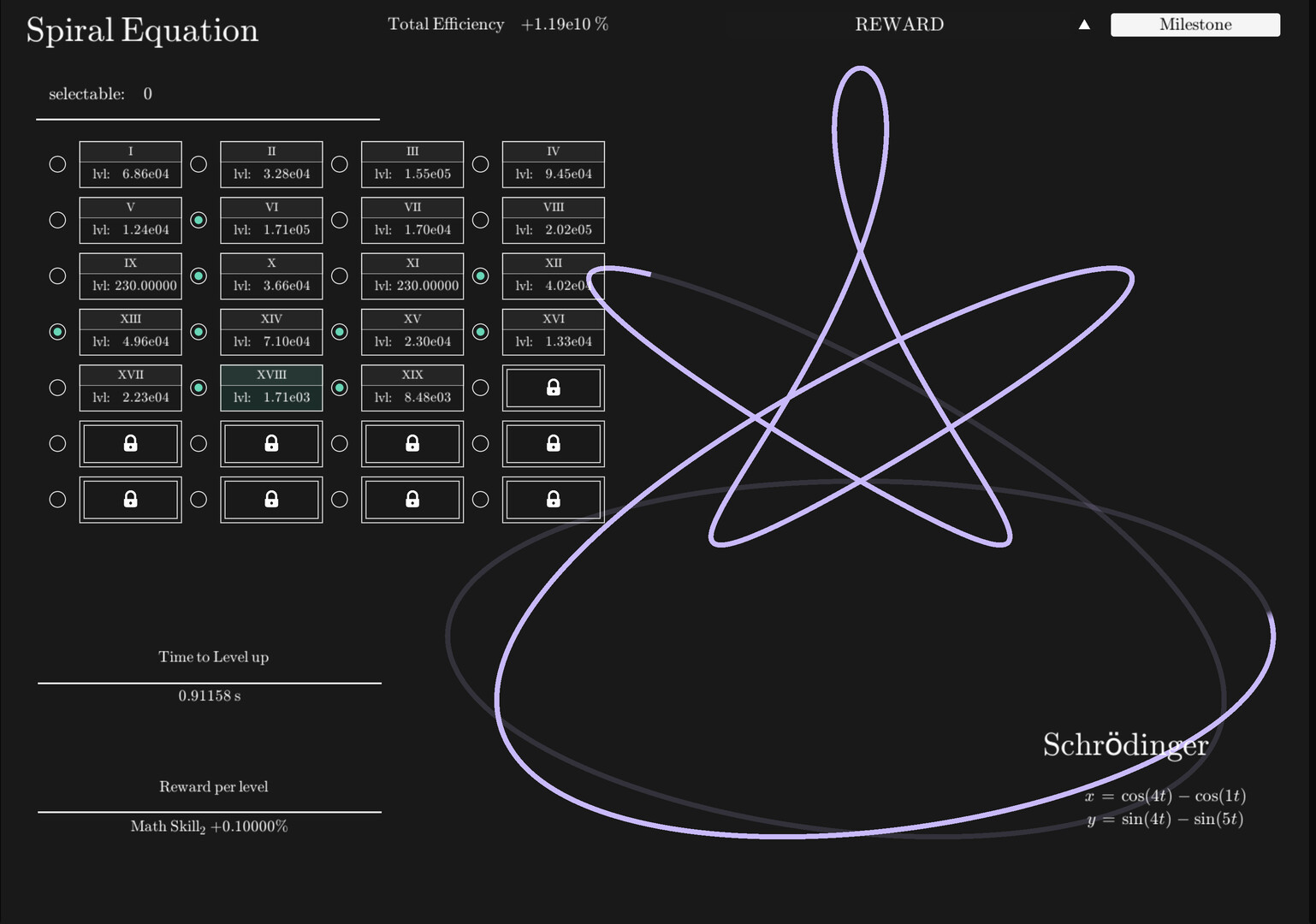
By buying upgrades, you can grow your spiral more efficiently. There will be a lot of mathematical equations, but don’t be afraid. The upgrades themselves are not that strategic and you hardly need to understand this formula. However, as you continue to play, you will gradually come to understand the mechanics.
The game has various reset mechanisms called Prestige (as seen in many Idle games!). Prestige resets much of the game’s progression, but allow you to progress further and faster than before.
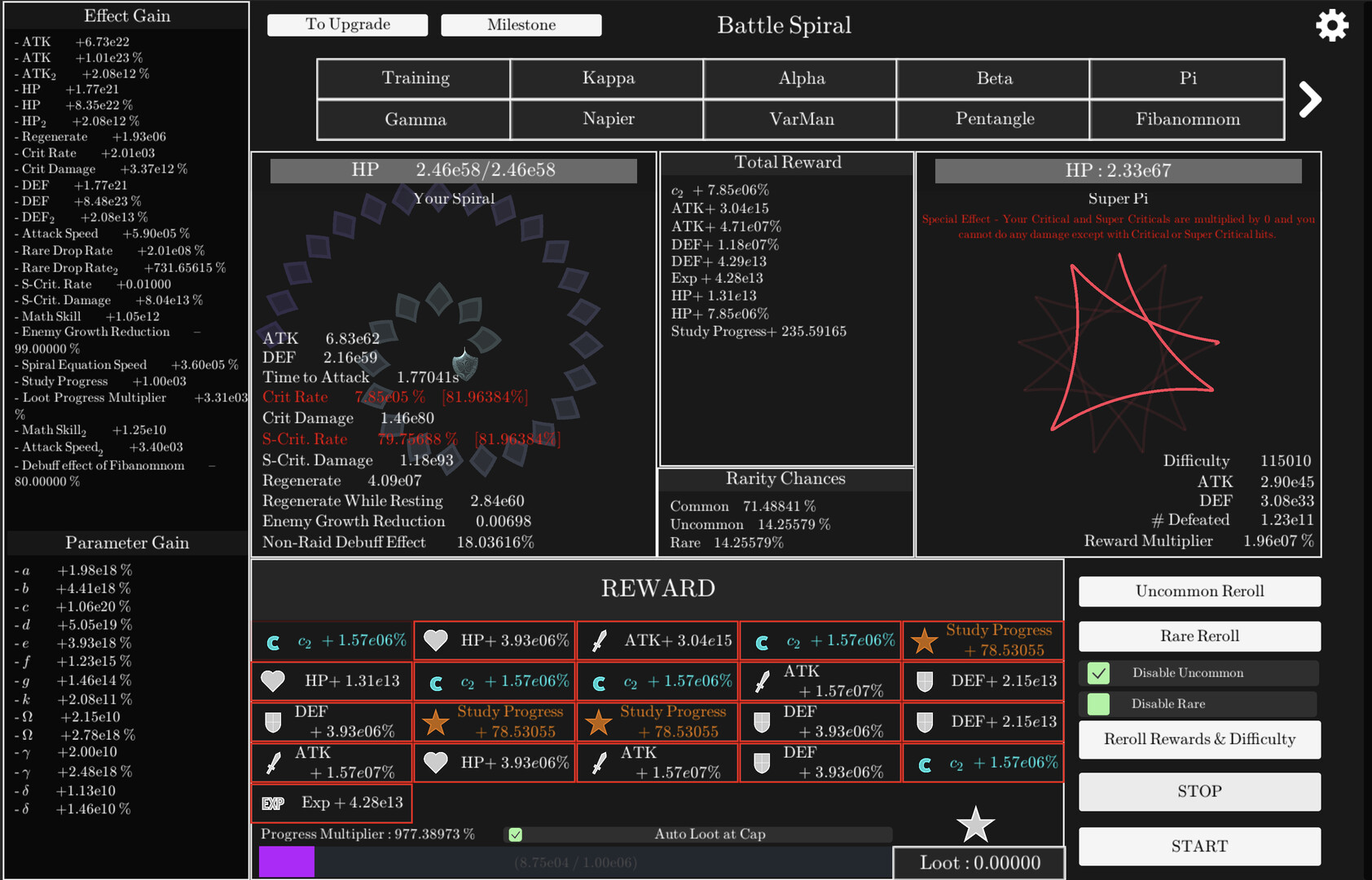
In Battle Spiral, your spiral is used as a weapon to fight various designs of spirals; to gain an advantage in Battle Spiral, it is important to consider what rewards to choose and in what order to fight the enemies. An extremely powerful boss with a very complex shape awaits you in the second half of the game!
Challenges aim to achieve a specific goal under strong constraints. In challenges you will face debuffs, constraints, and fundamental gameplay changes while trying to achieve a certain goal. After reaching the goal, the challenge is completed and you receive big rewards.
Tornado Prestige is just the beginning of this game. It will take some time to progress through the game, but more content is waiting for you!
游戏介绍
《Idle Spiral》是一款“数学放置游戏”——这词是我乱编的,但确实很适合。它的核心,就是养成一个不断旋转的巨大螺旋。这个螺旋有一个核心数值R,也就是它的半径;你在游戏里的目的,就是让这个R值越来越大,这样一来,螺旋也会变得越来越大。
游戏视频
游戏截图

游戏版本信息
Build.9041251|容量147MB|官方简体中文|支持键盘.鼠标
常见问题FAQ
《放置螺旋》下载后应该怎么解压和安装?
先确认所有压缩包均已完整下载,再使用常见解压工具统一解压。不要直接在压缩包内运行程序,建议使用纯英文目录,并提前确认磁盘空间充足。具体步骤可以参考 游戏手动解压安装教程。
《放置螺旋》解压后打不开怎么办?
优先检查安全软件是否误拦截、文件是否解压完整、运行库是否缺失、显卡驱动是否过旧,以及系统版本是否满足要求。首次运行也可以尝试右键以管理员身份启动。
【游戏问题】游戏启动提示缺少 DLL 或运行组件怎么处理?
这类提示通常与常用运行库不完整有关。建议补全 DirectX、Visual C++ 等常见游戏运行组件,再重新启动游戏。教程可以参考 游戏常用运行库合集。
【游戏问题】启动出现黑屏、闪退、无响应或没有声音怎么办?
通常需要检查显卡驱动、运行组件、解压完整度、安装目录权限和安全软件拦截。建议先更新电脑驱动、补全运行库,并将游戏放在纯英文路径下运行。
【游戏问题】无法存档或手柄无效怎么办?
无法存档通常与目录写入权限有关,可以尝试管理员身份运行或更换可写目录。手柄无效时,请检查驱动、连接模式和游戏内控制器设置。
《放置螺旋》修改器在哪里下载?
是否支持修改器取决于游戏版本和修改器版本。使用前请核对版本说明,并注意部分安全软件可能会拦截修改器程序。也可以查看 WeMod 超8000+单机游戏最新修改器 的使用说明。