 首页
首页  网站论坛圈子
 每日快讯New
 游戏下载
游戏下载

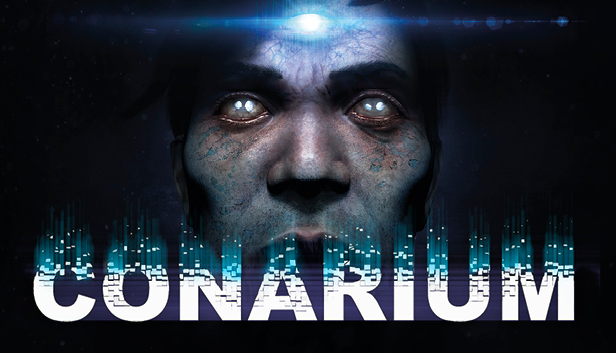


本游戏玩法总结
围绕《松果体》这类单机游戏资源,可结合玩法、配置需求和页面版本说明选择是否适合体验。
《松果体》整体更偏向动作冒险体验,通常会把战斗推进、场景探索和流程节奏结合在一起。对喜欢即时操作、关卡推进和地图探索类单机作品的玩家来说,这类题材往往更看重手感反馈、内容节奏和整体代入感。 同时,本游戏也具备恐怖惊悚氛围,通常会进一步强化压迫感、探索节奏和环境代入。
关于此游戏
Conarium is a chilling Lovecraftian game that follows the gripping story of four scientists and their endeavour to challenge what we normally consider to be the “absolute” limits of nature. Inspired by H.P. Lovecraft’s novella At the Mountains of Madness, but largely set after the original story.
You, as Frank Gilman, open your eyes inside a room filled with strange, pulsating noises. Patterns of lights executing a Danse Macabre on the walls is presented by a queer device on the table. Having recalled nothing other than that you’re in Upuaut, an Antarctic base located near the South Pole, you find the place deserted and have a distinct feeling of something being terribly wrong. Somehow knowing that your memories cannot guide you enforces a strange feeling of vulnerability, a familiar yet alien sensation of being a part of a peculiar whole… Soon you will discover that having used the device during the expedition, you have died but then returned subtly changed, speaking of strange memories and of strange places. You have lost something important or gained something sinister…
Explore the Antarctic base, as well as dreams and visions. Study clues and unlock secrets, whilst avoiding macabre beings at all cost.
Key features:
- A deep and suspense-filled Lovecraftian story with lots of secrets and Easter eggs.
- Ominous but wonderful graphics created with Unreal Engine 4.
- Multiple endings.
- A haunting and atmospheric soundtrack.
Powered by Unreal Engine 4, Conarium aims to bring cutting-edge visuals for a more immersive storytelling and gaming experience.
游戏介绍
《松果体》是由Zoetrope Interactive制作、Iceberg Interactive发行的一款恐怖冒险解谜游戏,取材于洛夫克拉夫特小说《疯狂山脉》。故事讲述了Frank Gilman是一位米丝塔尼克大学人类学院的教授,他参与了一项关于人类自我意识的实验,结果一场事故导致一系列超现实事件发生。
游戏视频
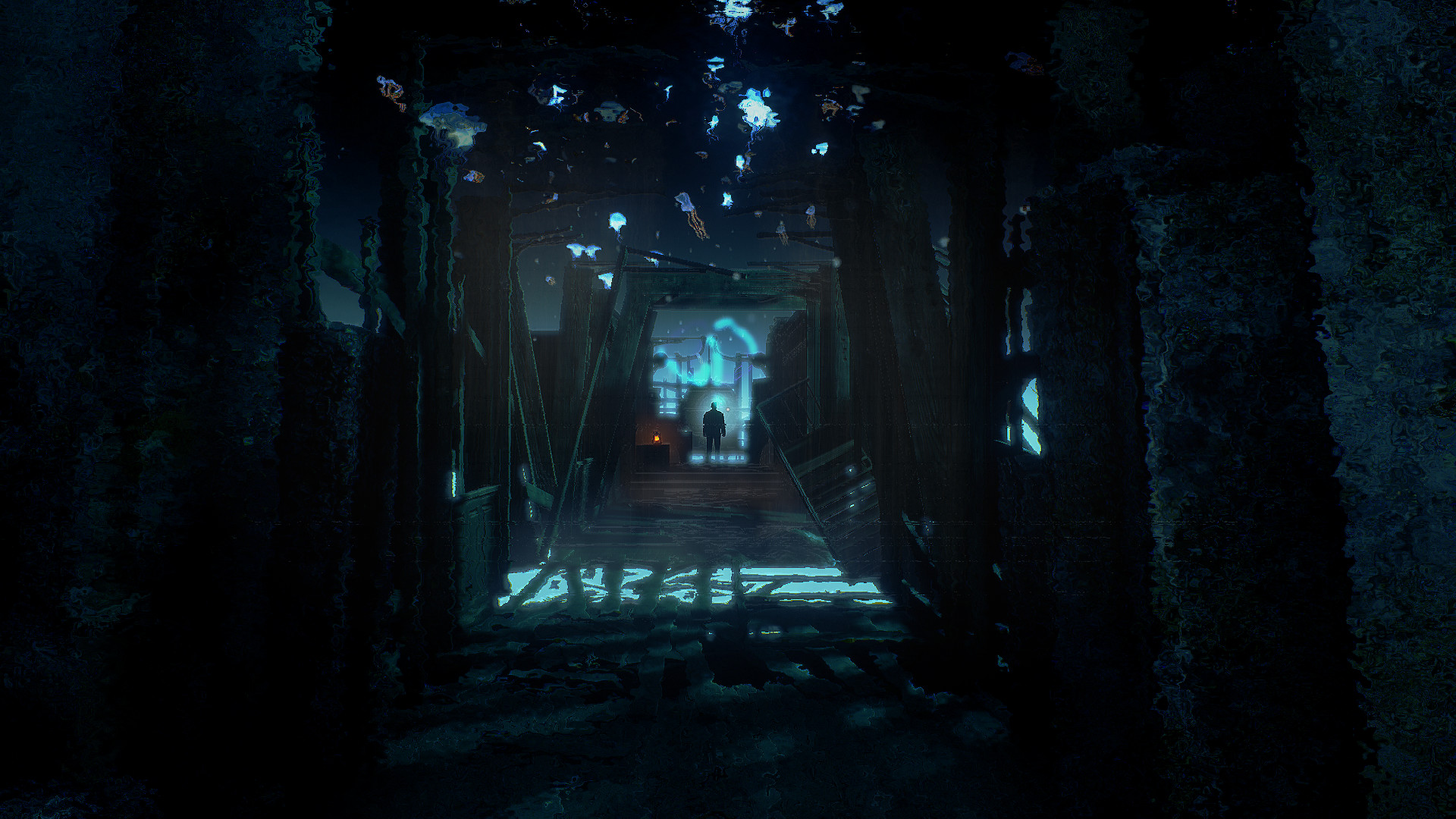
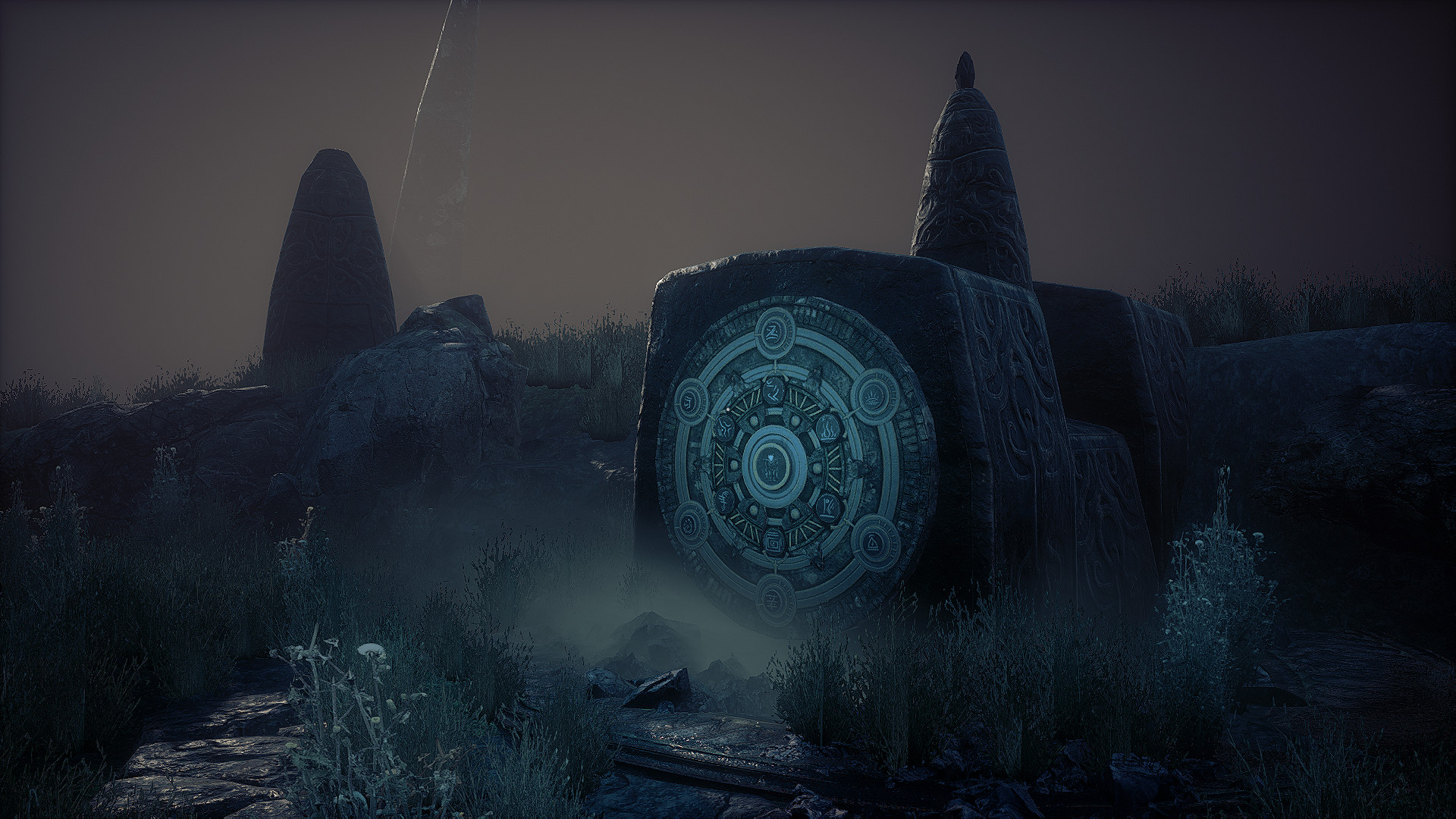
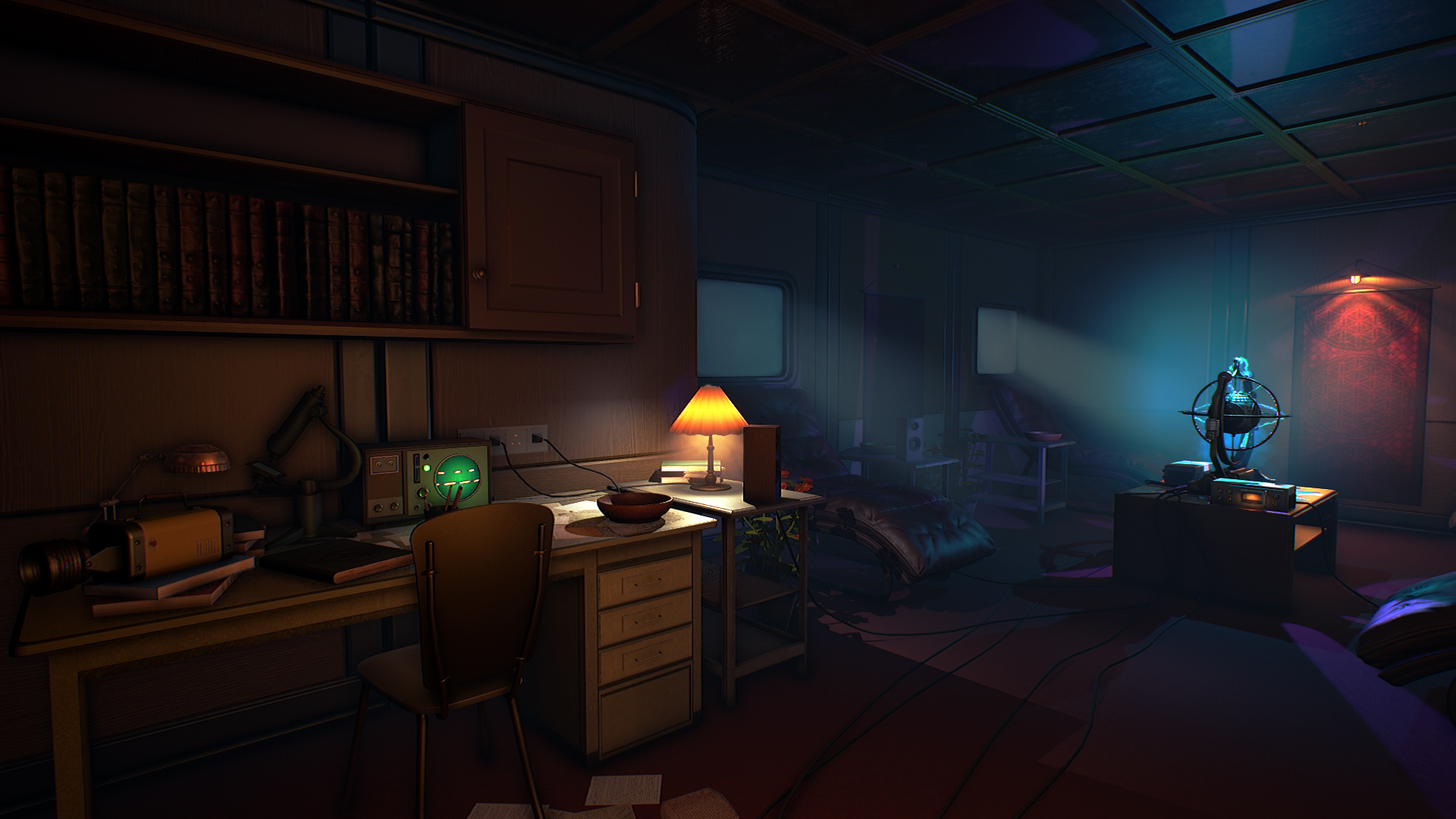
游戏截图

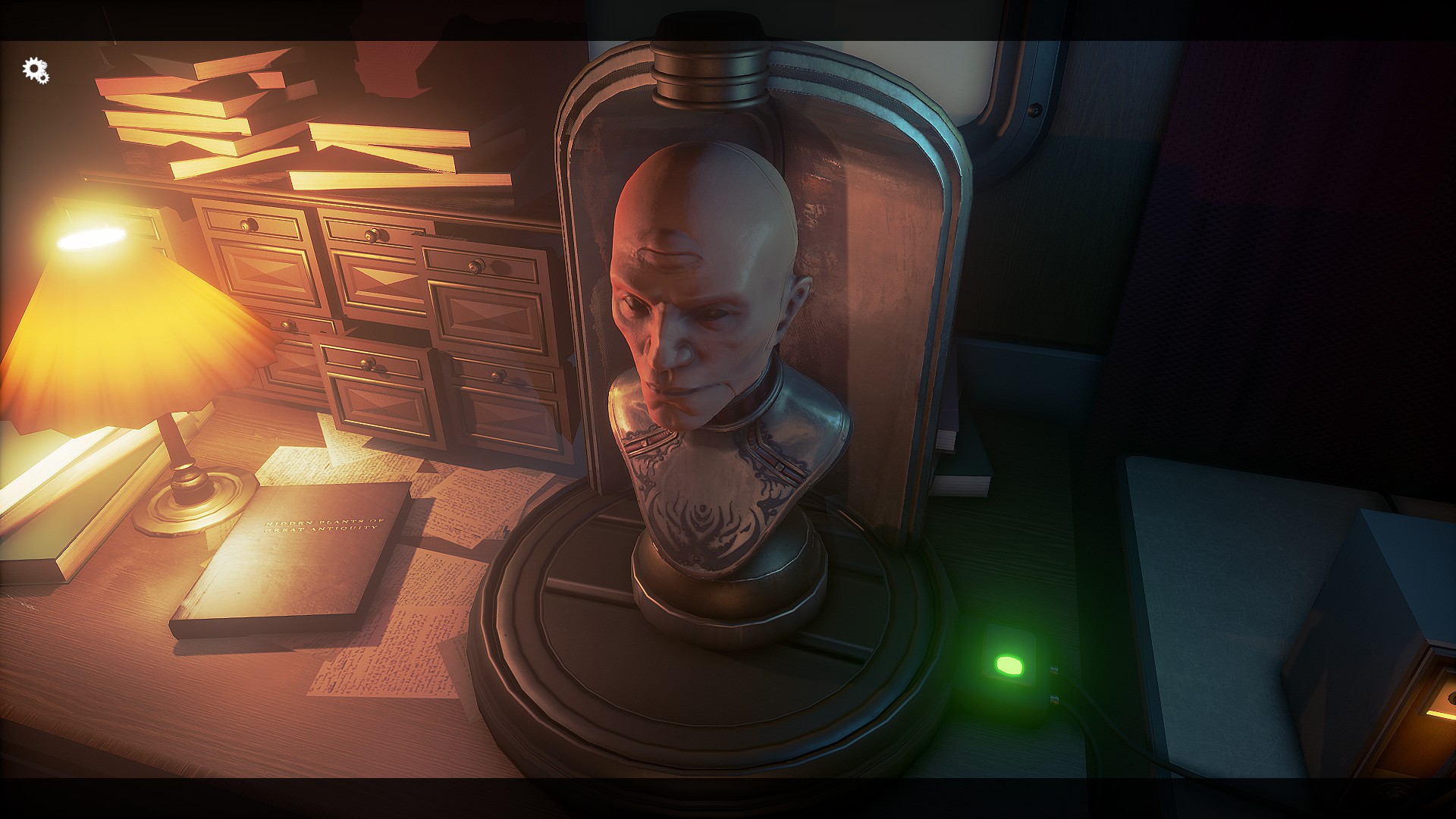
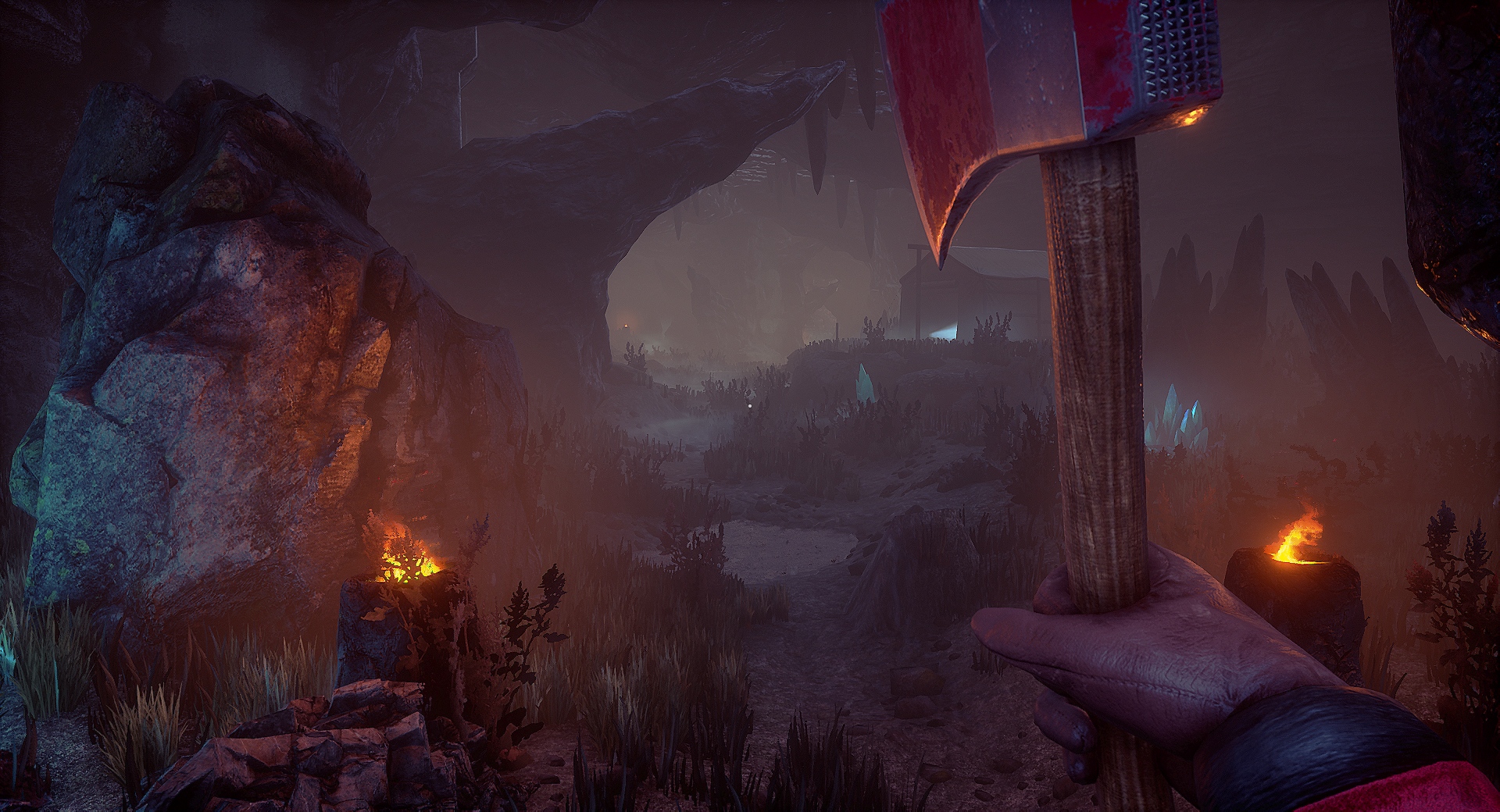
游戏版本信息
v1.0.0.6|容量4.29GB|官方简体中文|支持键盘.鼠标.手柄
常见问题FAQ
《松果体》下载后应该怎么解压和安装?
先确认所有压缩包均已完整下载,再使用常见解压工具统一解压。不要直接在压缩包内运行程序,建议使用纯英文目录,并提前确认磁盘空间充足。具体步骤可以参考 游戏手动解压安装教程。
《松果体》解压后打不开怎么办?
优先检查安全软件是否误拦截、文件是否解压完整、运行库是否缺失、显卡驱动是否过旧,以及系统版本是否满足要求。首次运行也可以尝试右键以管理员身份启动。
【游戏问题】游戏启动提示缺少 DLL 或运行组件怎么处理?
这类提示通常与常用运行库不完整有关。建议补全 DirectX、Visual C++ 等常见游戏运行组件,再重新启动游戏。教程可以参考 游戏常用运行库合集。
【游戏问题】启动出现黑屏、闪退、无响应或没有声音怎么办?
通常需要检查显卡驱动、运行组件、解压完整度、安装目录权限和安全软件拦截。建议先更新电脑驱动、补全运行库,并将游戏放在纯英文路径下运行。
【游戏问题】无法存档或手柄无效怎么办?
无法存档通常与目录写入权限有关,可以尝试管理员身份运行或更换可写目录。手柄无效时,请检查驱动、连接模式和游戏内控制器设置。
《松果体》修改器在哪里下载?
是否支持修改器取决于游戏版本和修改器版本。使用前请核对版本说明,并注意部分安全软件可能会拦截修改器程序。也可以查看 WeMod 超8000+单机游戏最新修改器 的使用说明。