 首页
首页  网站论坛圈子
 每日快讯New
 游戏下载
游戏下载




本游戏玩法总结
《复古倒带:录像店模拟器》为 PC 单机游戏资源,适合按游戏类型、版本说明和配置要求了解实际游玩内容。
《复古倒带:录像店模拟器》整体更偏向模拟经营与规划管理,核心体验通常围绕建造布局、资源分配、经营效率和持续养成展开。对于喜欢经营养成、主题建造和长期规划类单机作品的玩家来说,这类题材往往更容易形成稳定的游玩节奏。 同时,本游戏也带有休闲益智方向,更强调上手门槛、节奏舒适度和持续解锁体验。
关于此游戏

Relive the golden ages of video rentals by opening your very own video store. Rent, sell, organize and build your business from the ground up. Hire staff, manage your team and become the best rental destination in town!

From taking reservations and charging late fees to recommending movies and preparing delicious snacks, there’s never a dull moment when running your store!

Customize your walls and floors, decorate with posters and memorabilia and expand your layout to build the video store of your dreams.

Fill your shelves with thousands of unique VHS tapes, each with their own title, genre and hand-drawn cover art! Order movies on your old PC or buy exclusive bootleg films from the shady Tape Dealer. Each week will have new releases inspired by real iconic movies of the 80s and early 90s.
Additional Game Features:
Build Your Dream Team: Hire staff to give you a hand on daily tasks to run your store.
Manage Your Returns: Add returned movies in the system, rewind tapes and set aside reserved movies for your customers.
Charge Late & Broken Fees: Track late and damaged returns and deal with different customer reactions and complaints.
Evolving Customer Interactions: Seasons, weather and holidays affect gameplay and what your customers rent! Be ready, rainy Friday nights are crazy busy in the store!
Seasons & Festivals: Play through all four seasons as the environment transforms around you. Each season features special holidays and festivals, all brought to life with unique artwork!
Share Movies With Your Friends: Every movie can be ordered on your PC with a unique code that you can share with your friends!
游戏介绍
回到 90 年代初期,经营你自己的录像带租赁店!从零开始出租、出售、装修和拓展你的业务,重温录像带租赁的黄金时代!
游戏视频
游戏截图
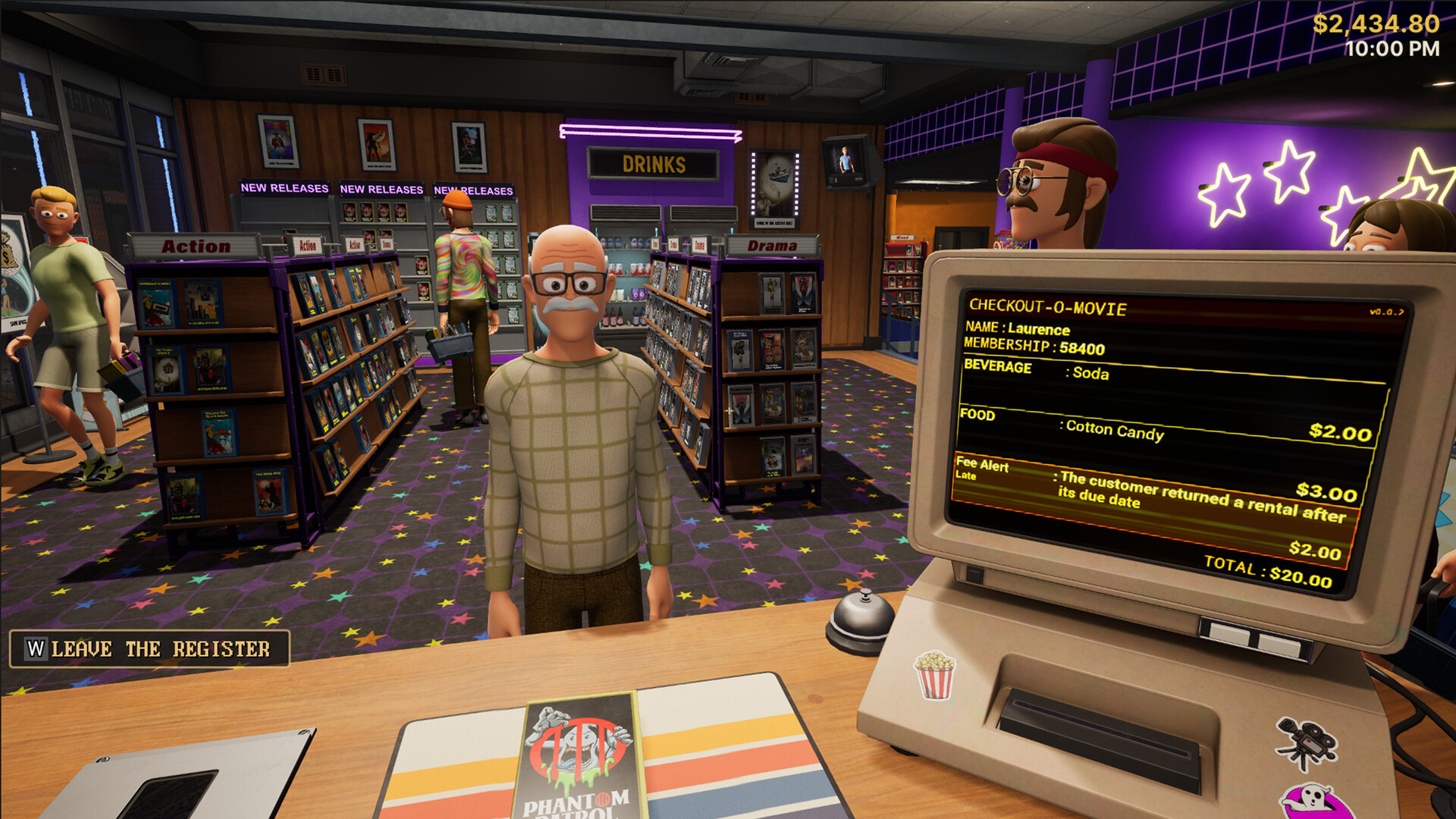
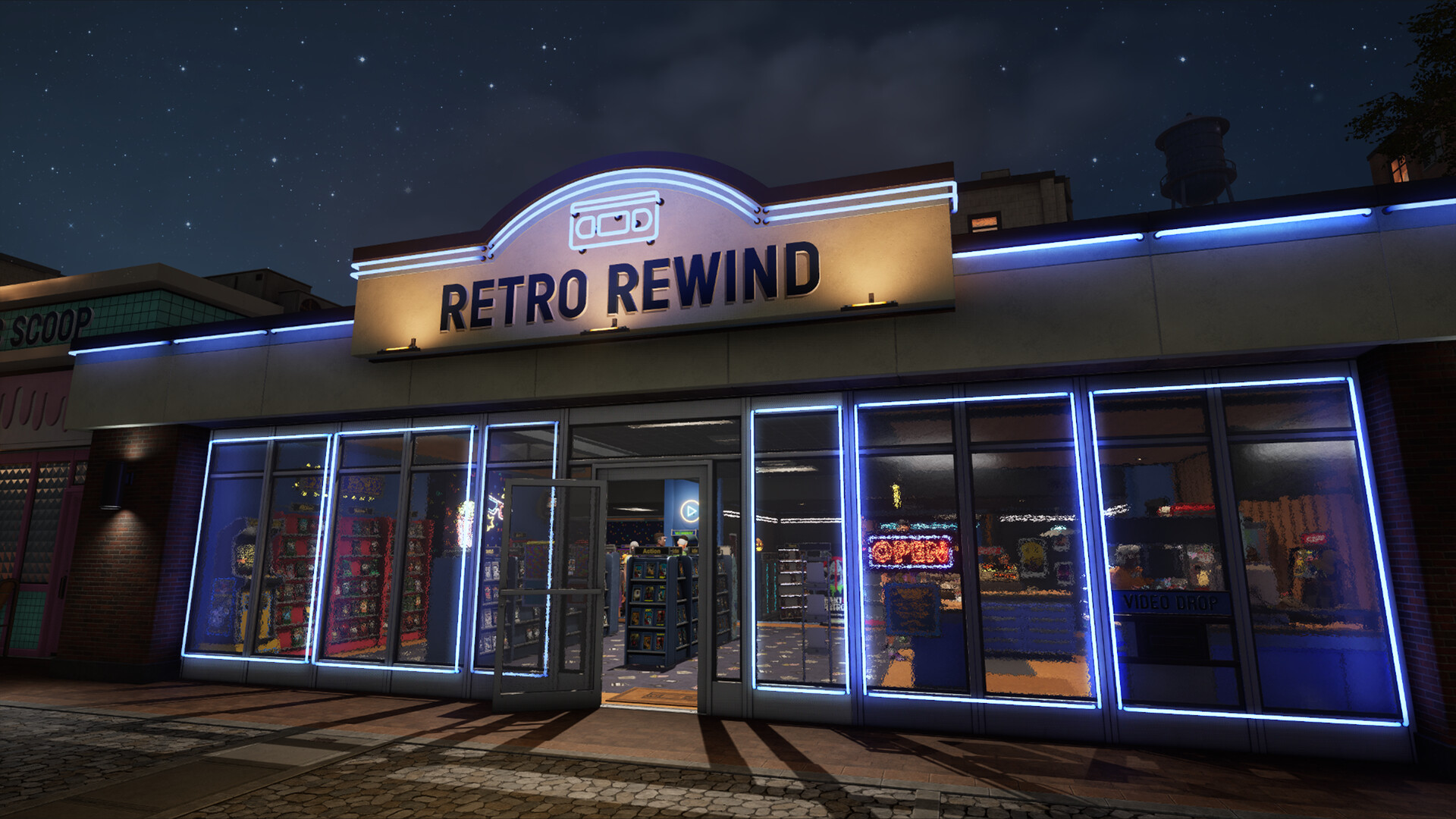
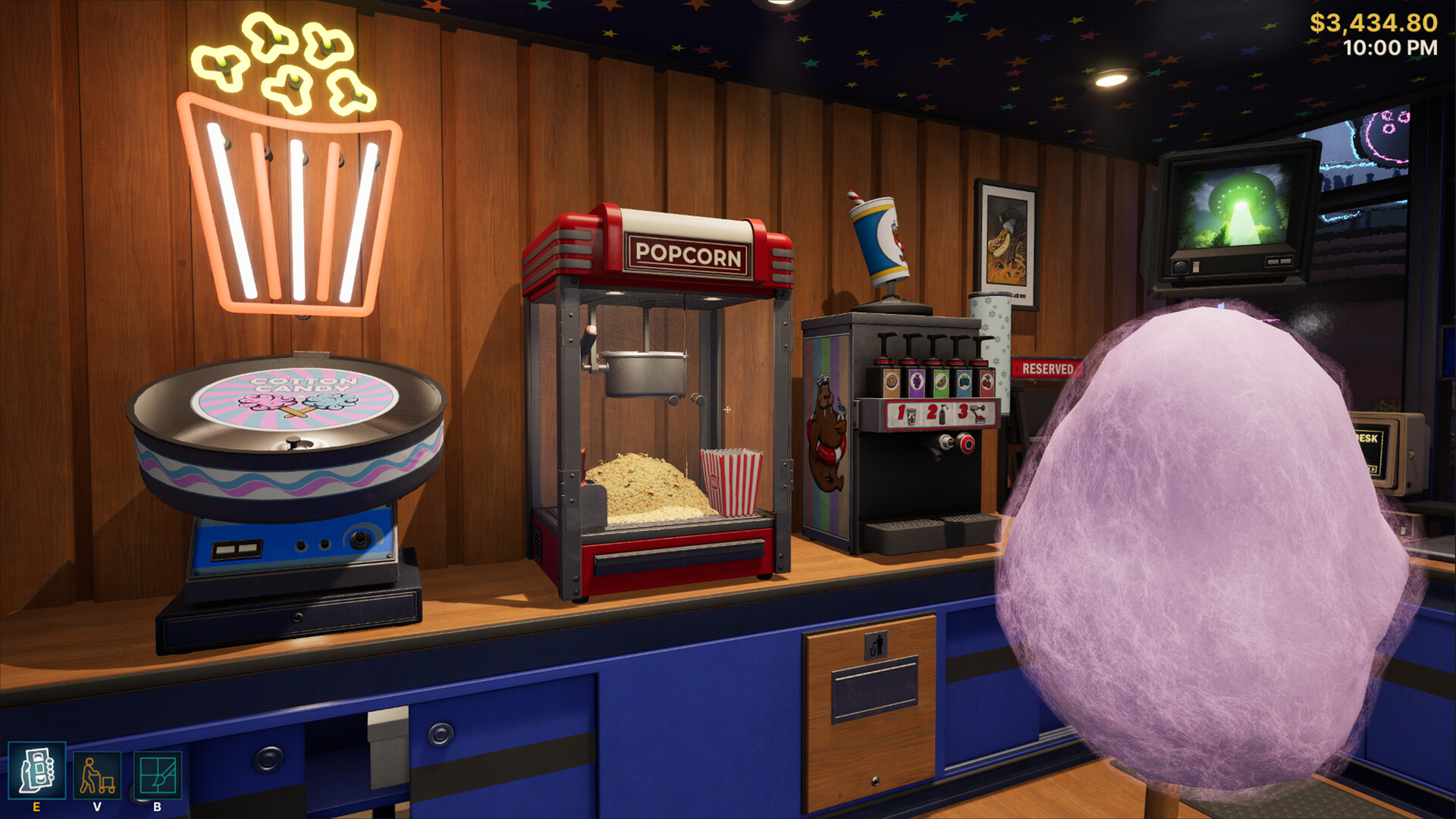
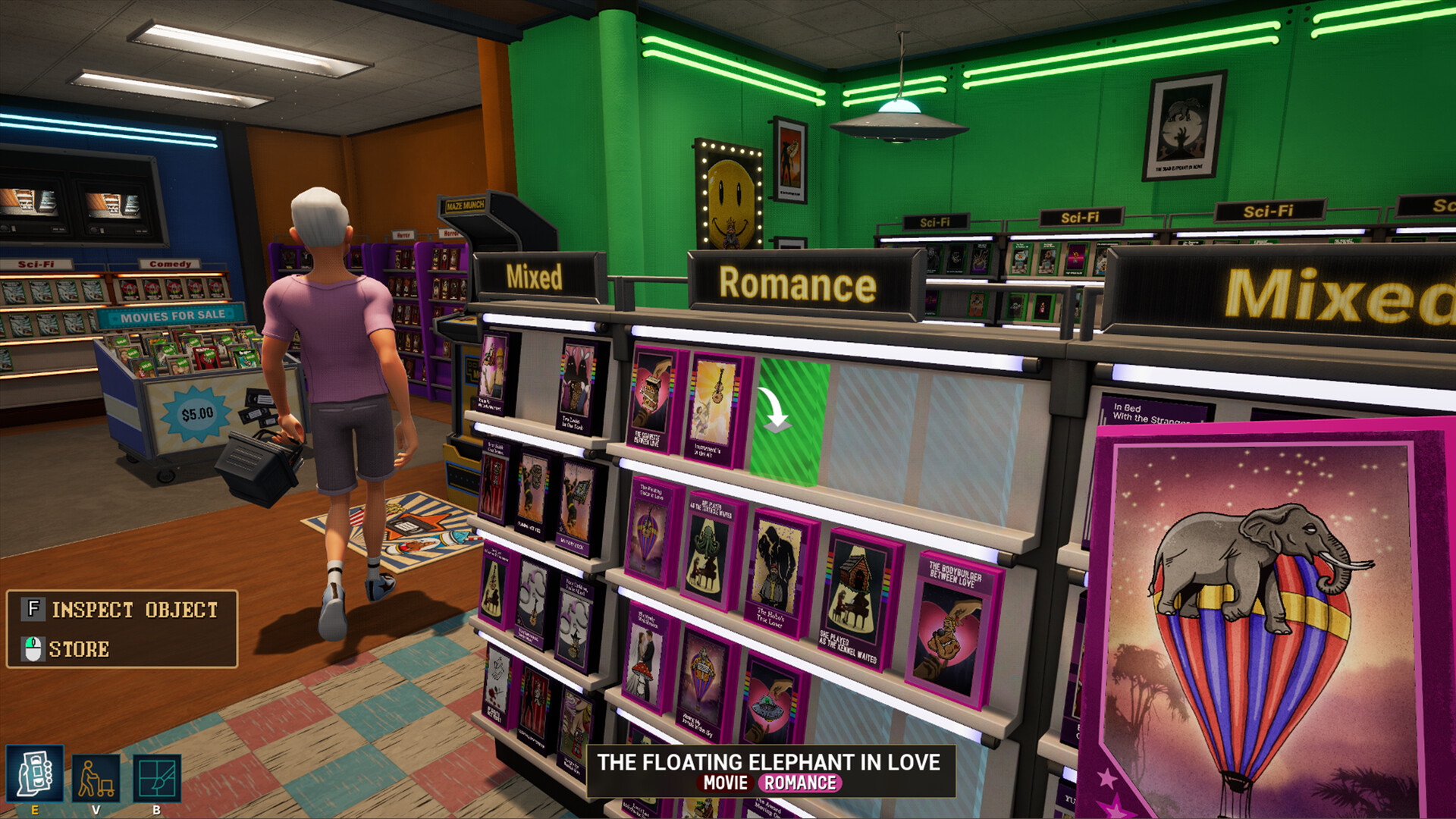
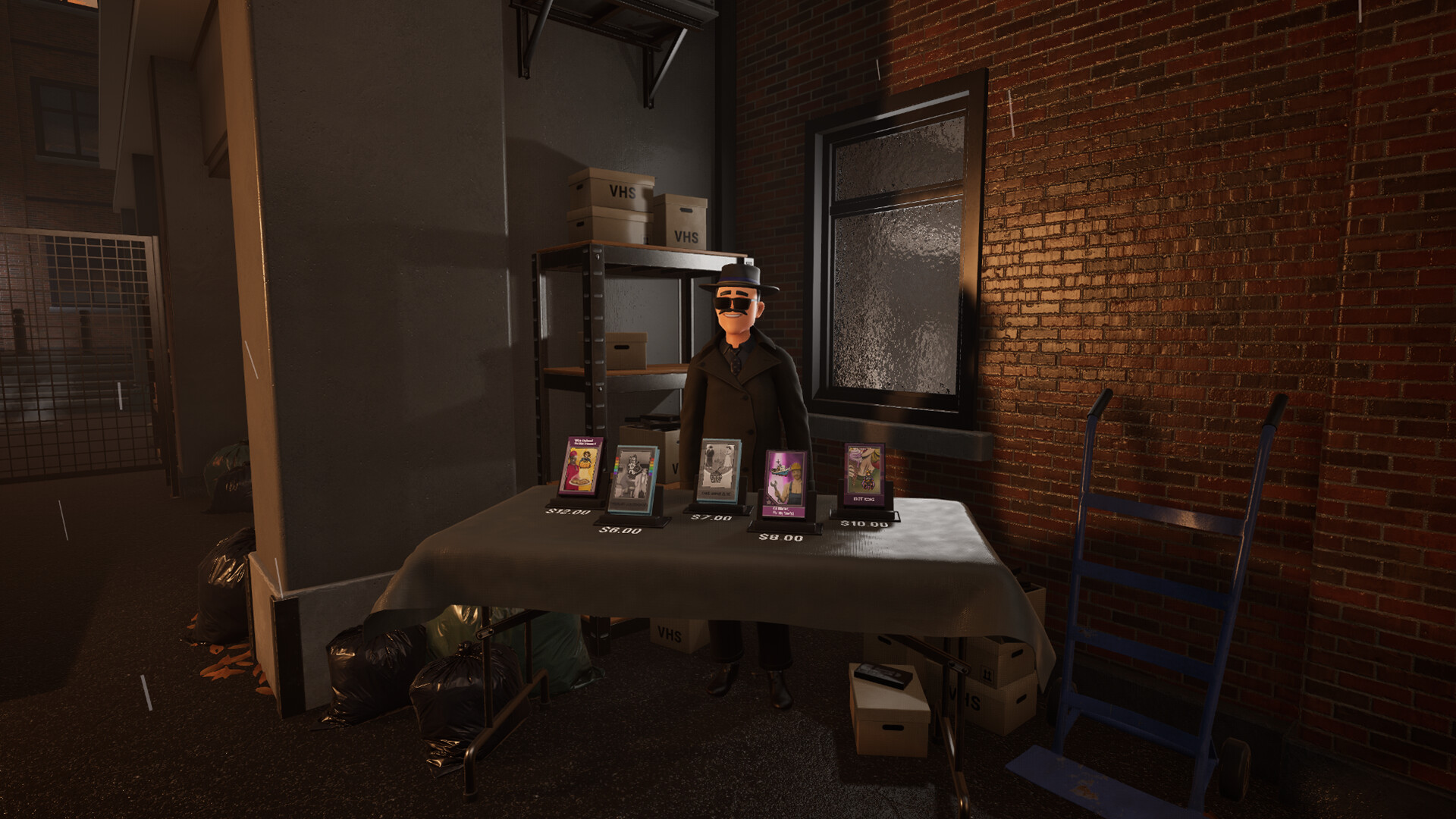
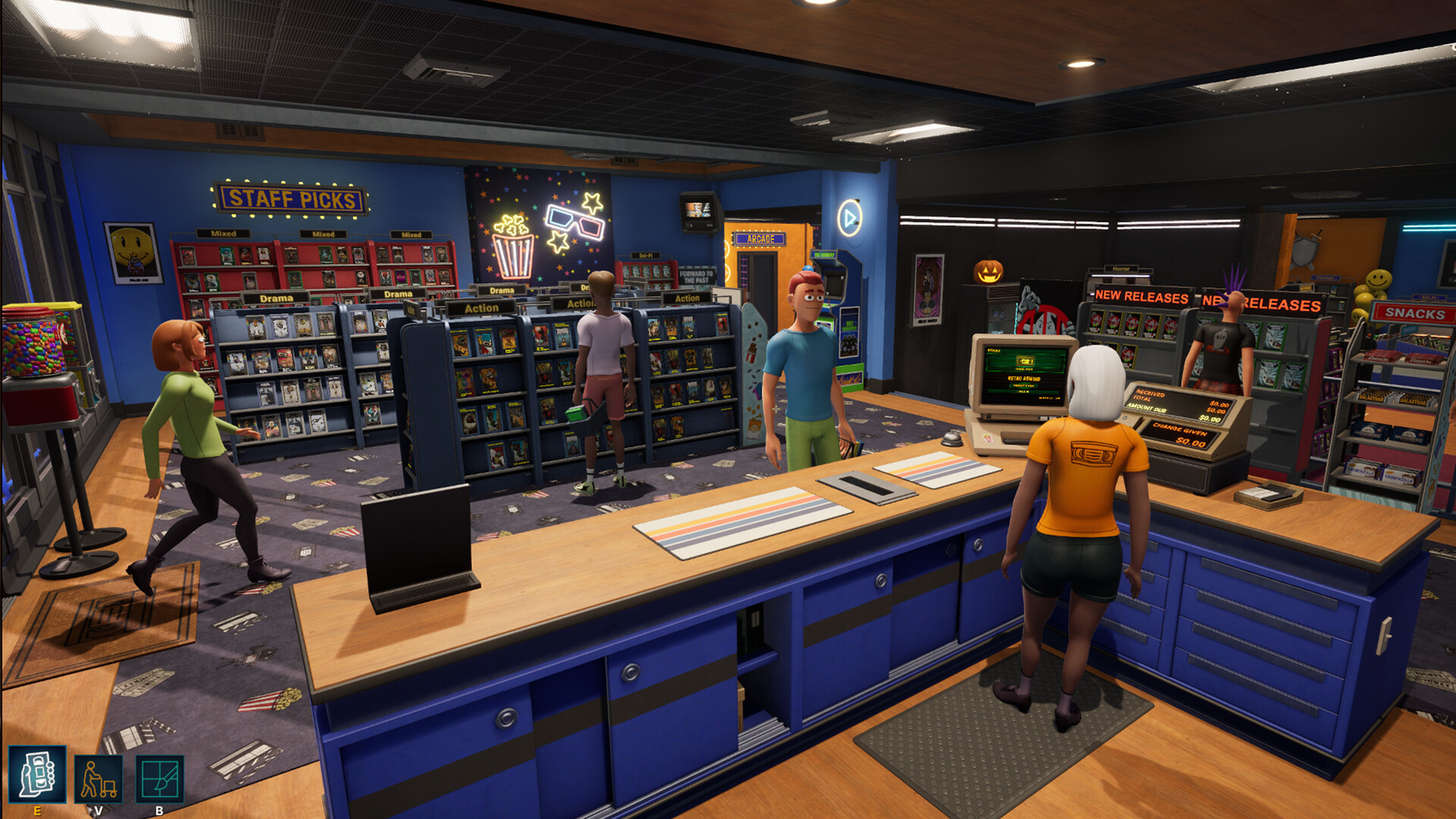
游戏版本信息
Build.23896268|容量1.89GB|官方繁体中文|支持键盘.鼠标
常见问题FAQ
《复古倒带:录像店模拟器》下载后应该怎么解压和安装?
先确认所有压缩包均已完整下载,再使用常见解压工具统一解压。不要直接在压缩包内运行程序,建议使用纯英文目录,并提前确认磁盘空间充足。具体步骤可以参考 游戏手动解压安装教程。
《复古倒带:录像店模拟器》解压后打不开怎么办?
优先检查安全软件是否误拦截、文件是否解压完整、运行库是否缺失、显卡驱动是否过旧,以及系统版本是否满足要求。首次运行也可以尝试右键以管理员身份启动。
【游戏问题】游戏启动提示缺少 DLL 或运行组件怎么处理?
这类提示通常与常用运行库不完整有关。建议补全 DirectX、Visual C++ 等常见游戏运行组件,再重新启动游戏。教程可以参考 游戏常用运行库合集。
【游戏问题】启动出现黑屏、闪退、无响应或没有声音怎么办?
通常需要检查显卡驱动、运行组件、解压完整度、安装目录权限和安全软件拦截。建议先更新电脑驱动、补全运行库,并将游戏放在纯英文路径下运行。
【游戏问题】无法存档或手柄无效怎么办?
无法存档通常与目录写入权限有关,可以尝试管理员身份运行或更换可写目录。手柄无效时,请检查驱动、连接模式和游戏内控制器设置。
《复古倒带:录像店模拟器》修改器在哪里下载?
是否支持修改器取决于游戏版本和修改器版本。使用前请核对版本说明,并注意部分安全软件可能会拦截修改器程序。也可以查看 WeMod 超8000+单机游戏最新修改器 的使用说明。
文章标题:《复古倒带:录像店模拟器/Retro Rewind – Video Store Simulator》免安装绿色版
文章链接:https://www.ymxq.net/28290.html
更新时间:2026年08月16日