 首页
首页  网站论坛圈子
 每日快讯New
 游戏下载
游戏下载




本游戏玩法总结
如果你在找免费单机游戏或同类作品,《牧场农场与商店模拟器》可结合页面介绍、配置与版本信息进一步判断。
从玩法结构来看,《牧场农场与商店模拟器》更适合喜欢经营规划和持续发展的玩家,重点通常落在设施布局、资源调度、收益平衡和内容解锁上。如果你平时会找模拟经营单机、建造类游戏或休闲管理作品,本游戏通常也比较对口。 同时,本游戏也带有休闲益智方向,更强调上手门槛、节奏舒适度和持续解锁体验。
关于此游戏
Take control of your own farm, manage your livestock, grow your crops, and sell your fresh products directly in your very own store!
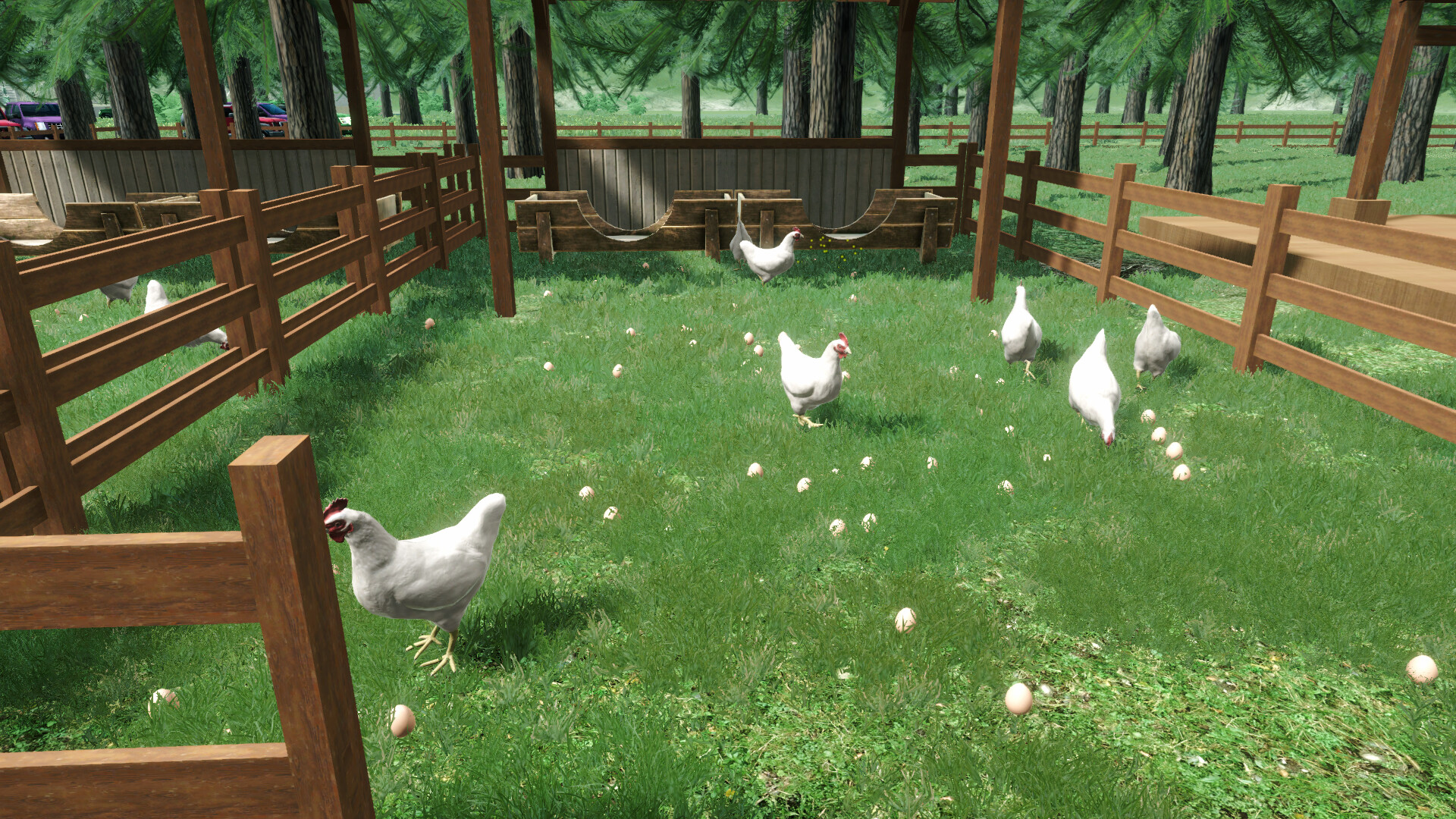
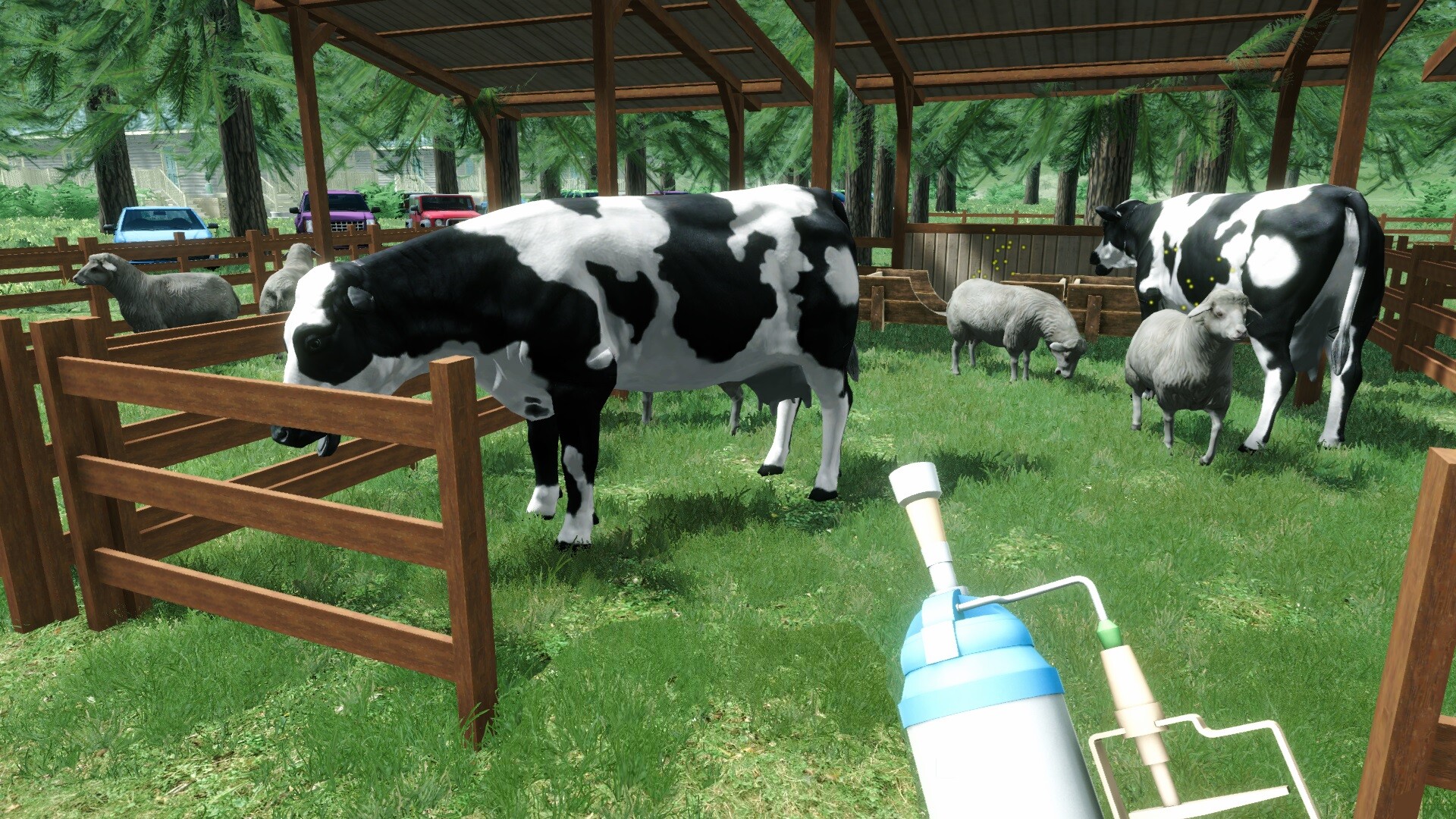
• Raise Livestock for Eggs, Milk, and Meat
Start by purchasing chicks, goslings, goat kids, or calves. Build pens to care for them, and collect their produce like eggs and milk. When they are fully grown, you can also sell them as meat products to expand your business offerings.
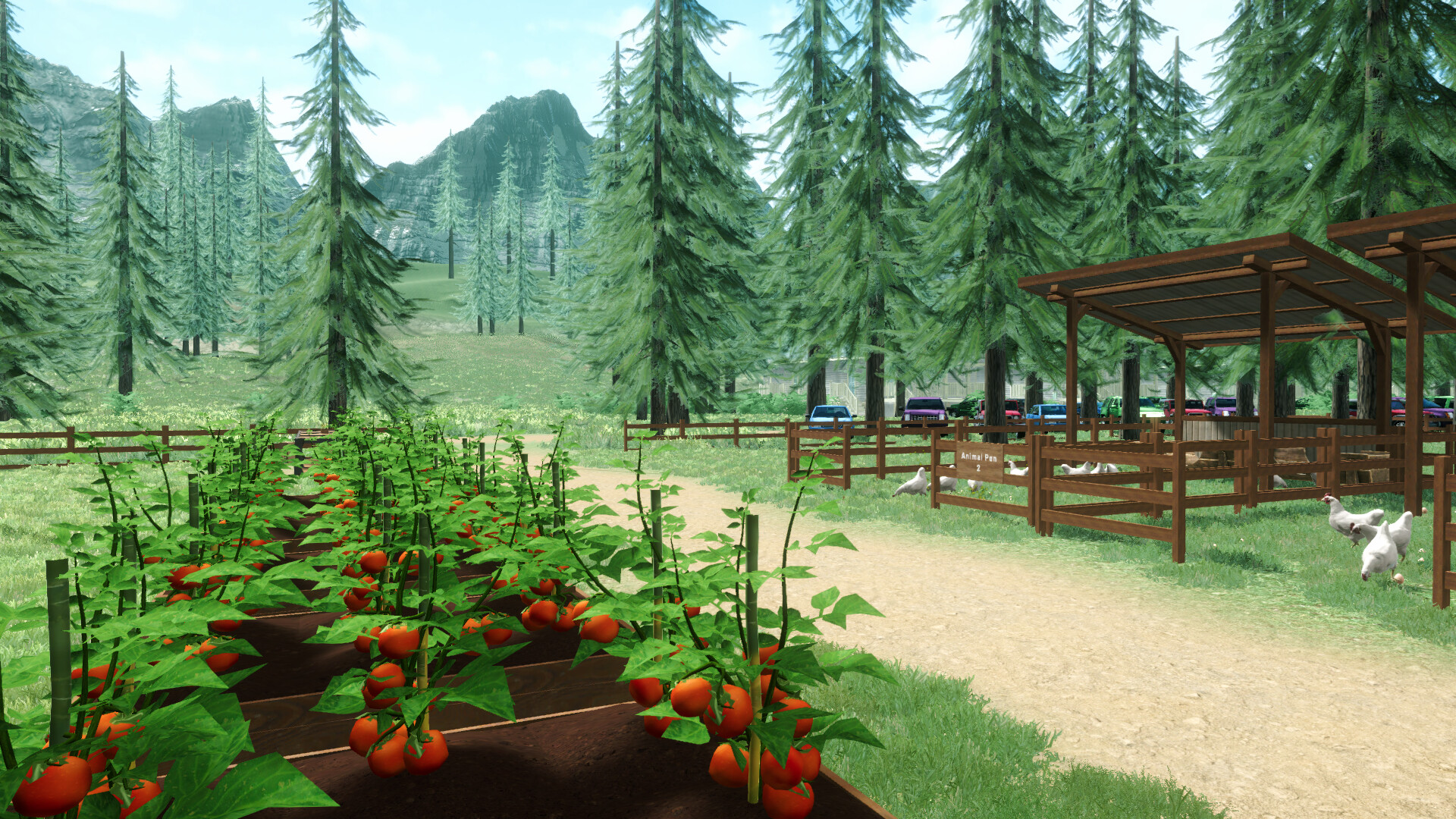
• Grow and Harvest Your Own Crops
Buy seedlings such as chili, cucumber, apple, and tomato. Build planter boxes, plant your crops, and patiently wait for them to grow and bear fruit. Some plants allow for multiple harvests before they stop producing, giving you continuous farming satisfaction.
• Guardian Animals
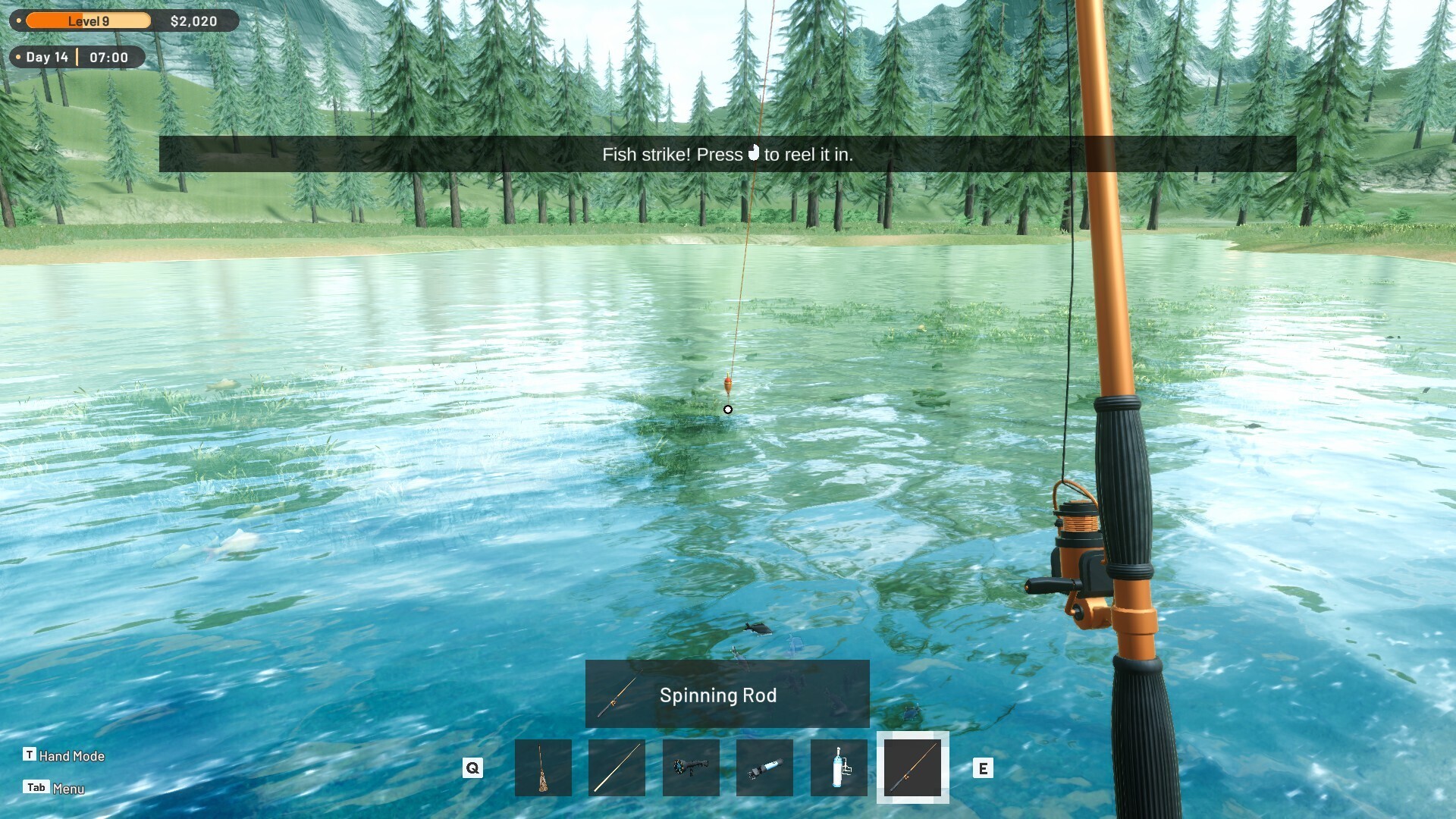
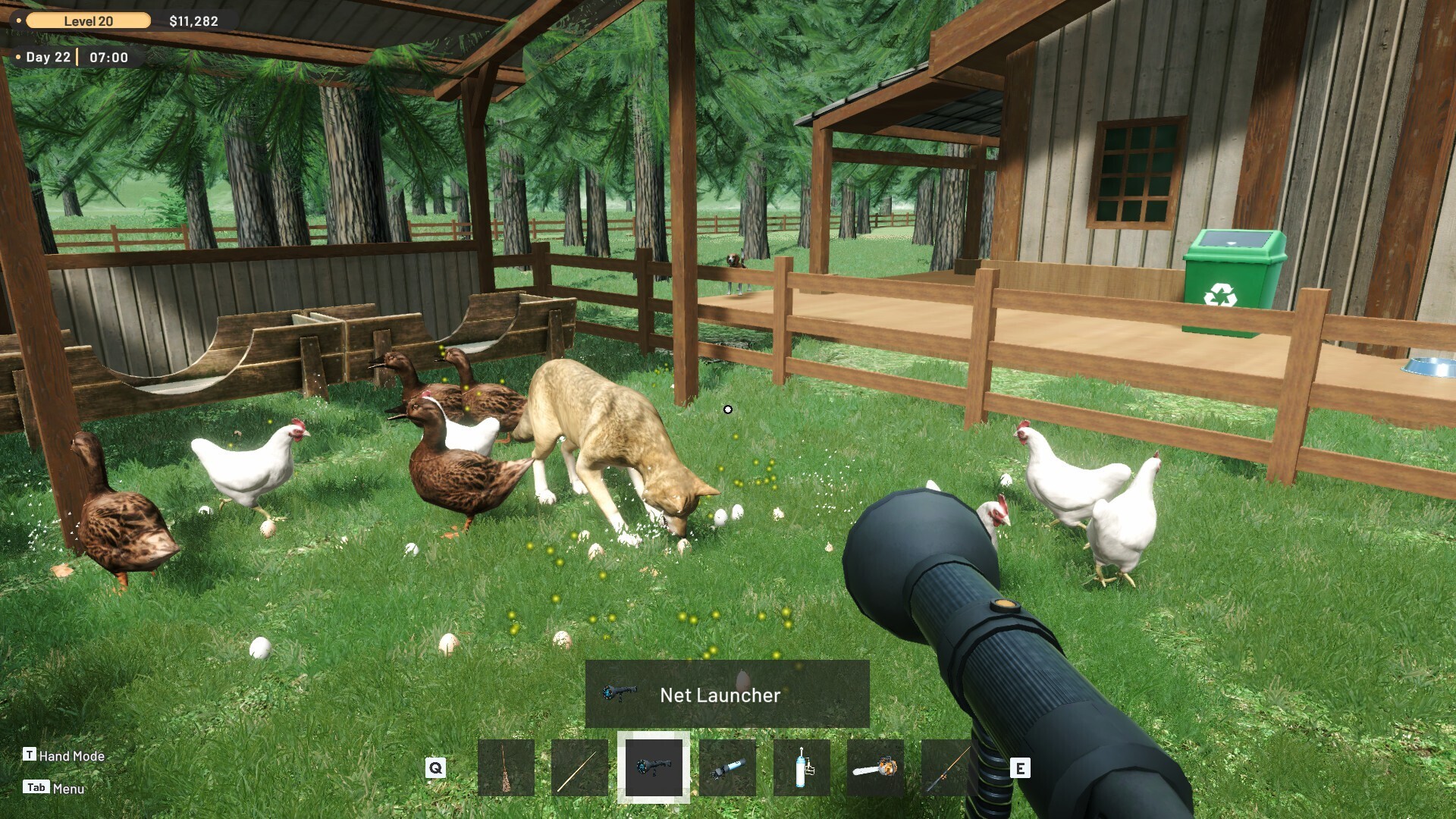
Wild animals may sometimes sneak into your farm and disturb your livestock or crops. Fortunately, your loyal guardian animals will alert you and help chase away these intruders, keeping your farm safe. Keep them well fed by catching fish so they stay happy and always ready to defend your farm.
• Run and Manage Your Own Store
Place your harvested crops and livestock products on your store shelves. Set the prices, serve customers at the cashier, and build your reputation as the best local farm store.
• Hire Employees to Help You Grow
As your farm and store grow bigger, you can hire employees to assist you. Assign them to help manage the cashier, take care of your livestock, tend to your crops, or restock your store to keep customers happy.
Can you build the most successful farm and store in town? Get ready to experience the full cycle of farming, ranching, and selling in Ranch Farm and Store Simulator!
游戏介绍
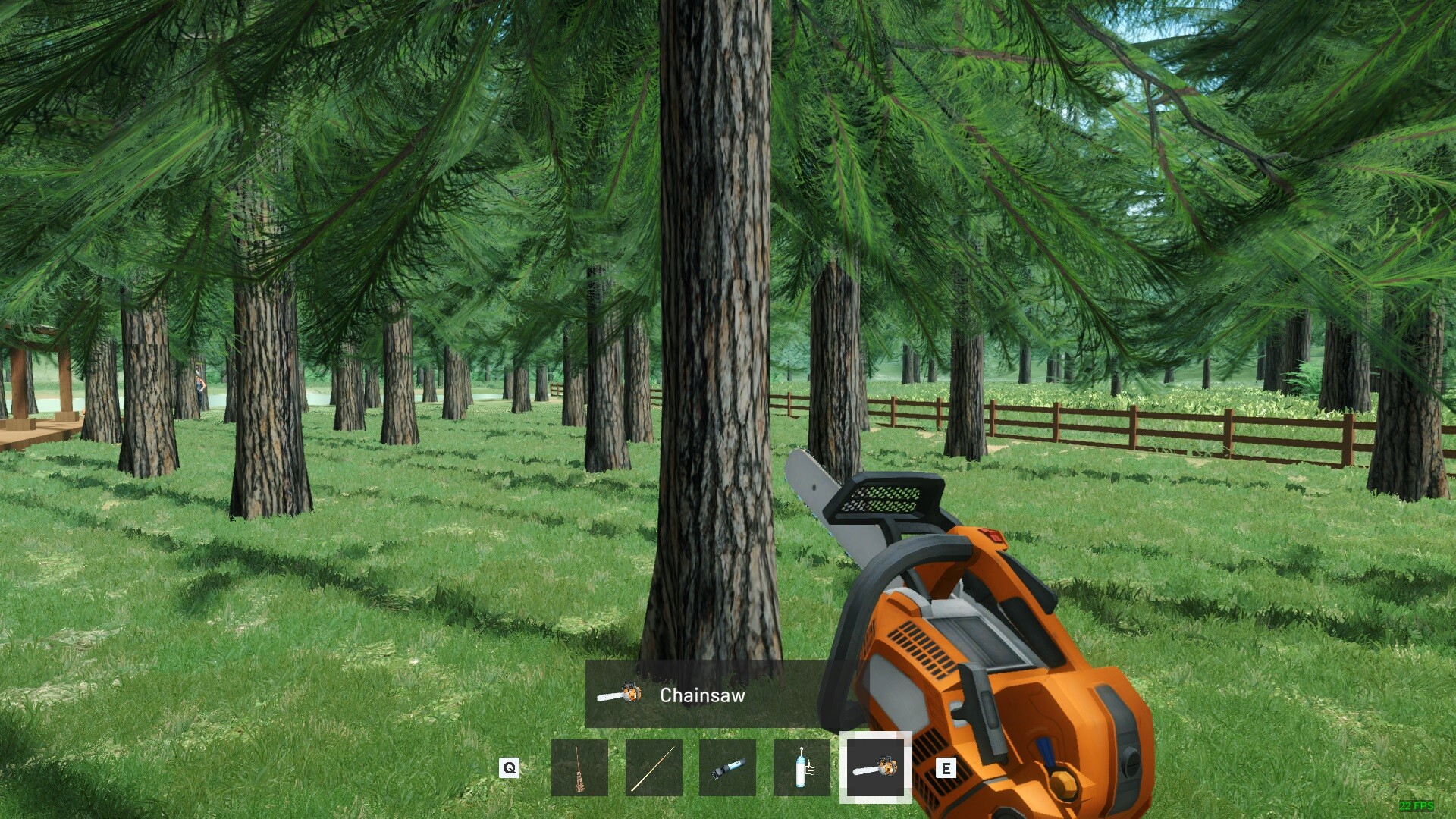
《牧场农场与商店模拟器》是 Bewolba Studios 自主开发并发行的经营模拟游戏,于 2025 年 6 月 24 日 在 Steam 平台以抢先体验方式正式上线。玩家将从零起步,建设并经营自己的牧场与商店——种植作物、饲养家畜、加工产品、雇佣员工,并在遭遇野生动物入侵时保护自己。游戏融合农业生产与零售管理,旨在创造一个综合式经营体验。
游戏视频
游戏截图
游戏版本信息
v1.0.0|容量4.34GB|官方简体中文|支持键盘.鼠标.手柄
常见问题FAQ
《牧场农场与商店模拟器》下载后应该怎么解压和安装?
先确认所有压缩包均已完整下载,再使用常见解压工具统一解压。不要直接在压缩包内运行程序,建议使用纯英文目录,并提前确认磁盘空间充足。具体步骤可以参考 游戏手动解压安装教程。
《牧场农场与商店模拟器》解压后打不开怎么办?
优先检查安全软件是否误拦截、文件是否解压完整、运行库是否缺失、显卡驱动是否过旧,以及系统版本是否满足要求。首次运行也可以尝试右键以管理员身份启动。
【游戏问题】游戏启动提示缺少 DLL 或运行组件怎么处理?
这类提示通常与常用运行库不完整有关。建议补全 DirectX、Visual C++ 等常见游戏运行组件,再重新启动游戏。教程可以参考 游戏常用运行库合集。
【游戏问题】启动出现黑屏、闪退、无响应或没有声音怎么办?
通常需要检查显卡驱动、运行组件、解压完整度、安装目录权限和安全软件拦截。建议先更新电脑驱动、补全运行库,并将游戏放在纯英文路径下运行。
【游戏问题】无法存档或手柄无效怎么办?
无法存档通常与目录写入权限有关,可以尝试管理员身份运行或更换可写目录。手柄无效时,请检查驱动、连接模式和游戏内控制器设置。
《牧场农场与商店模拟器》修改器在哪里下载?
是否支持修改器取决于游戏版本和修改器版本。使用前请核对版本说明,并注意部分安全软件可能会拦截修改器程序。也可以查看 WeMod 超8000+单机游戏最新修改器 的使用说明。
文章标题:《牧场农场与商店模拟器/Ranch Farm and Store Sim》免安装绿色版
文章链接:https://www.ymxq.net/41707.html
更新时间:2026年08月15日