 首页
 网站论坛圈子
 每日快讯New
 游戏下载




本游戏玩法总结
《诡异旅馆》提供 PC 单机游戏相关内容,免安装中文游戏的具体版本和资源说明请以下载区标注为准。
从玩法方向来看,《诡异旅馆》更接近动作冒险这一类,核心体验一般集中在战斗表现、探索推进和内容解锁上。如果你平时会关注动作单机、冒险流程类游戏或战斗探索型作品,本游戏通常也属于这一方向。 同时,本游戏也具备恐怖惊悚氛围,通常会进一步强化压迫感、探索节奏和环境代入。
关于此游戏
Welcome!
Welcome to the Upturned Inn! Ride the elevator up through many unique floors and meet its monstrous inhabitants. You just want to get to your room. But a great storm is lighting up on the horizon, and it wants you.
Features:
- Over 10 unique monsters, big and small, each with their own personalities. You won’t always be attacked outright; each enemy approaches you with its own mysterious intentions and strategies.
- Explore bizarre places such as a glass pane factory, an aquarium, an abandoned shopping mall, and a wild west town.
- Your defining traits are hopping and chucking furniture.
- You get to chuck furniture at birds.
- You get to chuck birds at birds.
- Meet Ik, the founder of the Upturned Inn, and together unravel a cosmic horror as it comes to pass. Nothing is what it seems, and every soul is in danger. Your dialogue with Ik may mean the difference between life and death.
- A full original soundtrack composed by none other than the man himself –>

游戏介绍
一场疯狂的冒险。欢迎来到Upturned Inn:一座为死者而设的豪华酒店!你只是想找到你的房间。
游戏视频
游戏截图
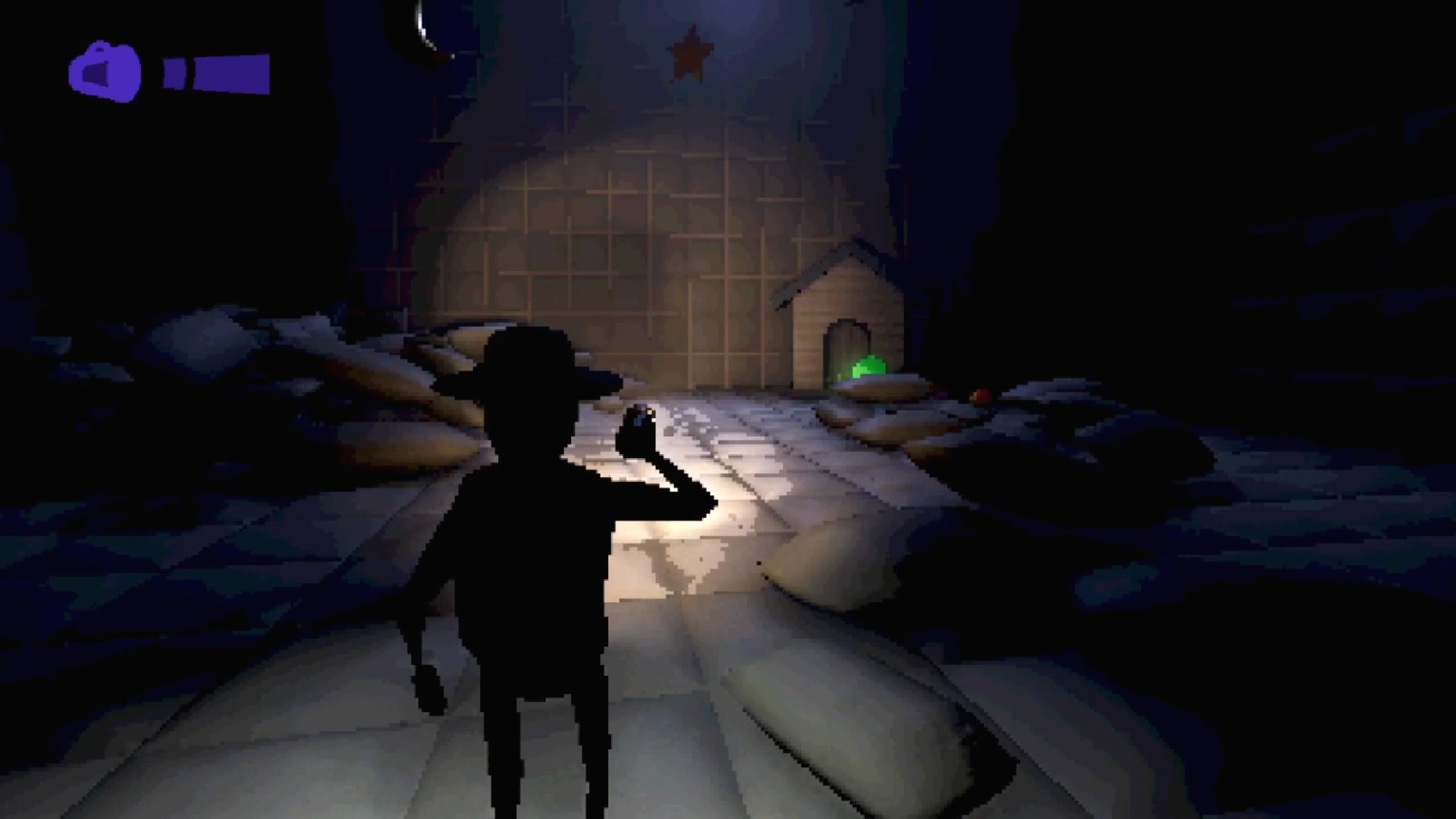
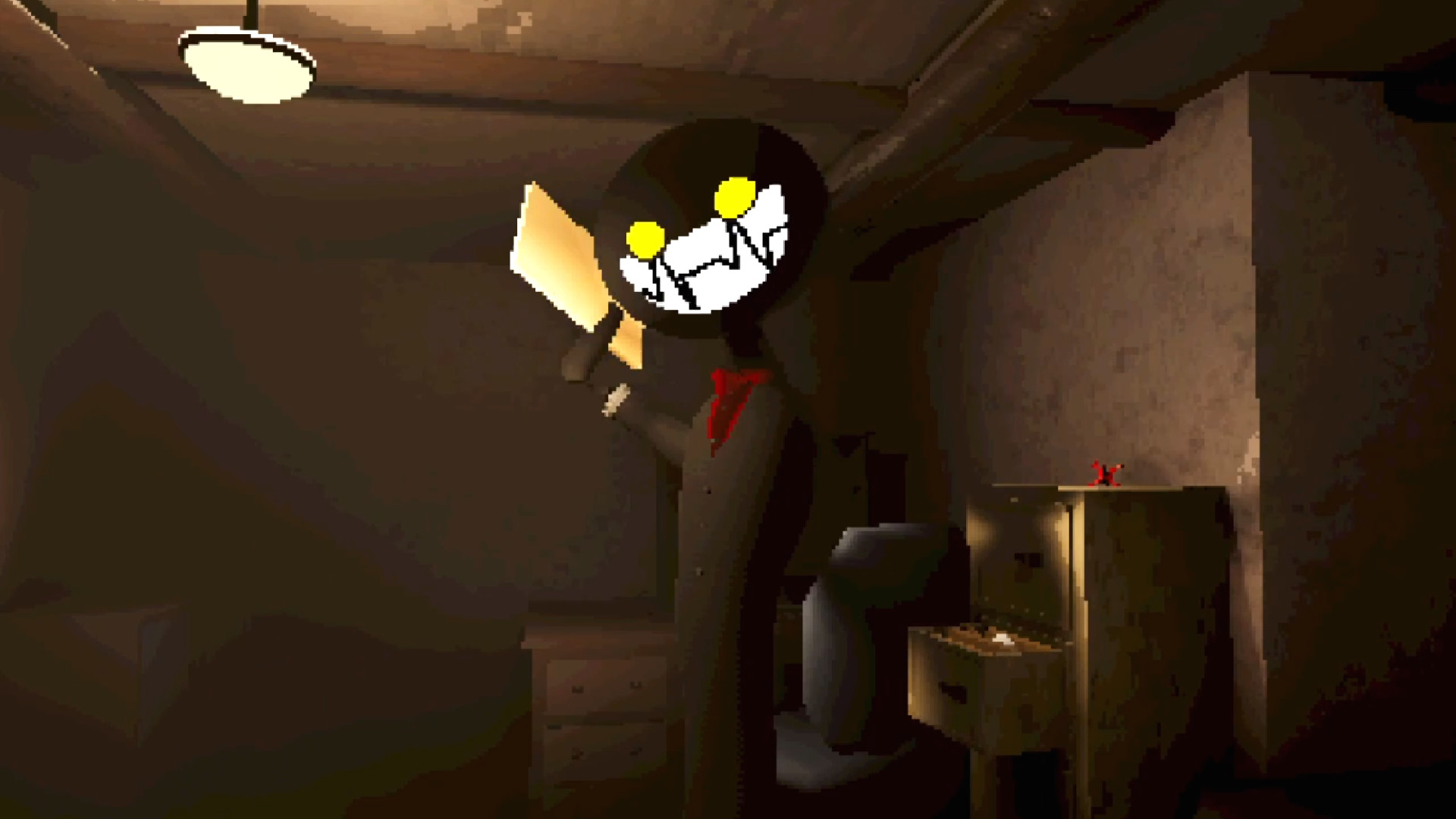
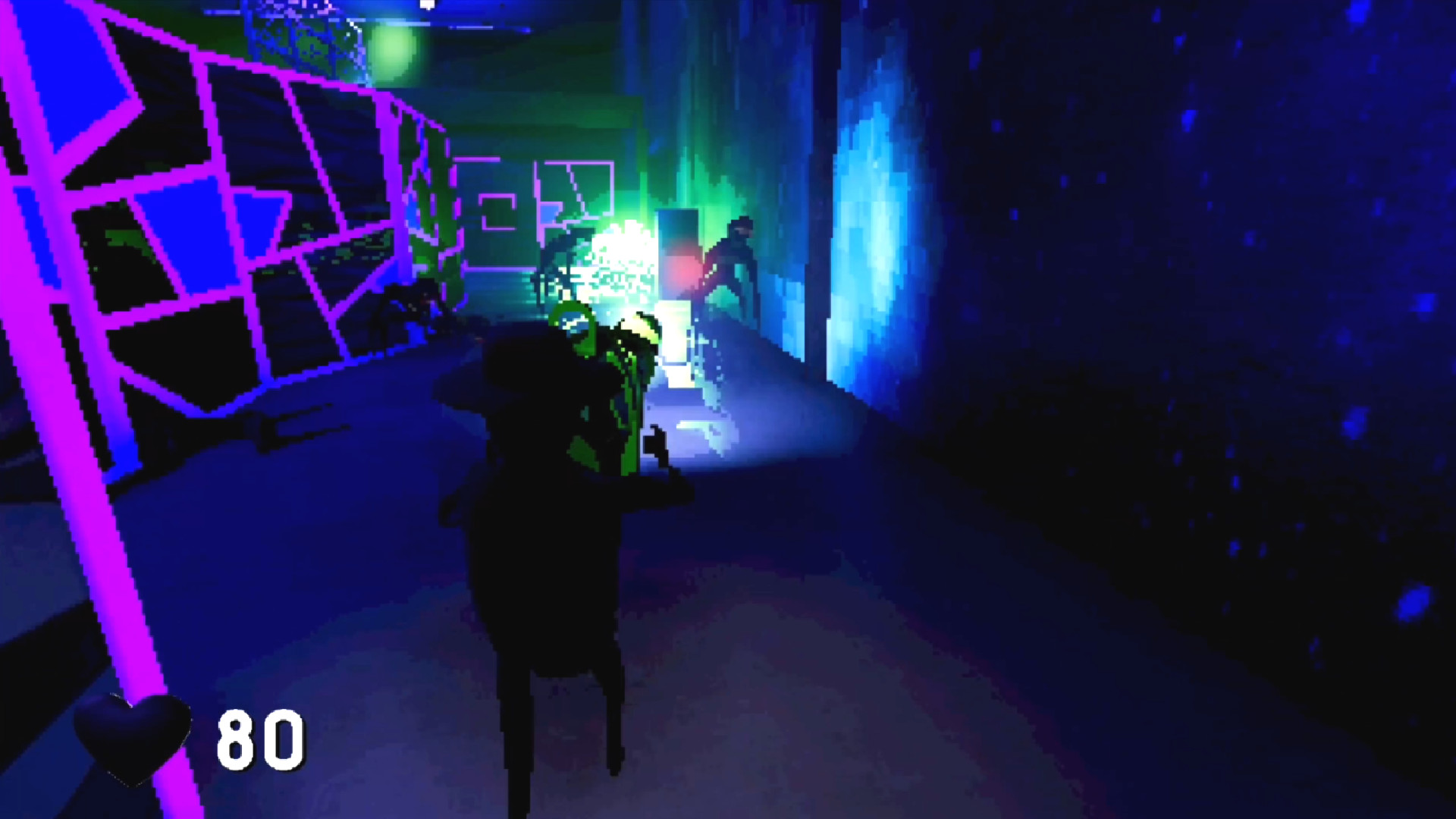
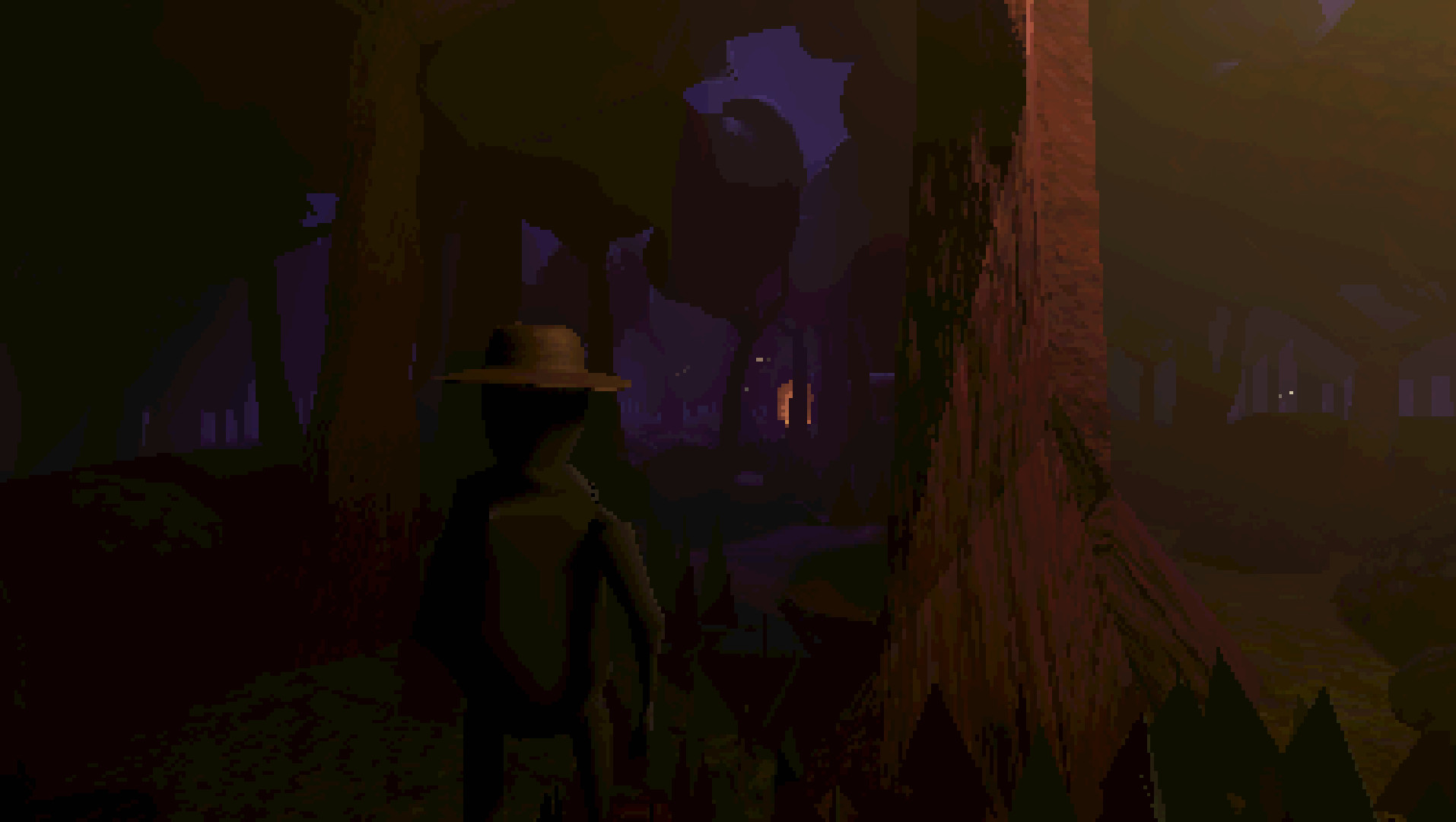
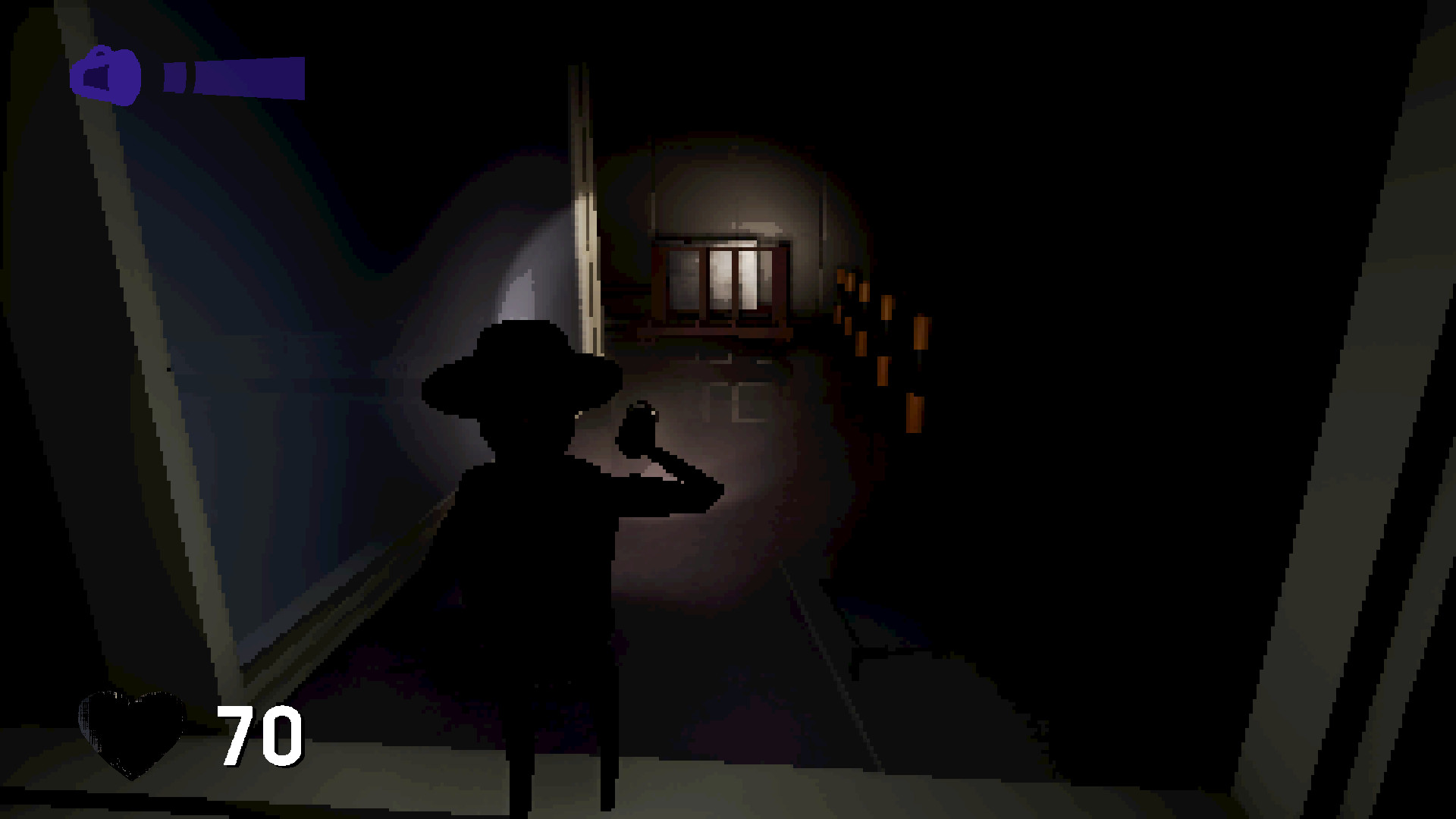
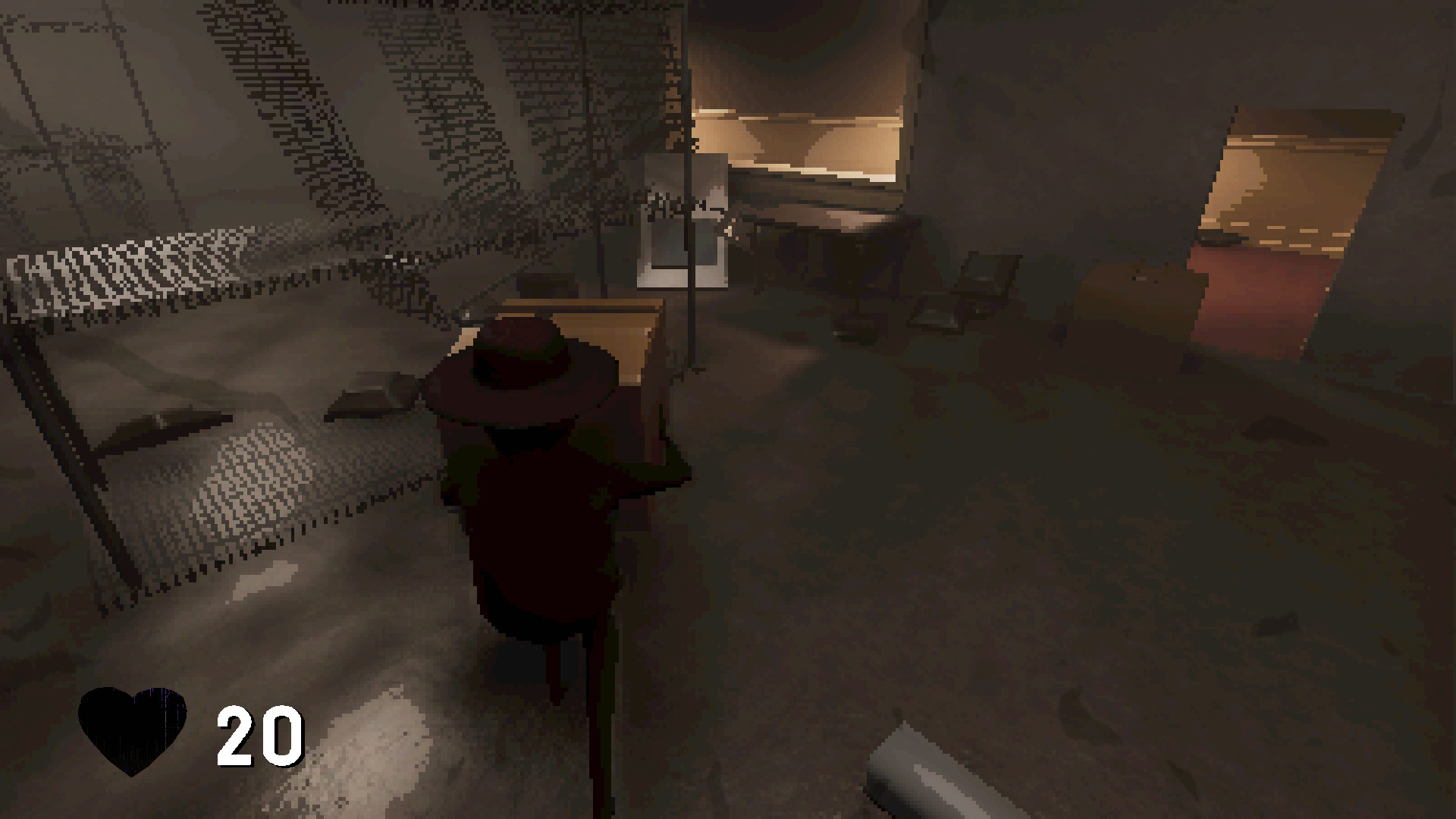
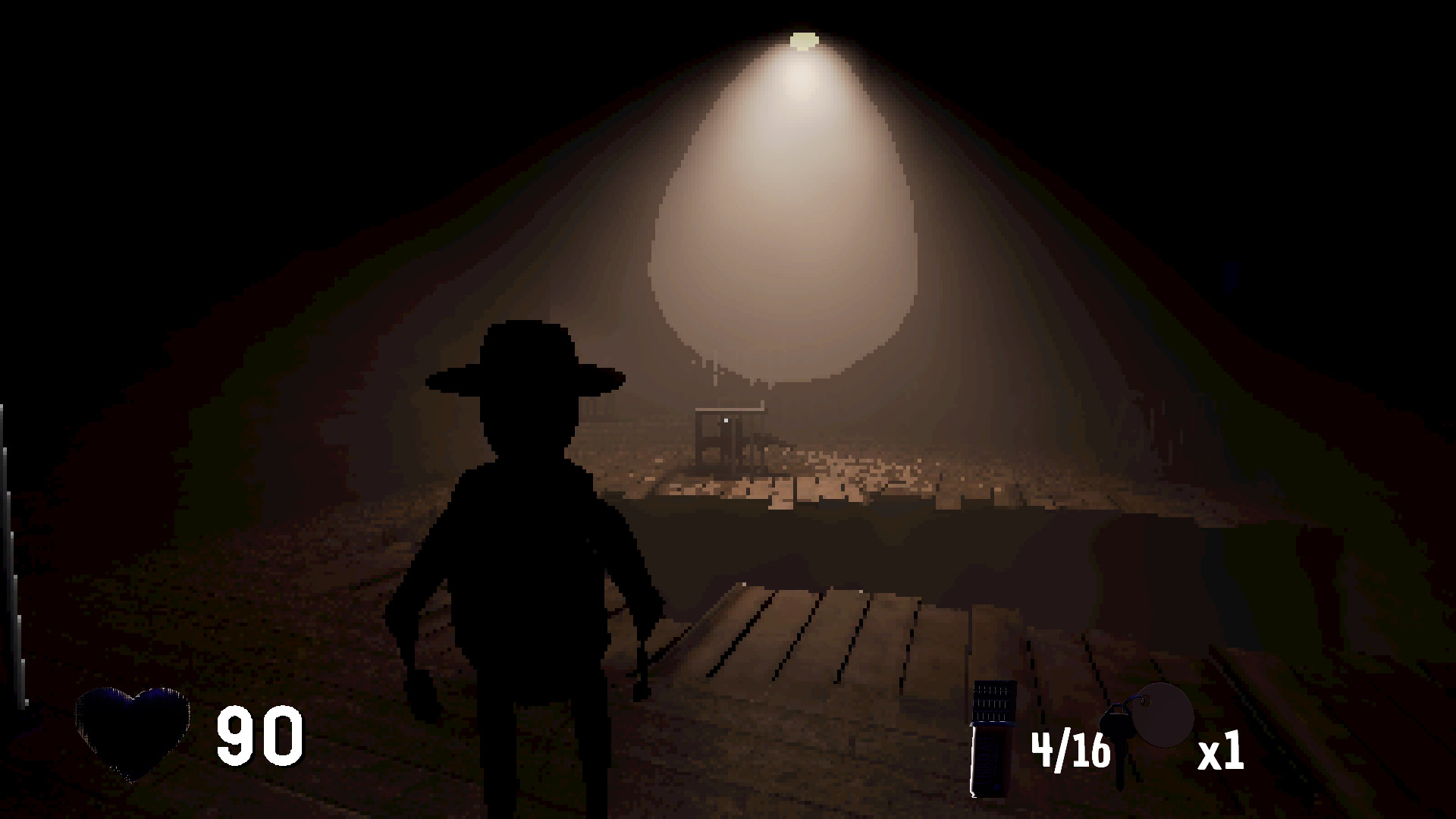
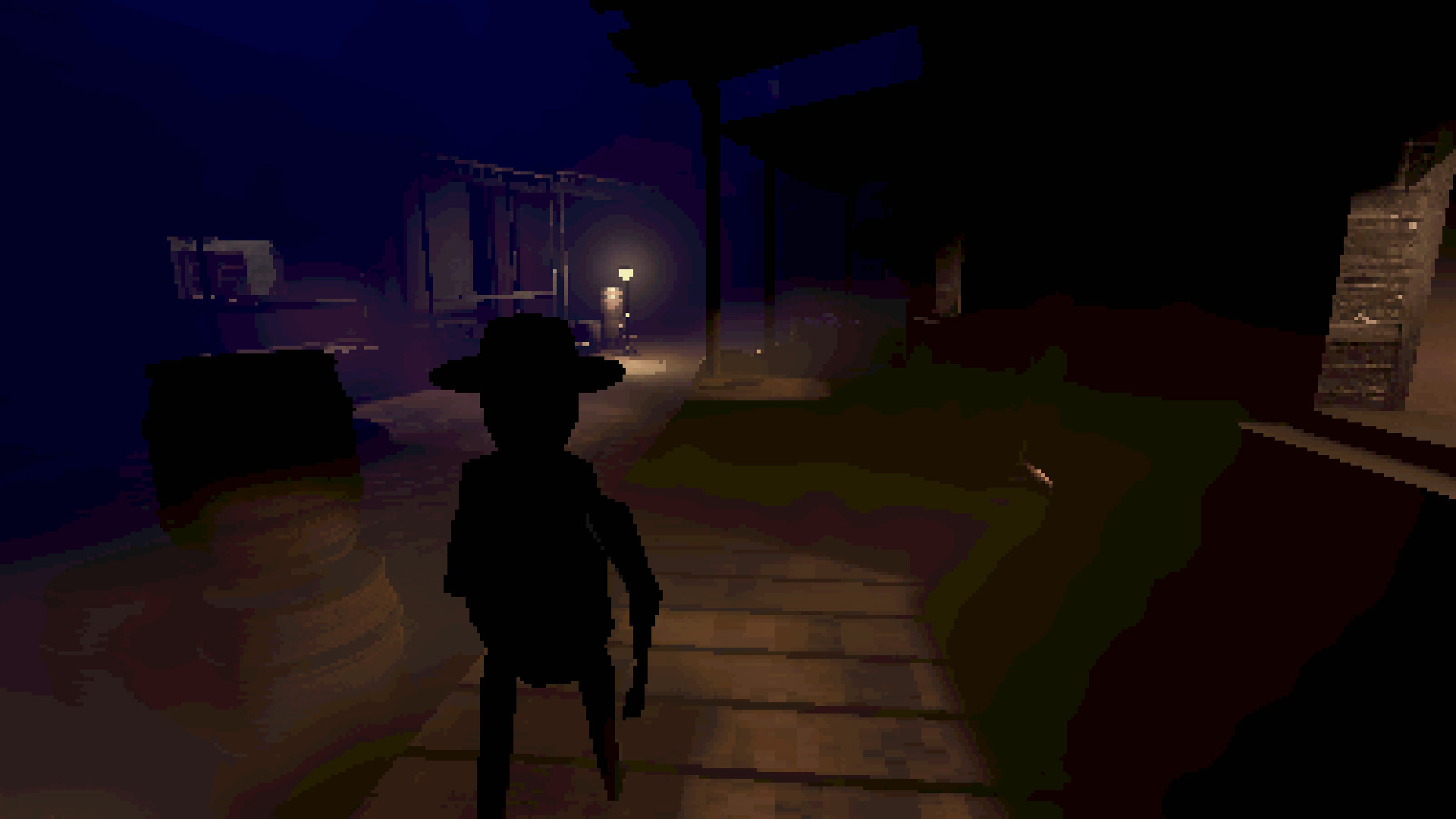
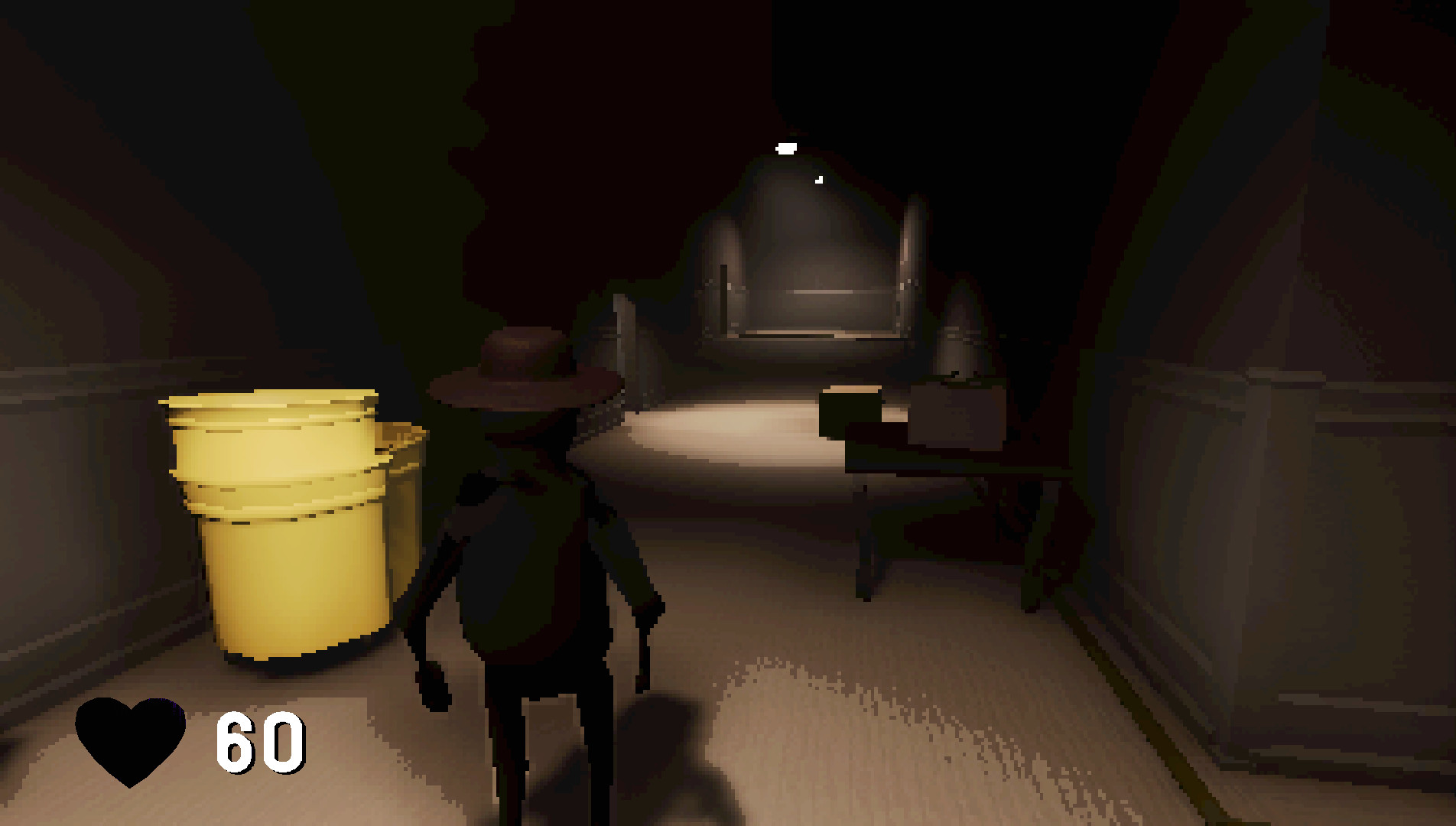
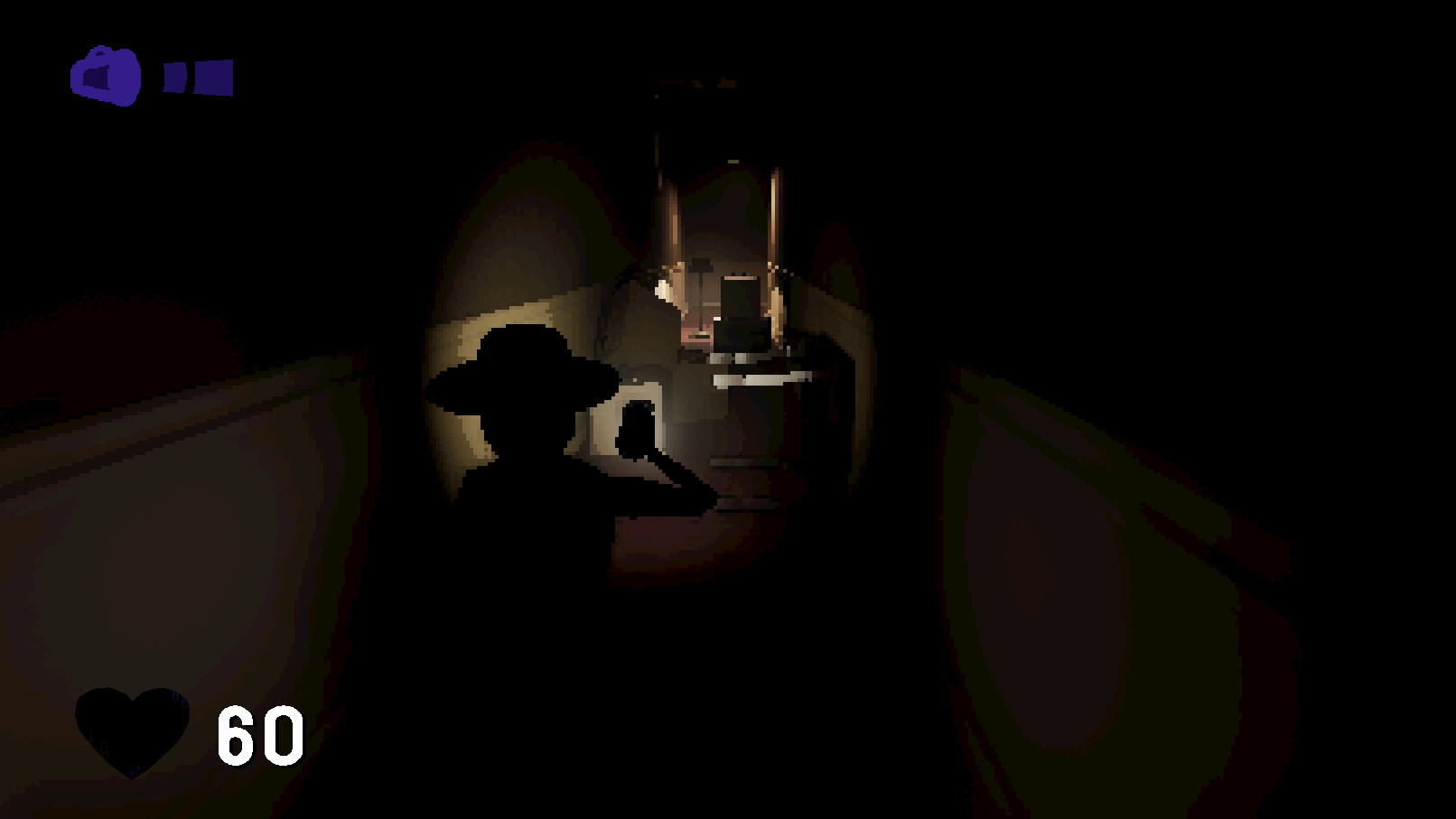
更新记录
https://store.steampowered.com/news/app/1717770?updates=true
游戏版本信息
Build.10691911|容量812MB|内置简中汉化|支持键盘.鼠标.手柄
常见问题FAQ
《诡异旅馆》下载后应该怎么解压和安装?
先确认所有压缩包均已完整下载,再使用常见解压工具统一解压。不要直接在压缩包内运行程序,建议使用纯英文目录,并提前确认磁盘空间充足。具体步骤可以参考 游戏手动解压安装教程。
《诡异旅馆》解压后打不开怎么办?
优先检查安全软件是否误拦截、文件是否解压完整、运行库是否缺失、显卡驱动是否过旧,以及系统版本是否满足要求。首次运行也可以尝试右键以管理员身份启动。
【游戏问题】游戏启动提示缺少 DLL 或运行组件怎么处理?
这类提示通常与常用运行库不完整有关。建议补全 DirectX、Visual C++ 等常见游戏运行组件,再重新启动游戏。教程可以参考 游戏常用运行库合集。
【游戏问题】启动出现黑屏、闪退、无响应或没有声音怎么办?
通常需要检查显卡驱动、运行组件、解压完整度、安装目录权限和安全软件拦截。建议先更新电脑驱动、补全运行库,并将游戏放在纯英文路径下运行。
【游戏问题】无法存档或手柄无效怎么办?
无法存档通常与目录写入权限有关,可以尝试管理员身份运行或更换可写目录。手柄无效时,请检查驱动、连接模式和游戏内控制器设置。
《诡异旅馆》修改器在哪里下载?
是否支持修改器取决于游戏版本和修改器版本。使用前请核对版本说明,并注意部分安全软件可能会拦截修改器程序。也可以查看 WeMod 超8000+单机游戏最新修改器 的使用说明。