 首页
 网站论坛圈子
 每日快讯New
 游戏下载




本游戏玩法总结
《疯狂台球》提供 PC 单机游戏相关内容,免安装中文游戏的具体版本和资源说明请以下载区标注为准。
《疯狂台球》整体更偏向动作冒险体验,通常会把战斗推进、场景探索和流程节奏结合在一起。对喜欢即时操作、关卡推进和地图探索类单机作品的玩家来说,这类题材往往更看重手感反馈、内容节奏和整体代入感。 同时,本游戏也兼顾模拟经营方向,通常会涉及资源调度、经营规划或持续养成这类内容。
关于此游戏
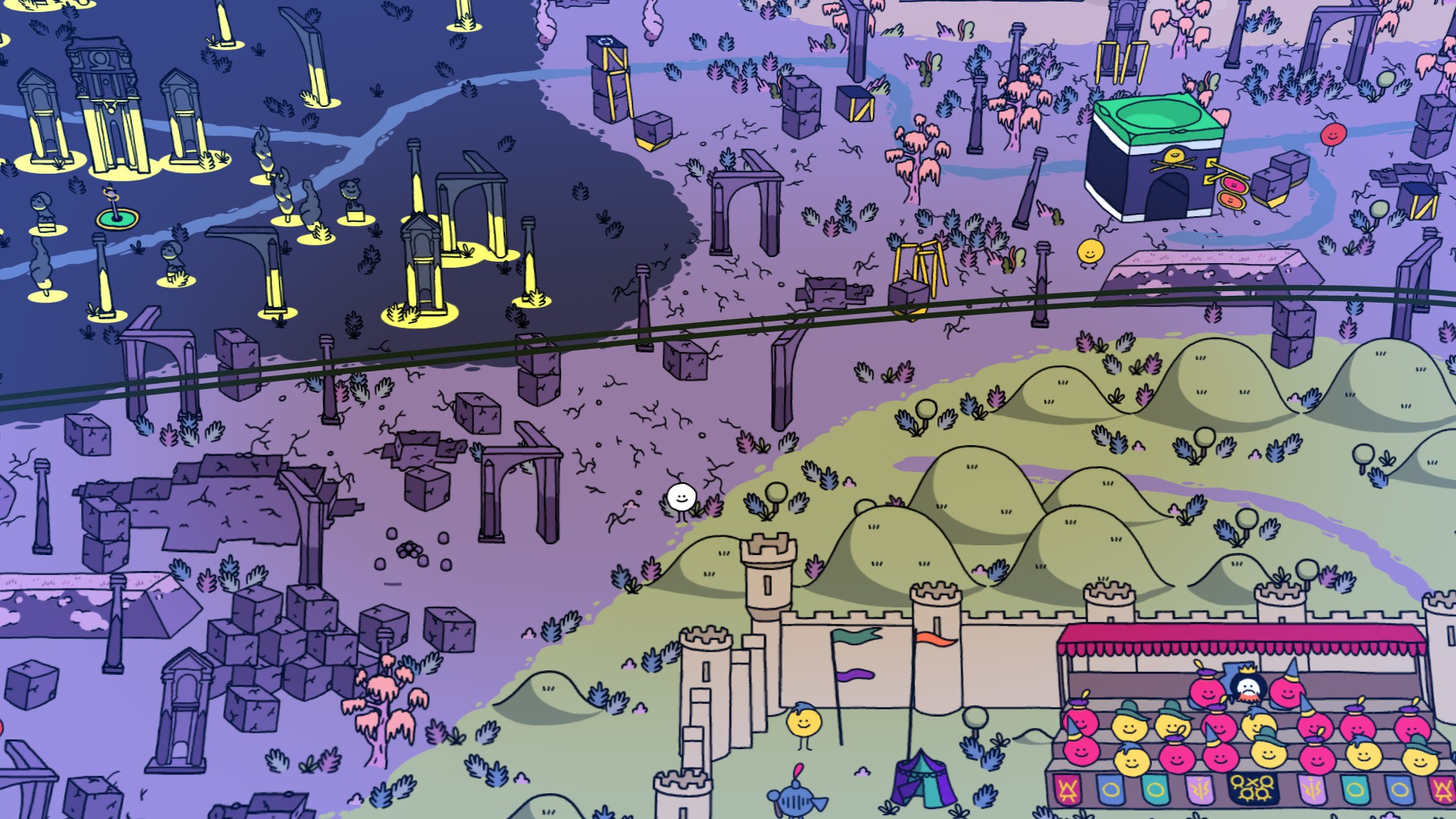
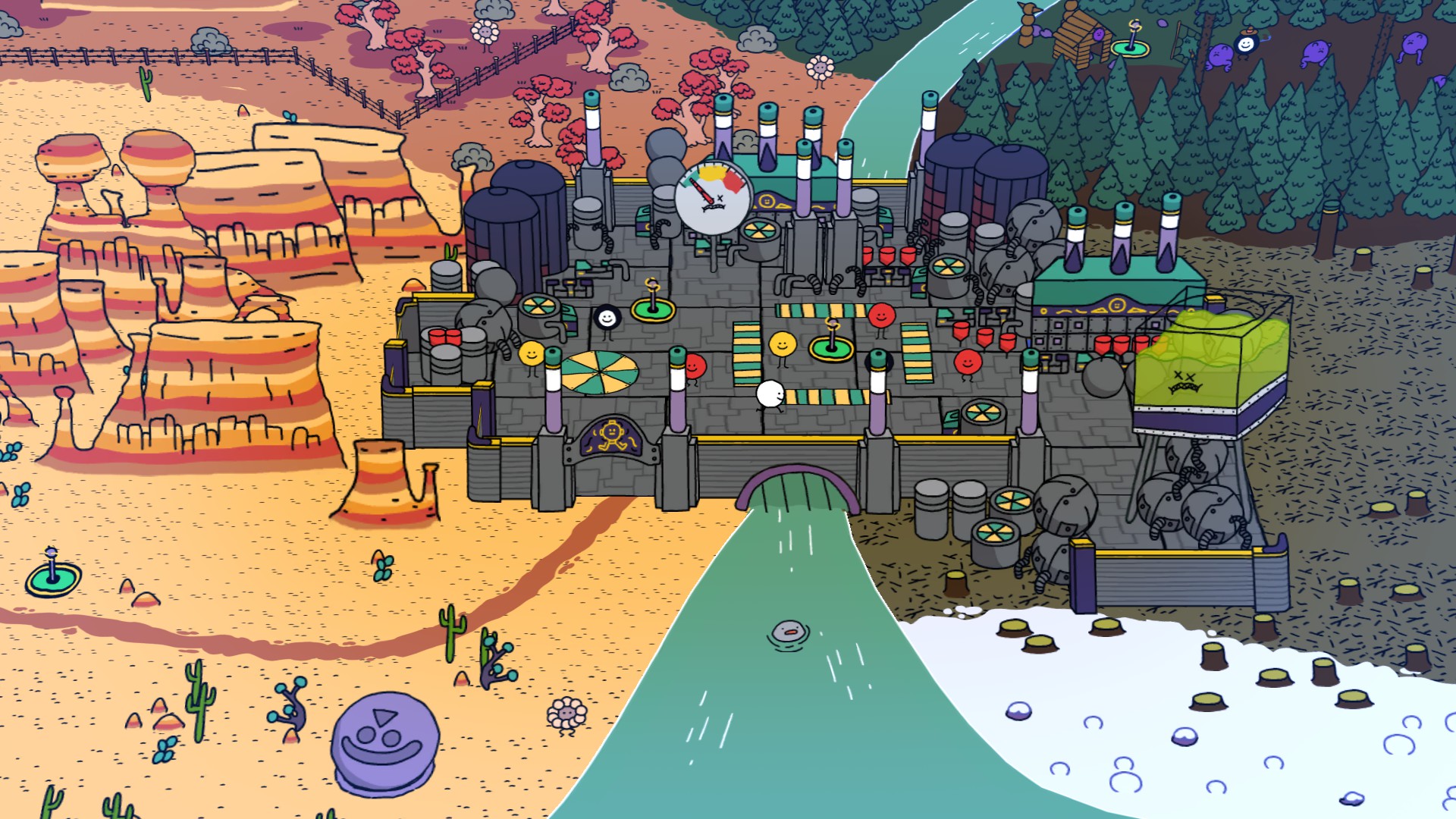
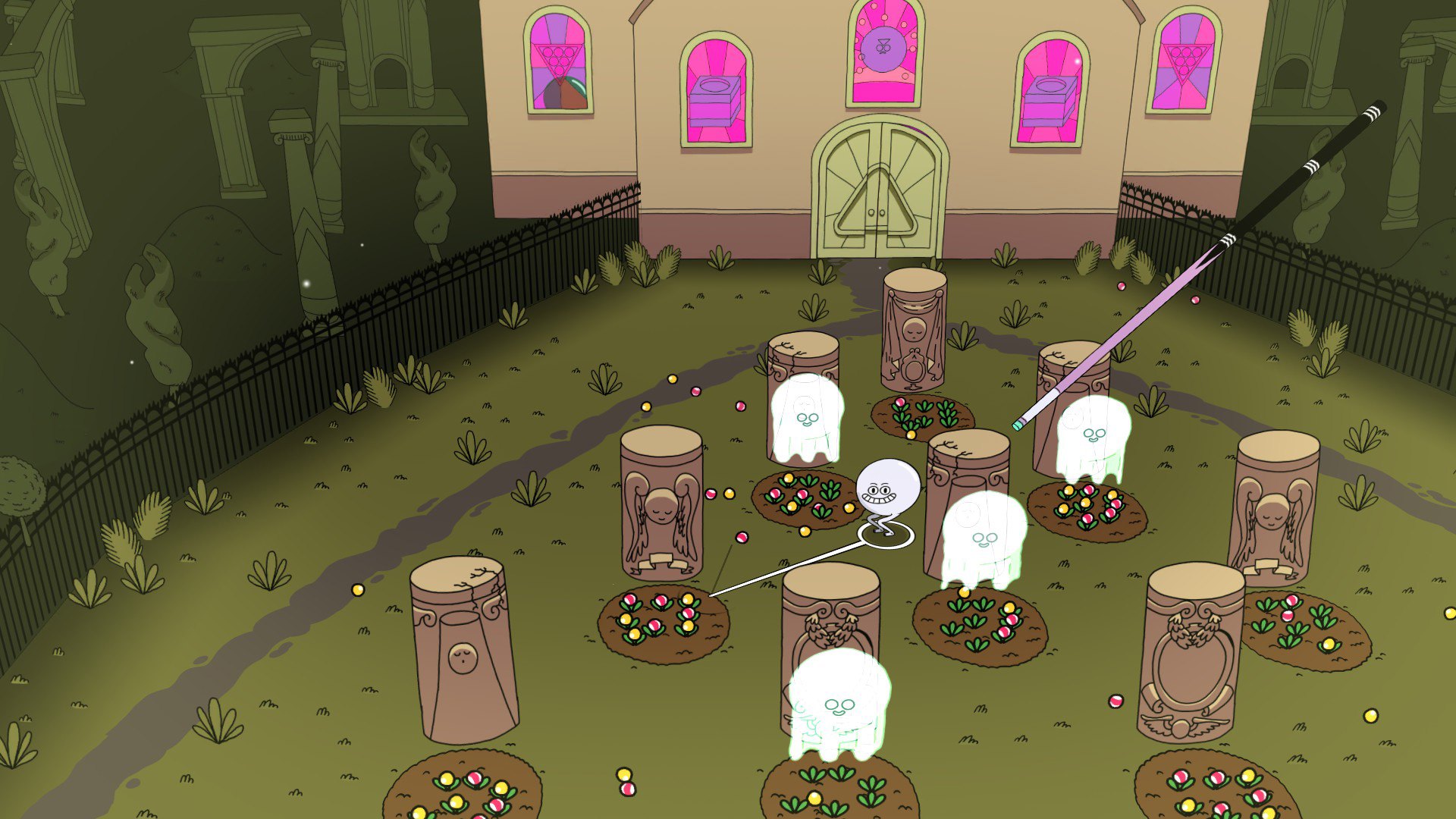
Pool Panic is the world’s least realistic pool simulator. Play as a mischievous, and dare we say, oblivious cue ball in a giant game of pool that sprawls across a colorful cartoon overworld with more than 100 levels.
Explore jungles, deserts, carnivals, cities and more while knocking around a peculiar cast of billiard balls, most of which won’t appreciate being pocketed.
Note: Pool Panic plays best with a controller
Every level of Pool Panic has an 8-ball, but he won’t be standing around waiting to be potted. While you seek him out, you’ll be occupied by plenty of strange activities involving balls:
Ride a Ferris Wheel! Knock off other balls for your own gain!
Explore caves where even the bats are balls!
Play nine holes of mini-golf with a pool cue!
Flee the zombie horde! But careful, they’re contagious!
Go skiing and mountain climbing! With balls!
Hunt boy scouts in the woods! Steal their hats! Wait…
Explore a colorful overworld with more than 100 levels. Shoot pool in deserts, gardens, cities, the carnival, the woods, and more
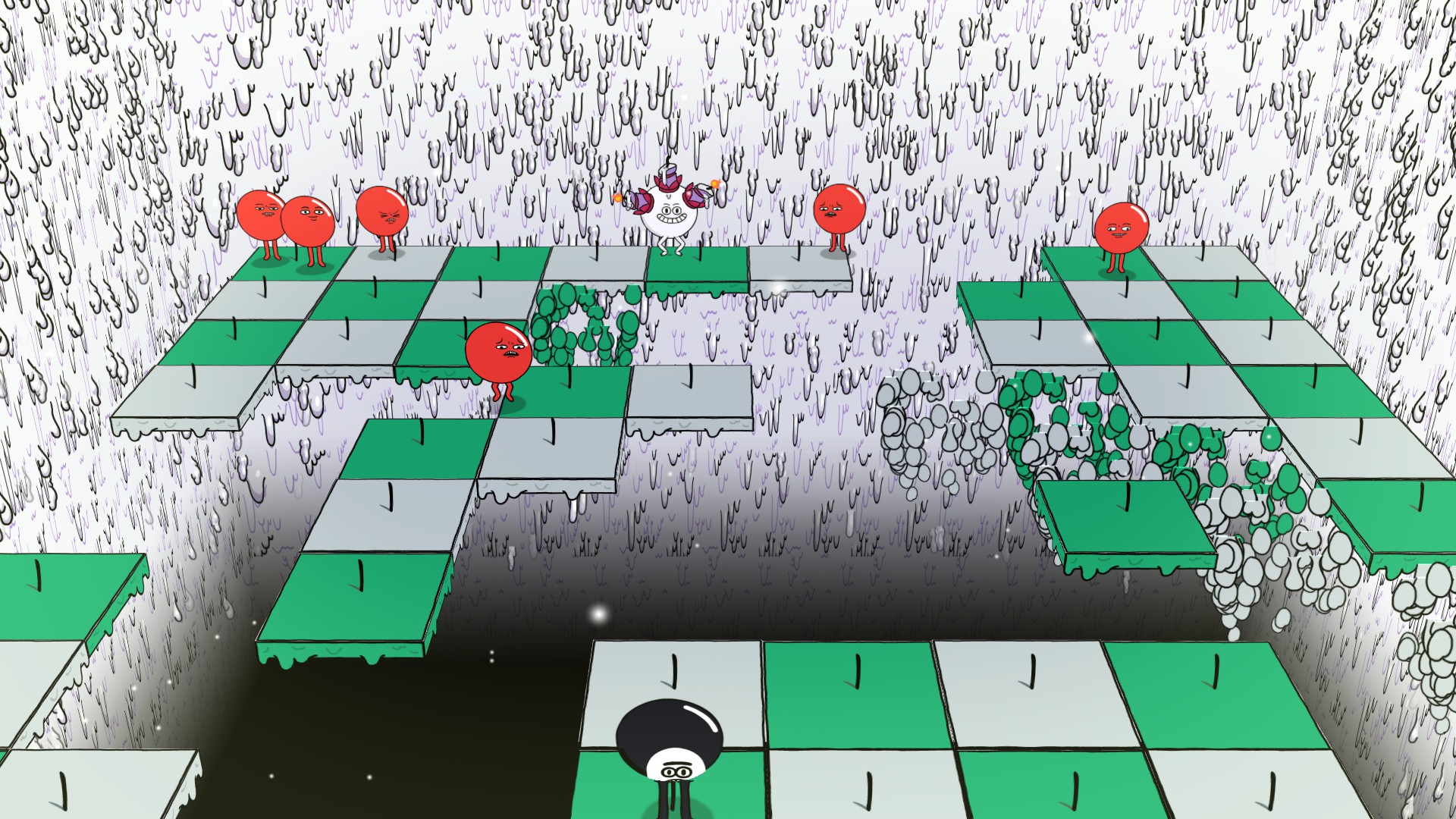
Get mad at balls that dash away from you, think strategically about when to hit toothy balls that can unleash stomp attacks, and line up the perfect shot.
Take down bosses and join a motorcycle gang chase.
Unlock higher levels of the central tower as you travel the world. What awaits you at the top?
Challenge up to four of your friends in local multiplayer.
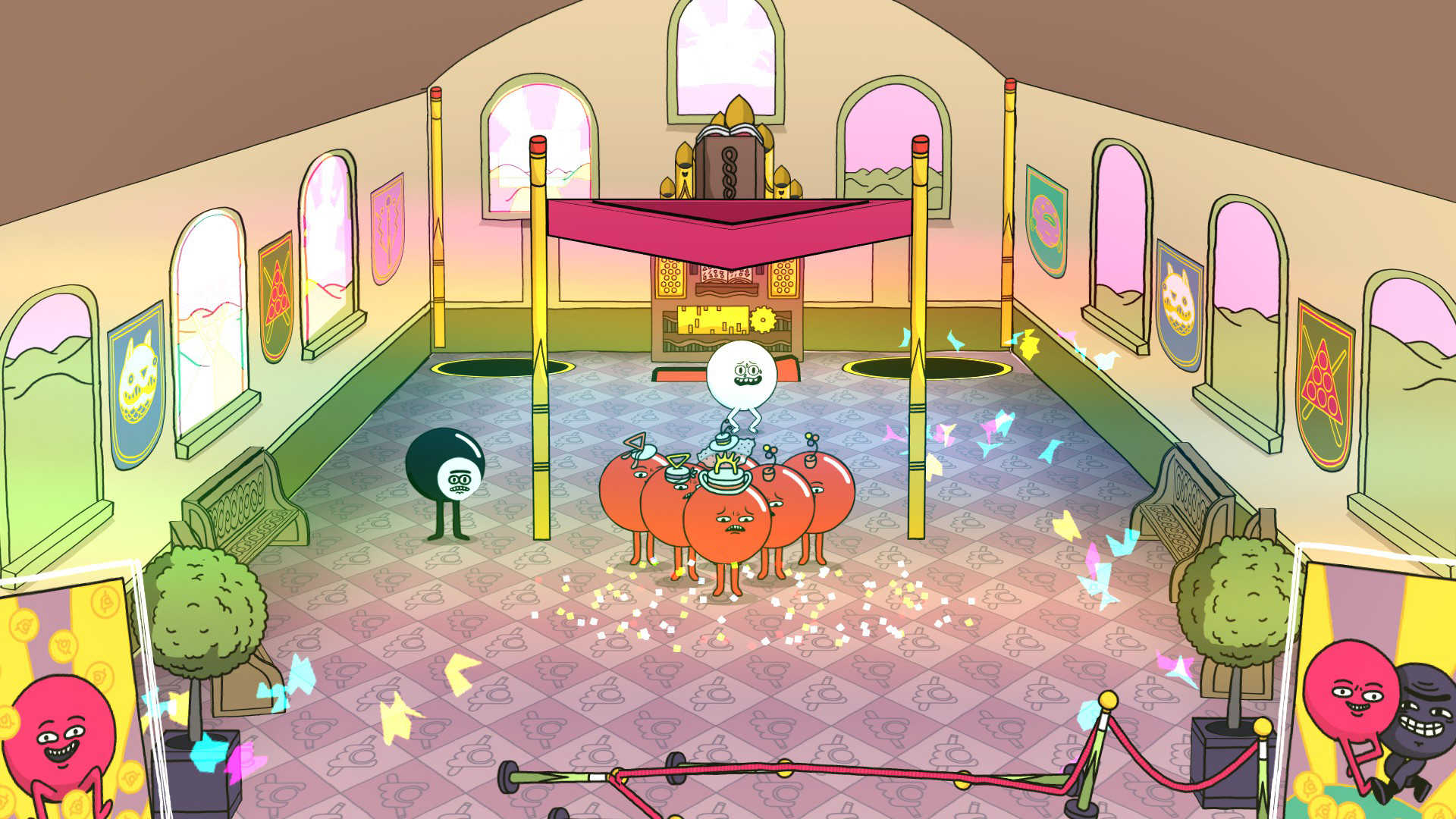
Hats. This game has hats.
游戏介绍
《Pool Panic》是一款别具一格的台球游戏,处处充满新奇与惊喜。这绝对是世界上最不写实的台球模拟游戏!
游戏视频
游戏截图
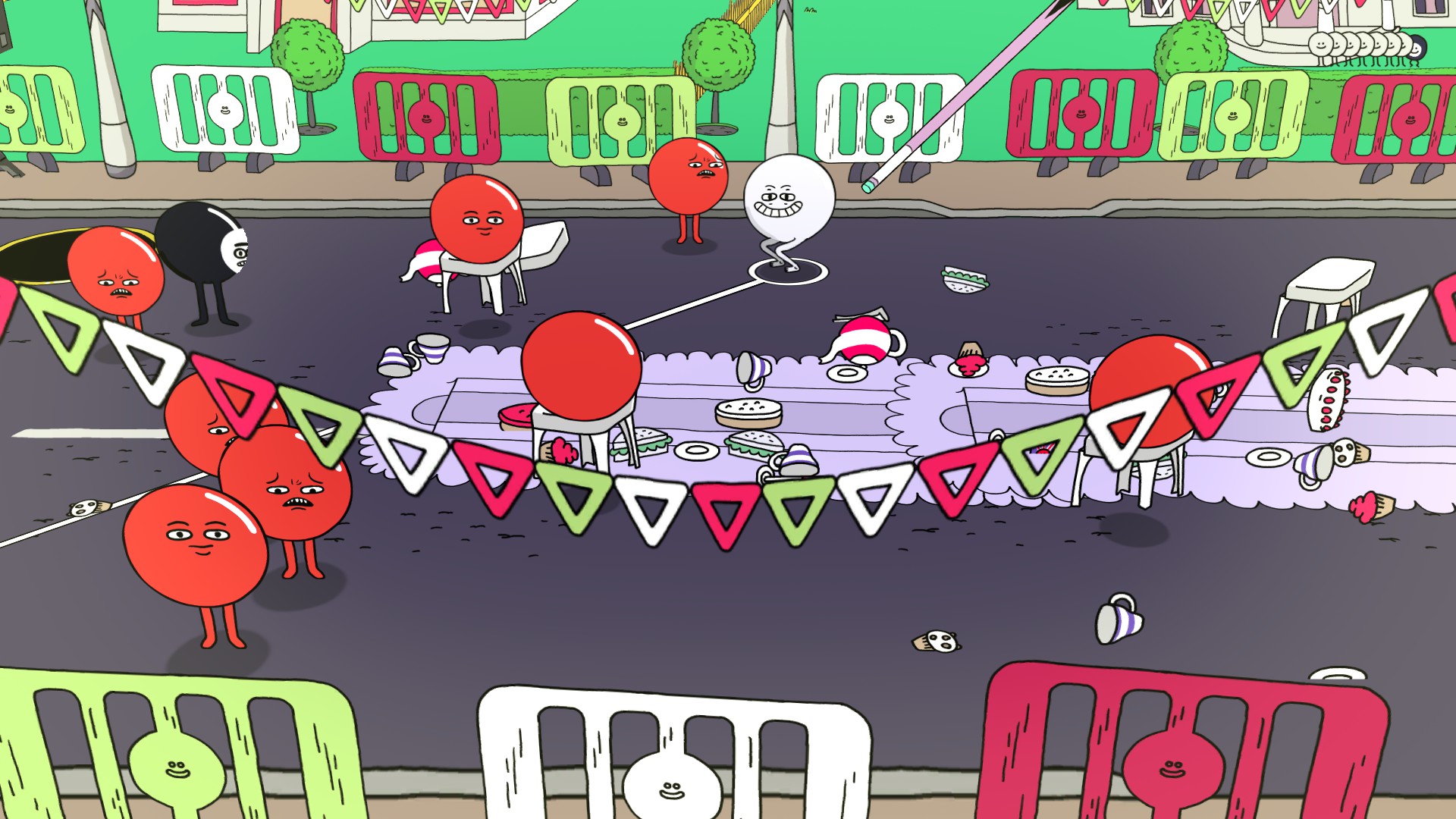
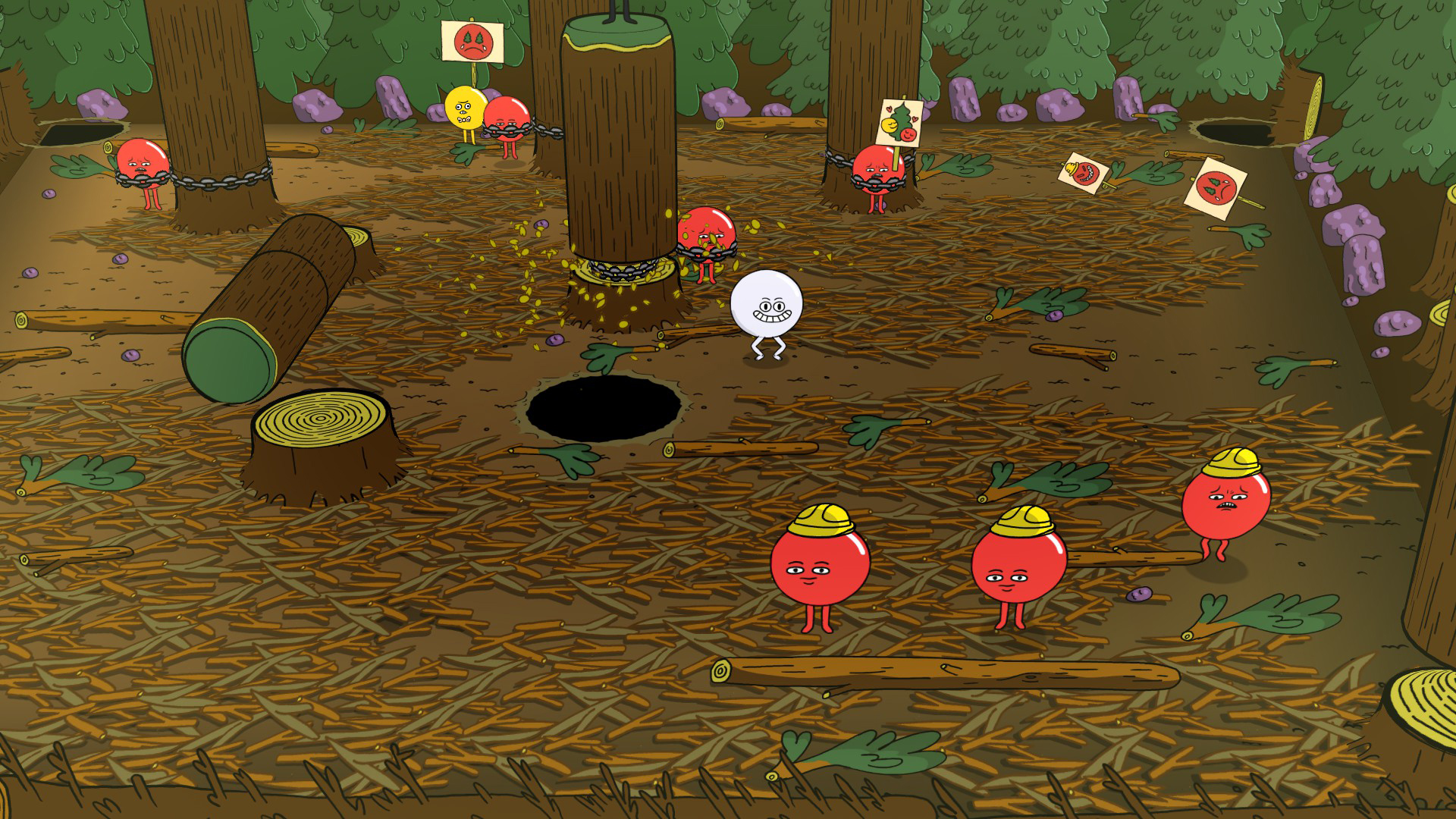
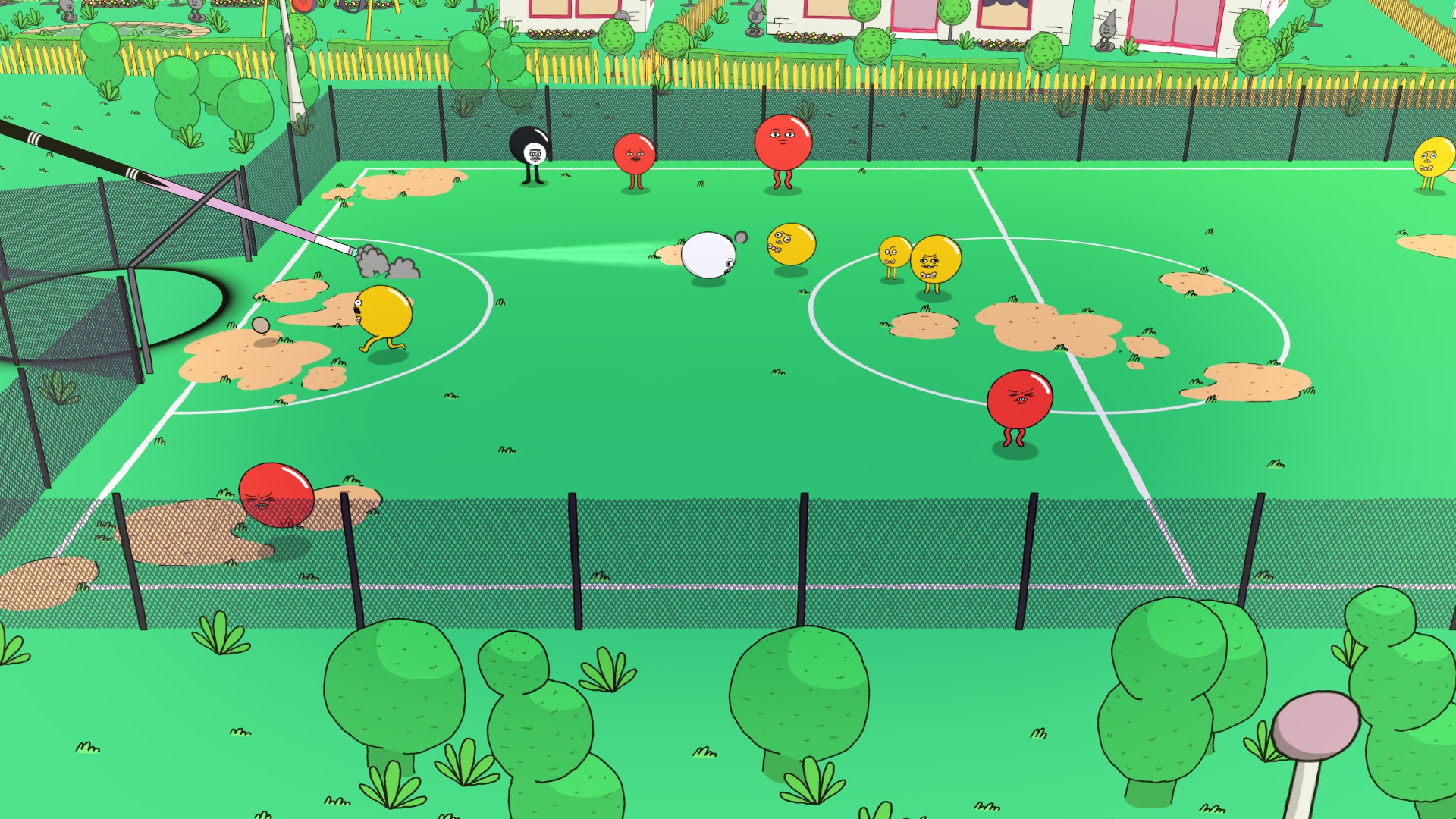
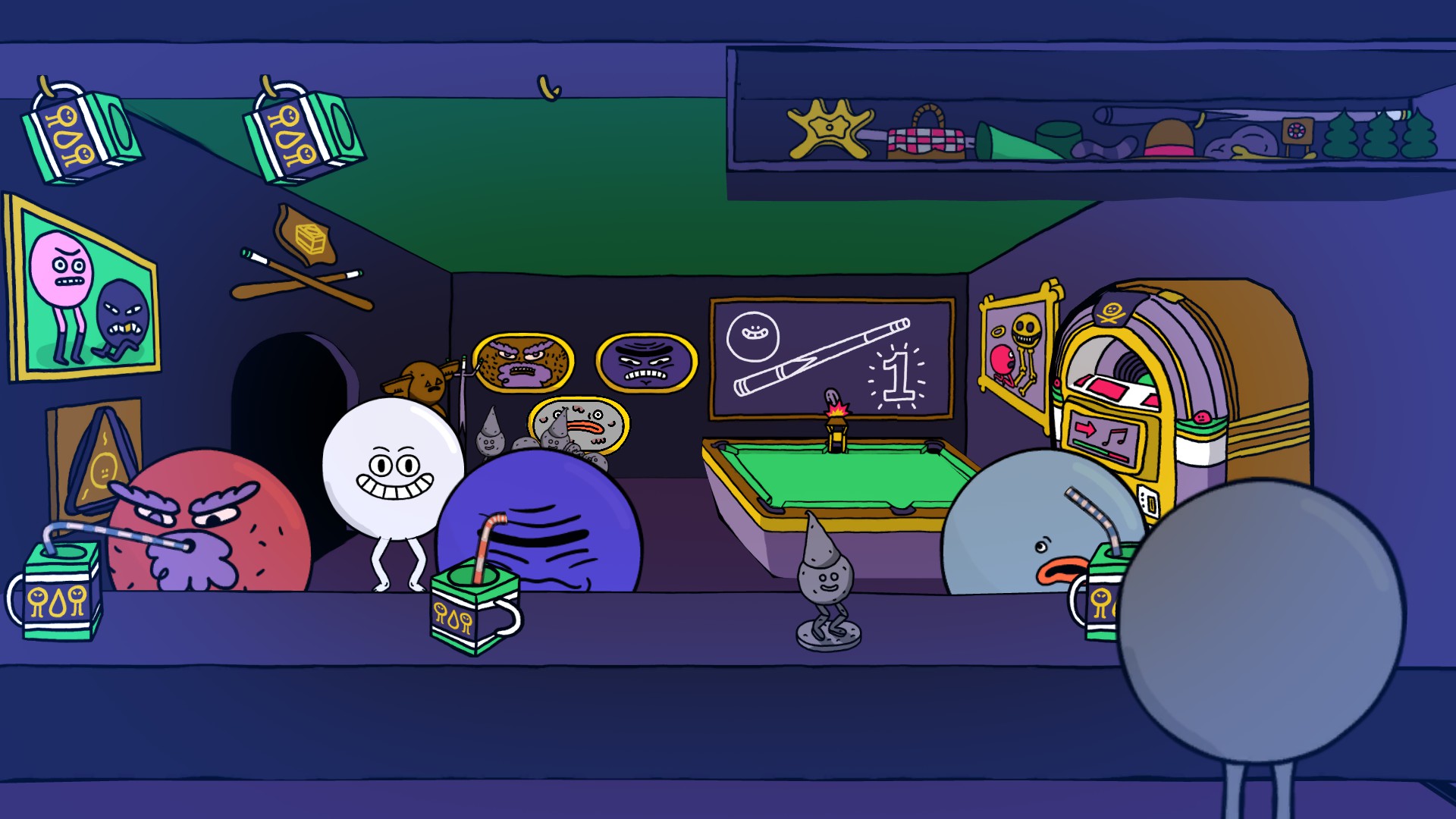
更新记录
https://store.steampowered.com/news/app/522240?updates=true
游戏版本信息
Build.20359768|容量2.42GB|内置简中汉化|支持键盘.鼠标.手柄
常见问题FAQ
《疯狂台球》下载后应该怎么解压和安装?
先确认所有压缩包均已完整下载,再使用常见解压工具统一解压。不要直接在压缩包内运行程序,建议使用纯英文目录,并提前确认磁盘空间充足。具体步骤可以参考 游戏手动解压安装教程。
《疯狂台球》解压后打不开怎么办?
优先检查安全软件是否误拦截、文件是否解压完整、运行库是否缺失、显卡驱动是否过旧,以及系统版本是否满足要求。首次运行也可以尝试右键以管理员身份启动。
【游戏问题】游戏启动提示缺少 DLL 或运行组件怎么处理?
这类提示通常与常用运行库不完整有关。建议补全 DirectX、Visual C++ 等常见游戏运行组件,再重新启动游戏。教程可以参考 游戏常用运行库合集。
【游戏问题】启动出现黑屏、闪退、无响应或没有声音怎么办?
通常需要检查显卡驱动、运行组件、解压完整度、安装目录权限和安全软件拦截。建议先更新电脑驱动、补全运行库,并将游戏放在纯英文路径下运行。
【游戏问题】无法存档或手柄无效怎么办?
无法存档通常与目录写入权限有关,可以尝试管理员身份运行或更换可写目录。手柄无效时,请检查驱动、连接模式和游戏内控制器设置。
《疯狂台球》修改器在哪里下载?
是否支持修改器取决于游戏版本和修改器版本。使用前请核对版本说明,并注意部分安全软件可能会拦截修改器程序。也可以查看 WeMod 超8000+单机游戏最新修改器 的使用说明。