 首页
首页  网站论坛圈子
 每日快讯New
 游戏下载
游戏下载

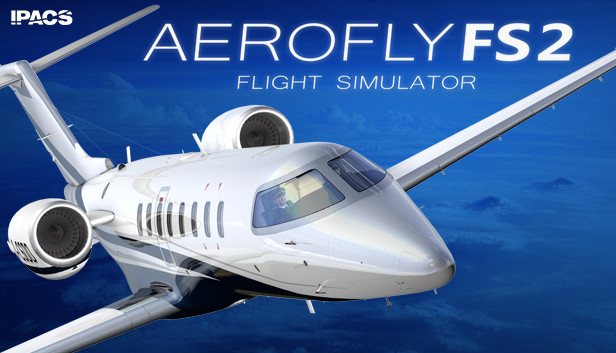


本游戏玩法总结
《模拟航空飞行2》为 PC 单机游戏资源,适合按游戏类型、版本说明和配置要求了解实际游玩内容。
从玩法方向来看,《模拟航空飞行2》更接近动作冒险这一类,核心体验一般集中在战斗表现、探索推进和内容解锁上。如果你平时会关注动作单机、冒险流程类游戏或战斗探索型作品,本游戏通常也属于这一方向。 同时,本游戏也兼顾模拟经营方向,通常会涉及资源调度、经营规划或持续养成这类内容。
关于此游戏
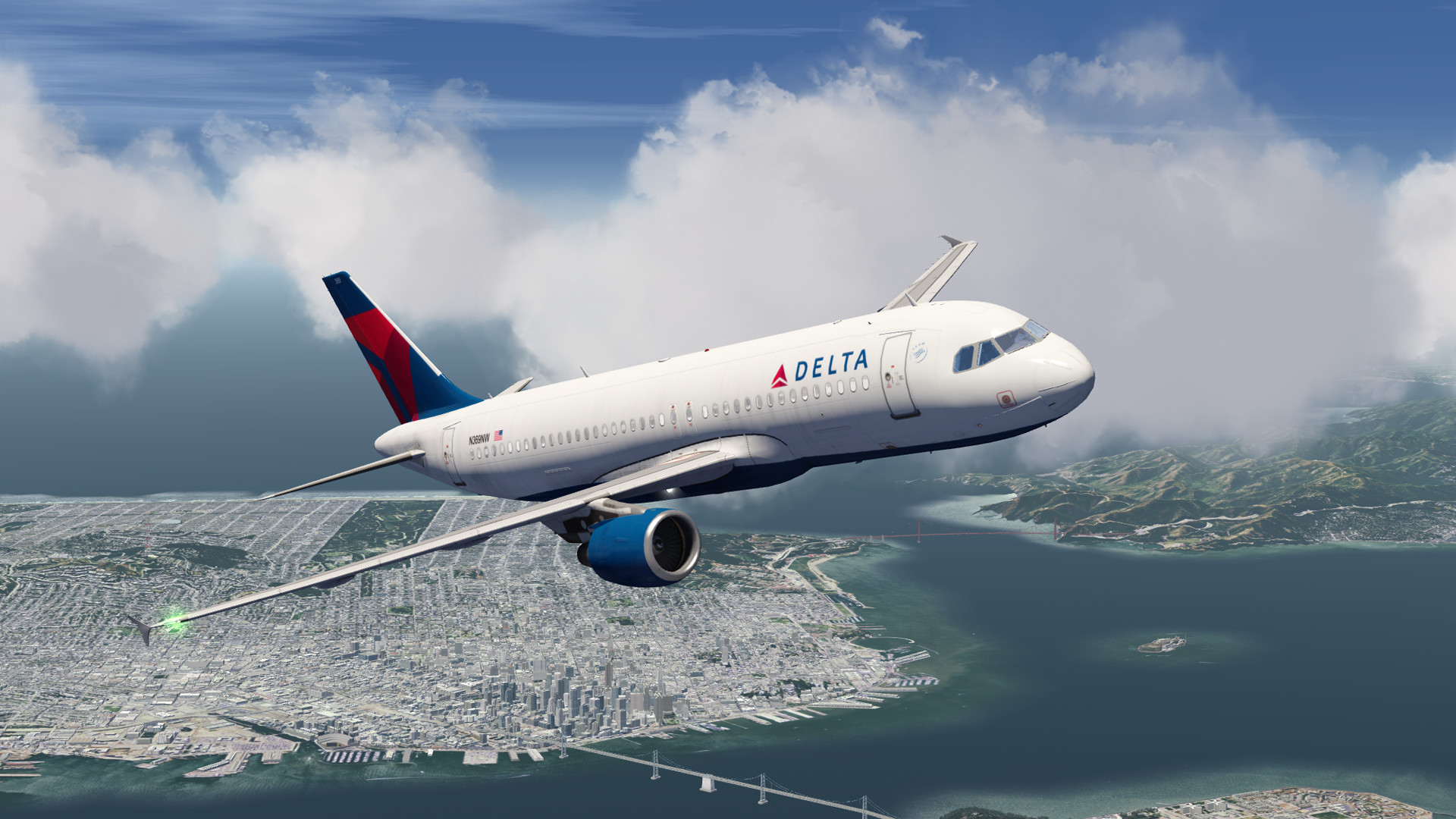
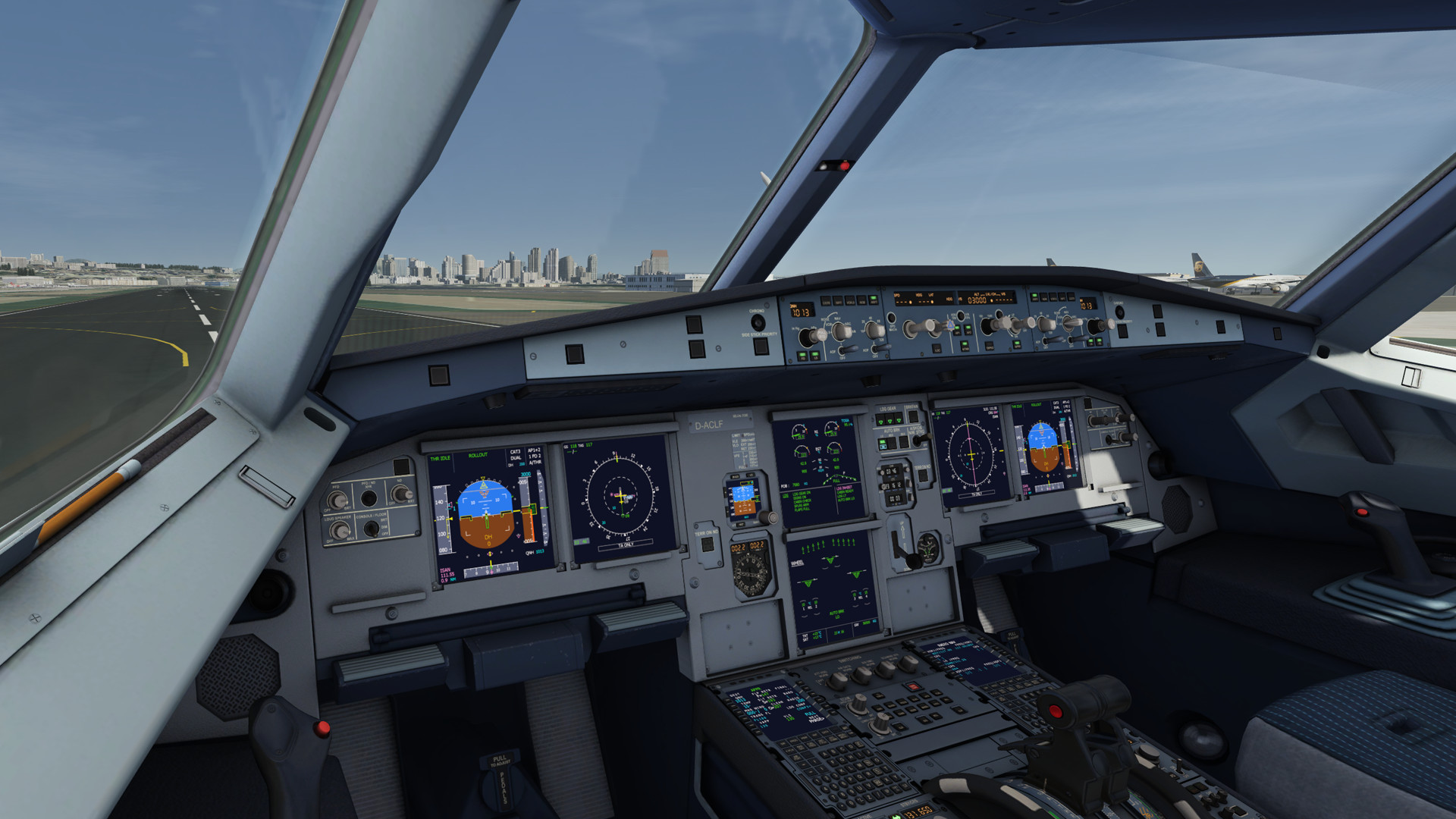
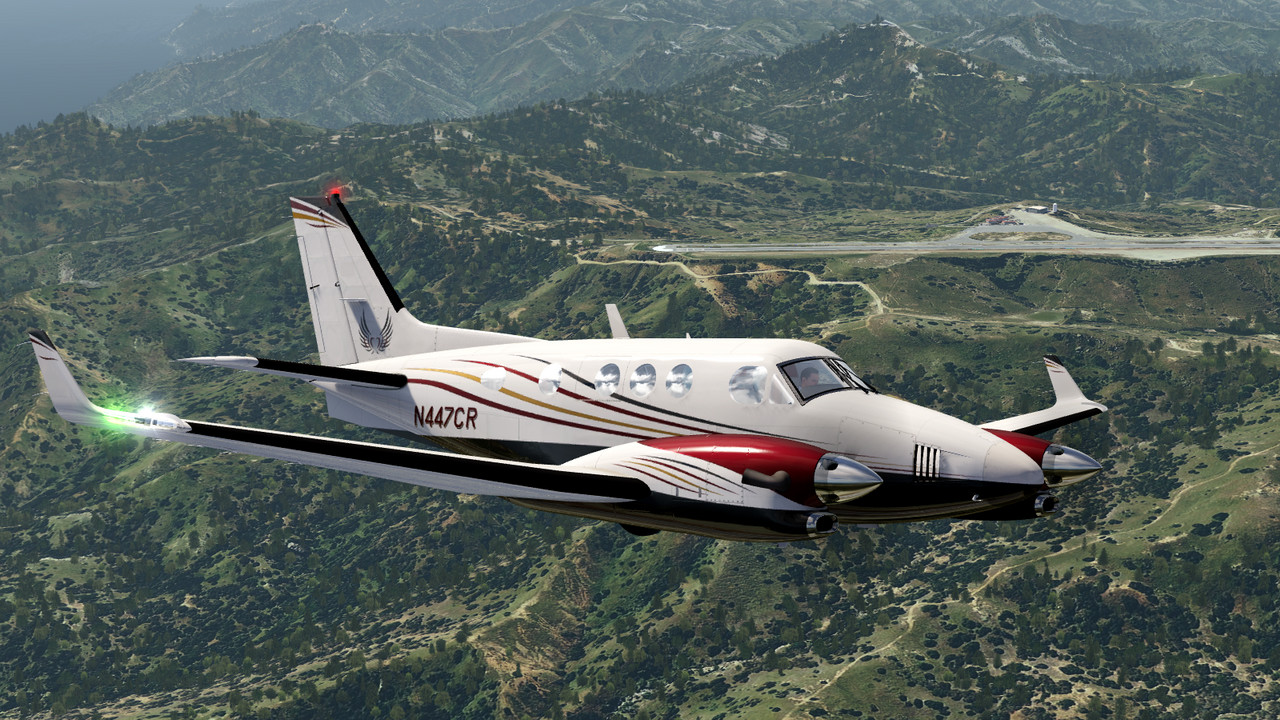
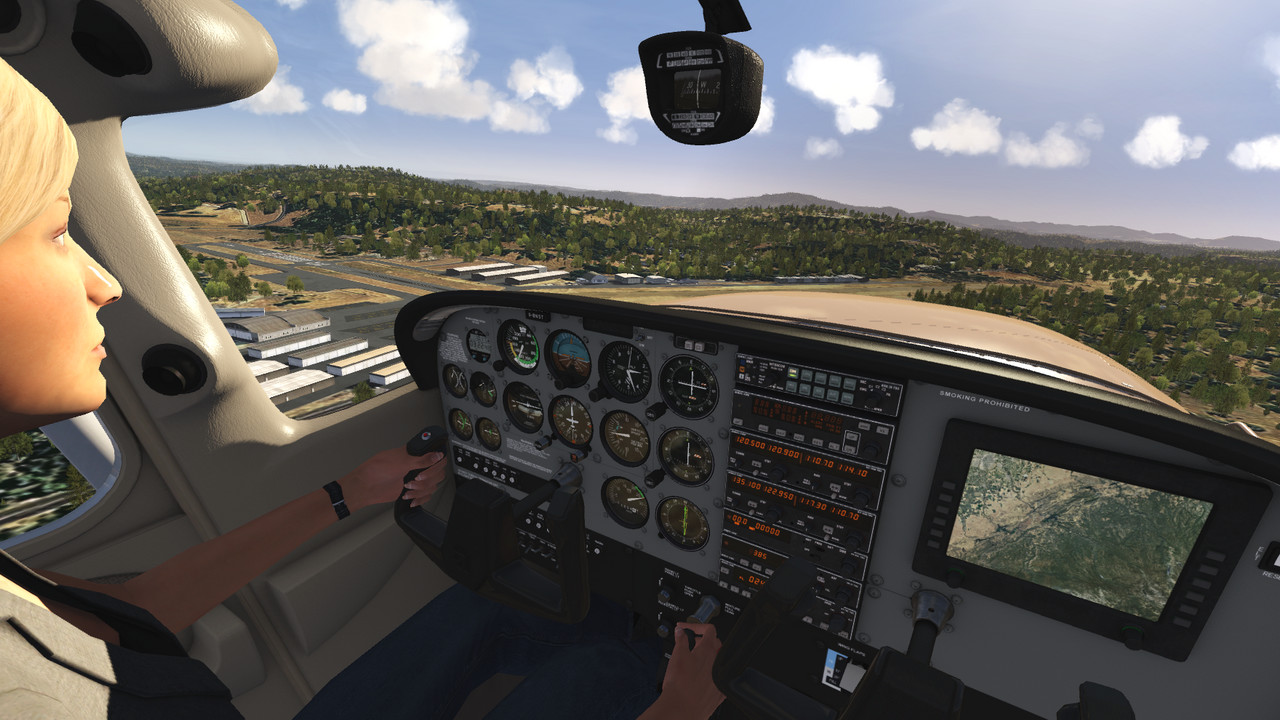
Aerofly FS 2 lets you explore the world of flying in a quality never seen before. Fly a large selection of highly detailed aircraft or a helicopter with fully animated and interactive 3D cockpits.
Aerofly FS 2 is a next generation flight simulator open for add-ons and sets a high value on realistic flight physics, highly detailed aircraft and a stunning, photo realistic scenery. World wide coverage of elevation data and aerial images is included with Aerofly FS 2. At the same time, Aerofly FS 2 features an intuitive user interface and requires virtually no training time.
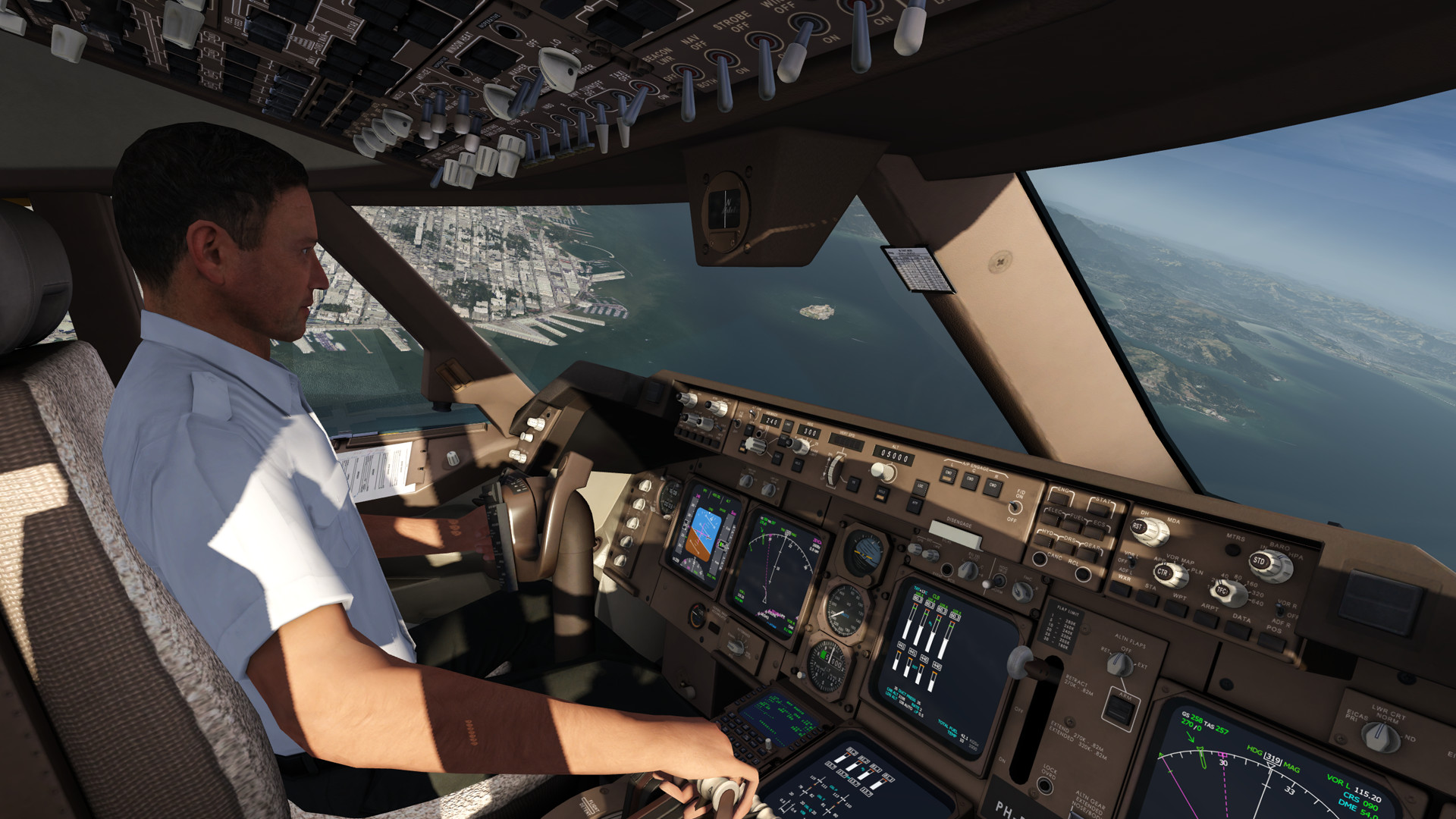
Take your seat in the cockpit and enjoy flying over the famous Golden Gate Bridge or visit Alcatraz Island. Learn the basics of flying at our flight school or jump right into the captain’s seat and land the majestic 747 at one of the busiest airports of the world.
FEATURES
- 22 aircraft included:
– A320
– B737-500
– B747-400
– B777-300ER
– C172, Baron 58
– EC135 and Robinson R22 Beta II helicopters
– F-15, F-18, Aermacchi MB-339
– King Air C90 GTx, Learjet 45
– Extra 330, Pitts S-2B biplane, Bücker Jungmeister
– Corsair F4U, P-38 Lightning, Sopwith Camel
– ASG 29 and Swift S1 gliders
– Dash-8 Q400 (available as free DLC) - Highly detailed and interactive 3D cockpits
- Adjustable cockpit lighting at night time
- Realistic flight physics
- Interactive Flight school for learning the basics of flying
- High resolution aerial images and over 200 airports for the South West of the United States
- World wide elevation and aerial images
- Display terrain features like mountains, lakes and cities for easy VFR navigation
- Route editor for easy flight planning
- Adjustable time of day
- Adjustable wind, clouds, visibility, thermal activity and turbulence
- Replay system
- Different view modes
- Support for multiple joysticks, throttle units, rudder pedals and more
- TrackIR support
- Full Oculus Rift VR support and full Oculus Touch controller support
- HTC Vive VR support and full Vive Controller support
- Support for Saitek Multi Panel, Radio Panel, Switch Panel and Saitek TPM
游戏介绍
《模拟航空飞行2》是由IPACS制作发行的次世代真实飞行模拟游戏新作,带你进入前所未有的高品质飞行世界,直观的用户界面助你轻松学习基本知识,在驾驶舱中俯瞰航拍下的金门大桥或恶魔岛,或是跳上机长座位,在最繁忙的机场上降落雄伟的747。
游戏视频
游戏截图
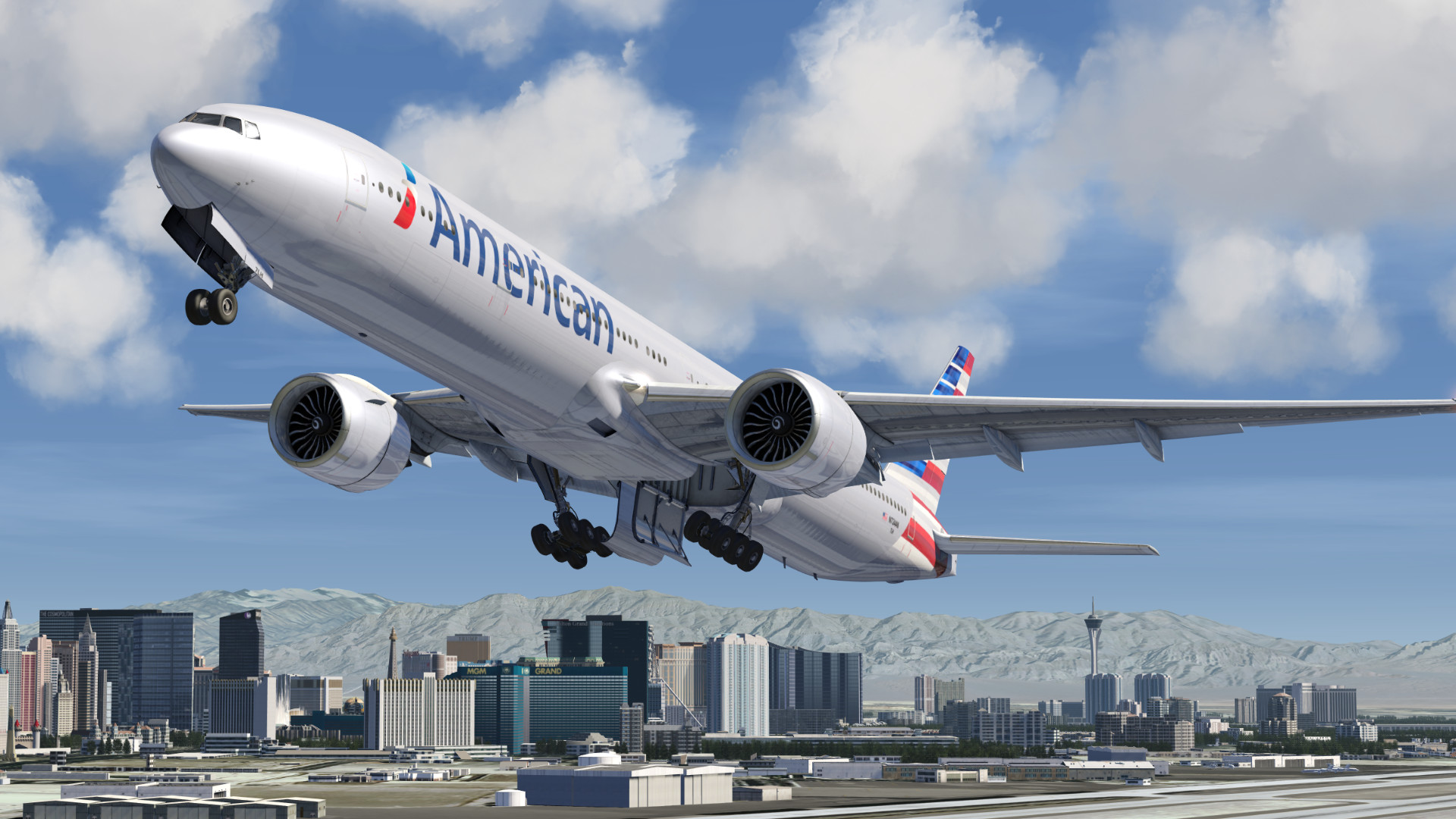
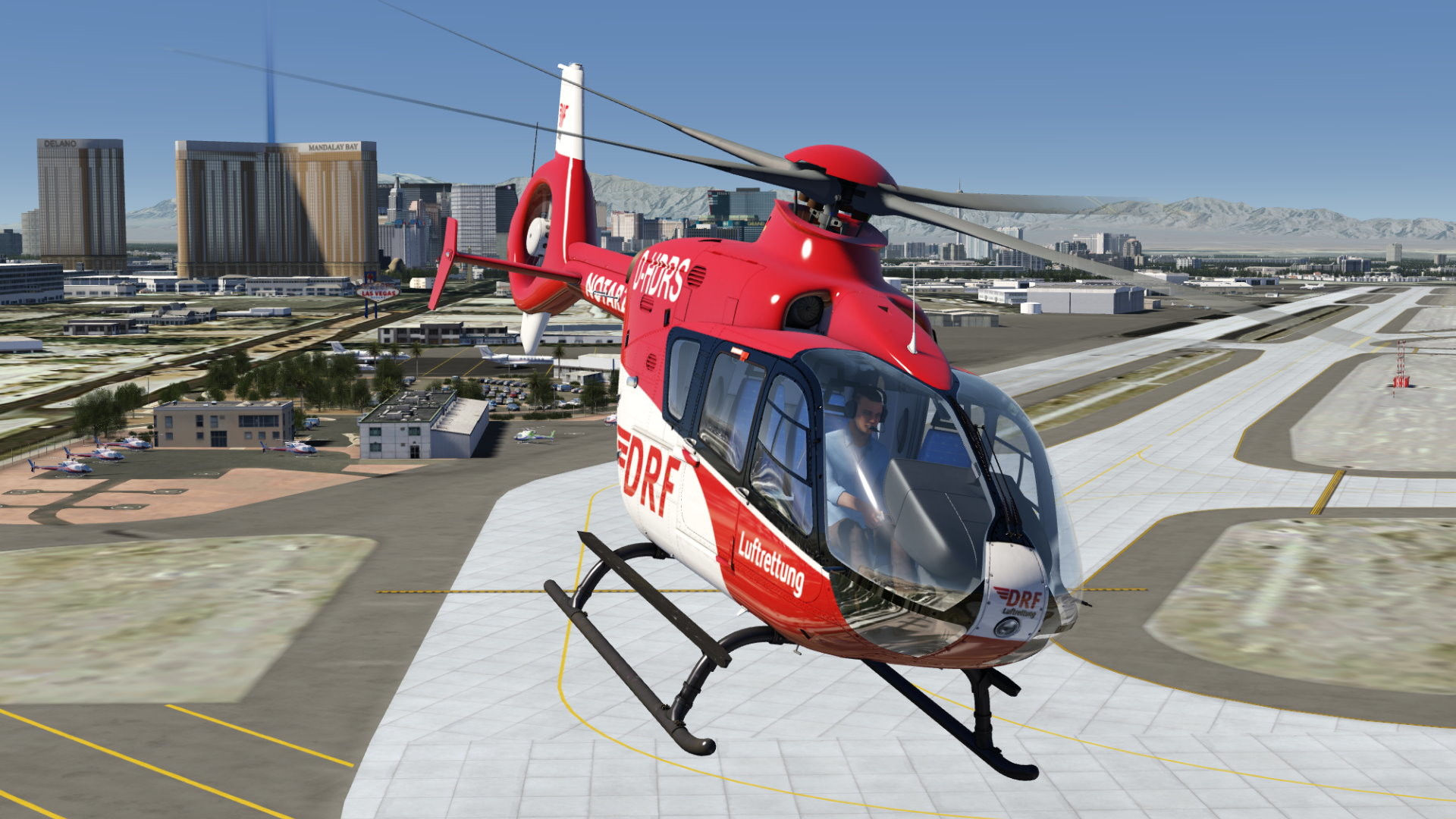
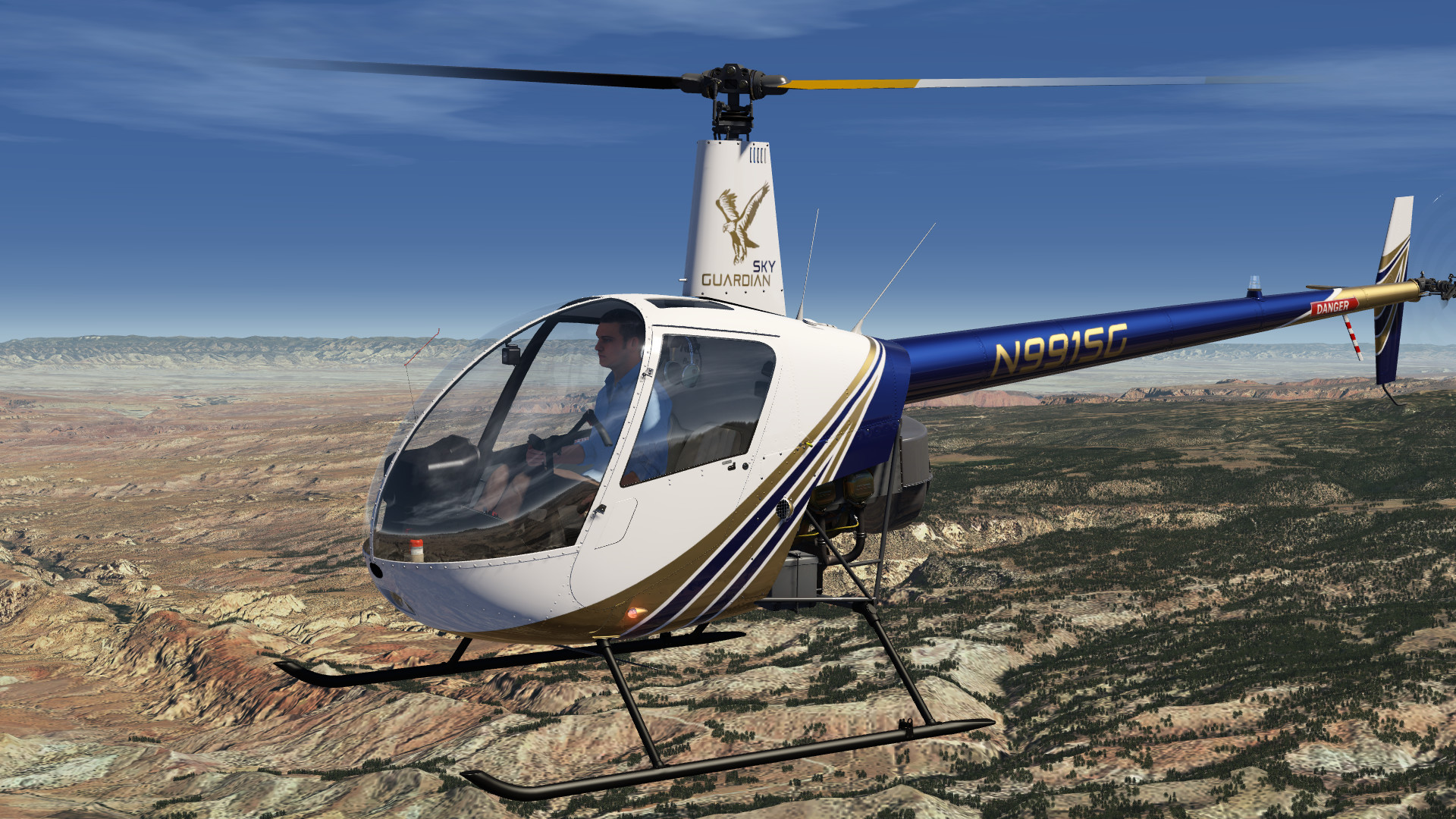
游戏版本信息
完整版|容量122GB|官方原版英文|支持键盘.鼠标.手柄
常见问题FAQ
《模拟航空飞行2》下载后应该怎么解压和安装?
先确认所有压缩包均已完整下载,再使用常见解压工具统一解压。不要直接在压缩包内运行程序,建议使用纯英文目录,并提前确认磁盘空间充足。具体步骤可以参考 游戏手动解压安装教程。
《模拟航空飞行2》解压后打不开怎么办?
优先检查安全软件是否误拦截、文件是否解压完整、运行库是否缺失、显卡驱动是否过旧,以及系统版本是否满足要求。首次运行也可以尝试右键以管理员身份启动。
【游戏问题】游戏启动提示缺少 DLL 或运行组件怎么处理?
这类提示通常与常用运行库不完整有关。建议补全 DirectX、Visual C++ 等常见游戏运行组件,再重新启动游戏。教程可以参考 游戏常用运行库合集。
【游戏问题】启动出现黑屏、闪退、无响应或没有声音怎么办?
通常需要检查显卡驱动、运行组件、解压完整度、安装目录权限和安全软件拦截。建议先更新电脑驱动、补全运行库,并将游戏放在纯英文路径下运行。
【游戏问题】无法存档或手柄无效怎么办?
无法存档通常与目录写入权限有关,可以尝试管理员身份运行或更换可写目录。手柄无效时,请检查驱动、连接模式和游戏内控制器设置。
《模拟航空飞行2》修改器在哪里下载?
是否支持修改器取决于游戏版本和修改器版本。使用前请核对版本说明,并注意部分安全软件可能会拦截修改器程序。也可以查看 WeMod 超8000+单机游戏最新修改器 的使用说明。
文章标题:《模拟航空飞行2/Aerofly FS 2 Flight Simulator》免安装绿色版
文章链接:https://www.ymxq.net/7225.html
更新时间:2026年06月19日