 首页
首页  网站论坛圈子
 每日快讯New
 游戏下载
游戏下载



本游戏玩法总结
《地球X》提供 PC 单机游戏相关内容,免安装中文游戏的具体版本和资源说明请以下载区标注为准。
《地球X》整体更偏向模拟经营与规划管理,核心体验通常围绕建造布局、资源分配、经营效率和持续养成展开。对于喜欢经营养成、主题建造和长期规划类单机作品的玩家来说,这类题材往往更容易形成稳定的游玩节奏。 同时,本游戏也带有休闲益智方向,更强调上手门槛、节奏舒适度和持续解锁体验。
关于此游戏
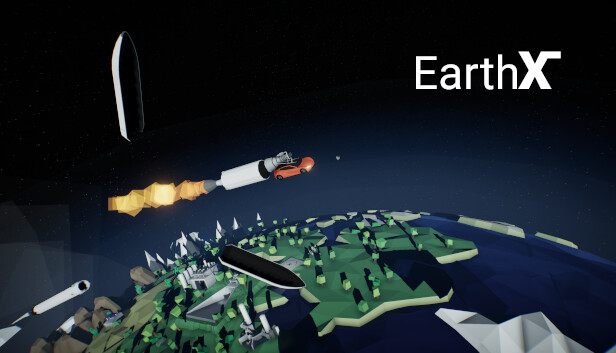
EarthX is a relaxing family-friendly spaceflight company management game, where you launch rockets. A lot of them.
Your Space Company
⠀
In EarthX, you are responsible for managing your own space company. Sign contracts, build new rockets, and launch payloads into space!
Make Your Rockets Bigger
⠀
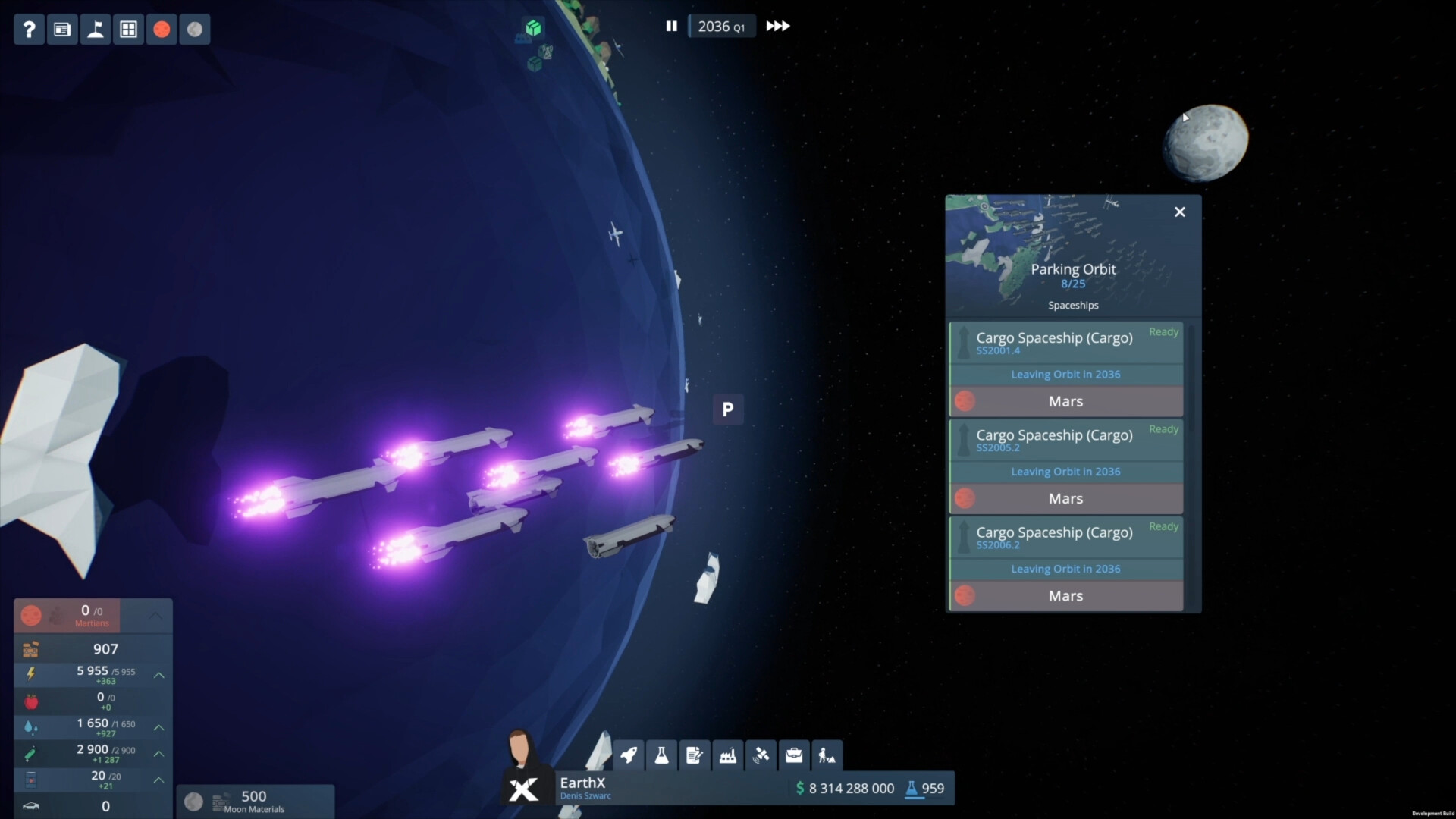
Launching loads of payloads to space requires massive rockets and a high launch cadence. Investing in new technology will bring great rewards in the future.
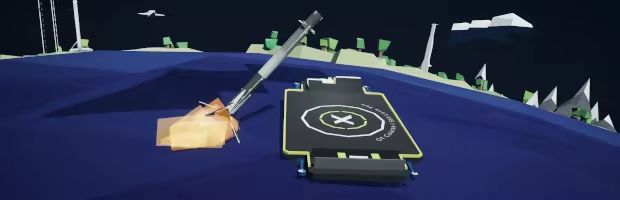
Recover your rockets and reuse them to save money and time. If that’s not enough, you can also catch the fairings!
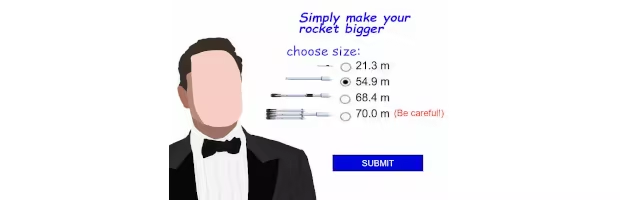
If you’re too lazy to do research, remember that you can always simply make your rockets bigger. Just like that.
Stay In Space
⠀

The crew of the International Space Station needs your help! Resupply them regularly with food, science experiments, and new equipment. Eventually, you might even start launching your own astronauts to the station!
Run LinkLink
⠀⠀
Use your fleet of rockets to launch thousands of LinkLink satellites to space – giving millions of people access to the internet while earning you millions of dollars per day!
Beyond Earth
⠀
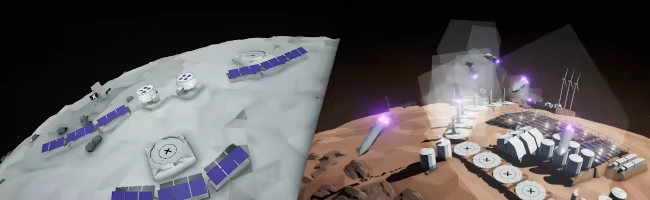
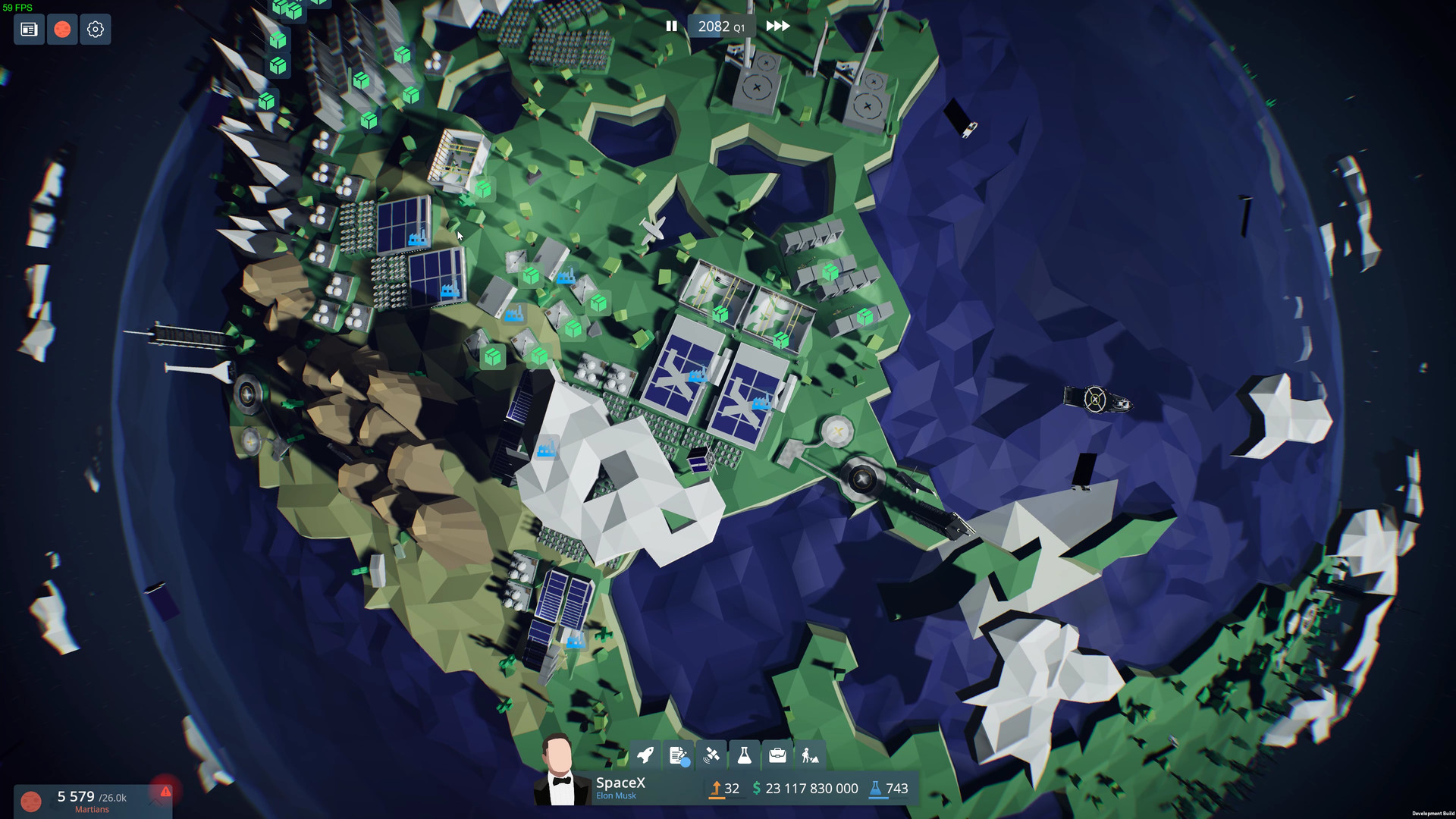
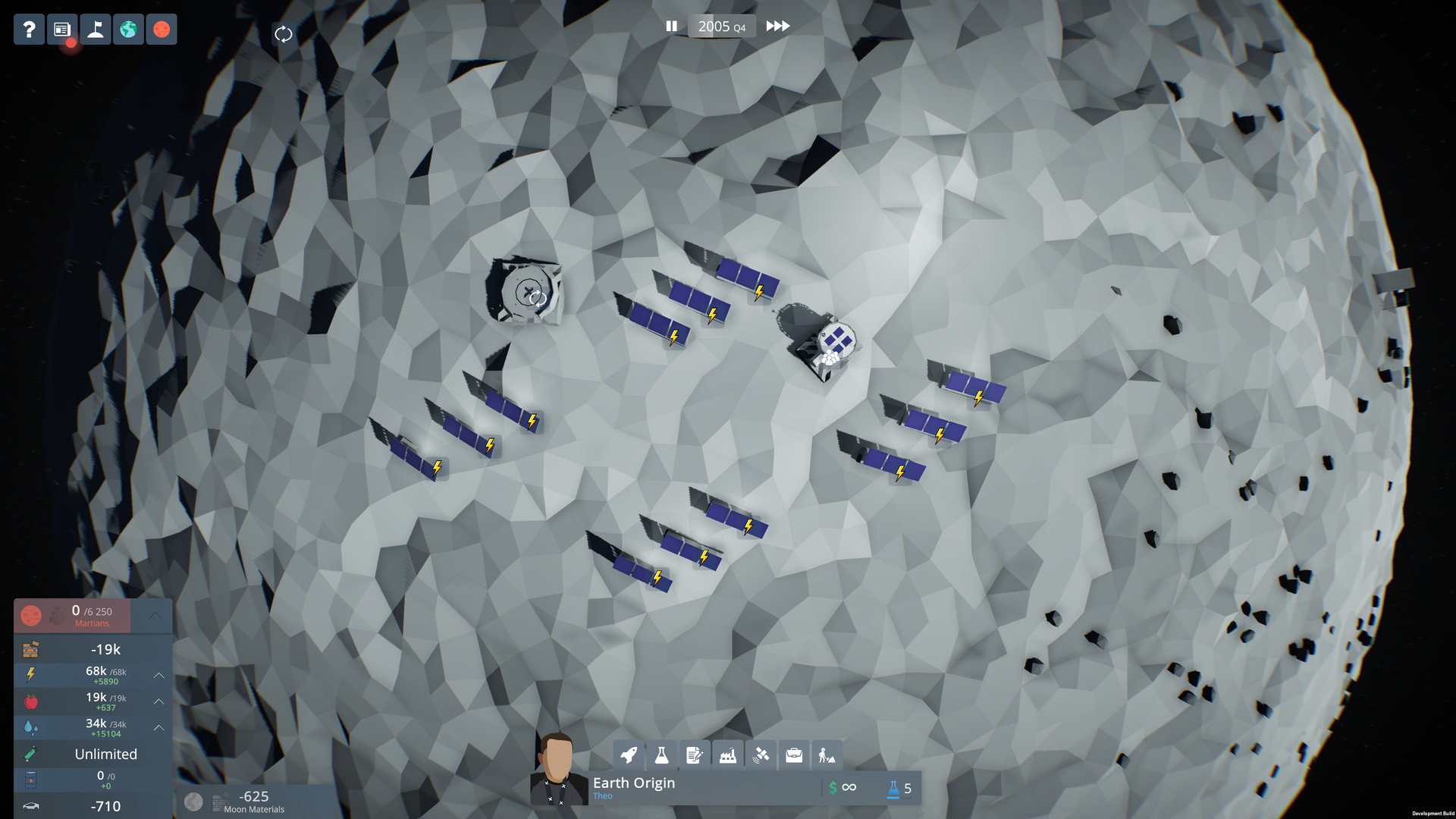
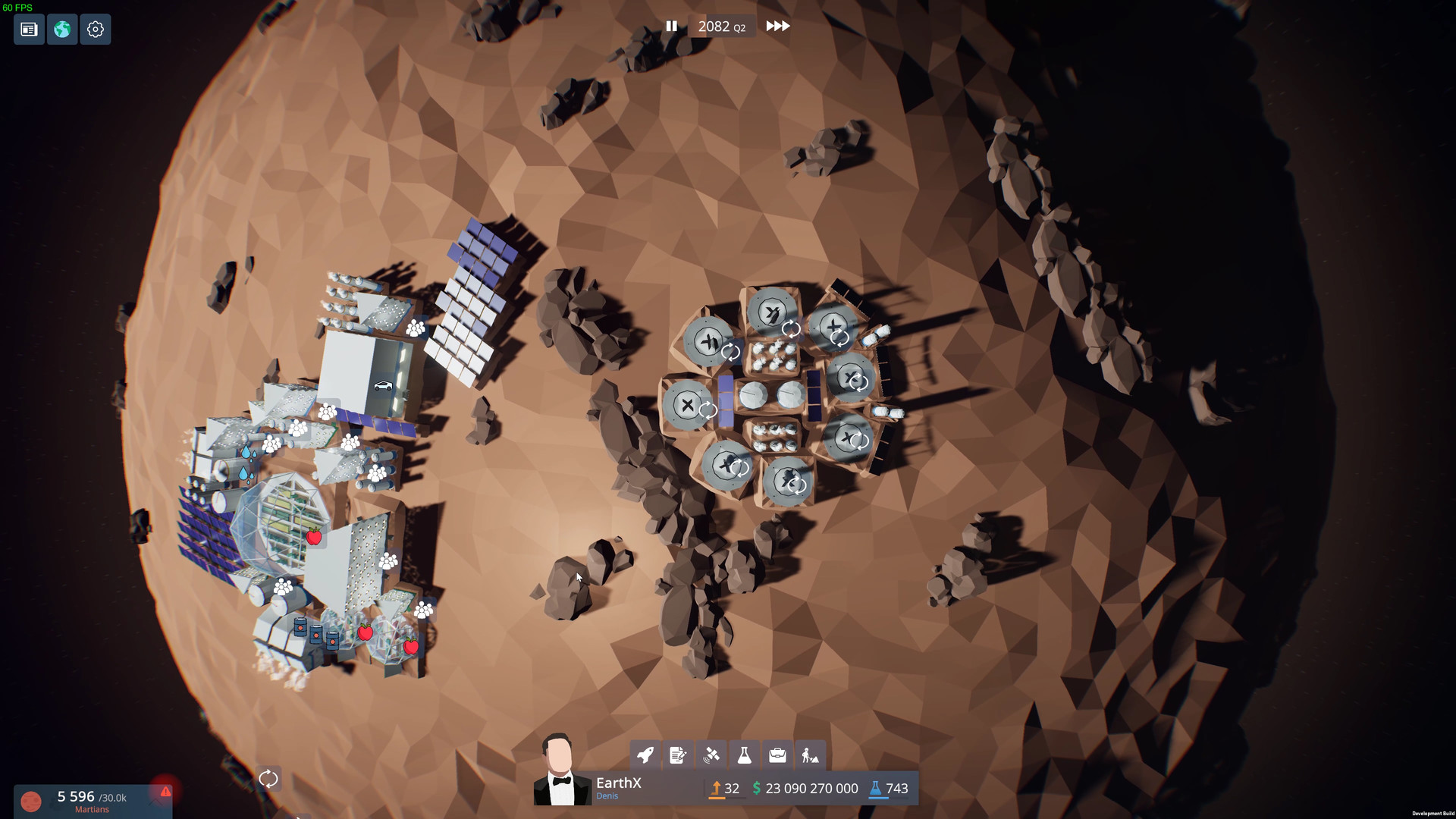
Sooner or later, spaceships will allow you to bring humans and cargo to other planets, from which you can start your own bases and colonies!
Produce dozens of nuclear bombs and throw them at the poles of Mars to heat it up. One day, the planet might start to look like Earth!
游戏介绍
在《地球X》中,你可以建立一个非常大的太空公司,从小型创业公司开始,你的任务是管理公司并开始生产火箭。你必须建立一些工厂来生产模块,建立实验室进行研究,建立仓库储存火箭。一旦你建造了火箭,就可以将它发射到太空。不过,你的火箭有时会爆炸。首枚火箭完成一项测试任务,因此客户可以看到你的能力。一旦获得了一些信任,你就可以获得更多更大的合同执行更复杂的任务。
游戏视频
游戏截图
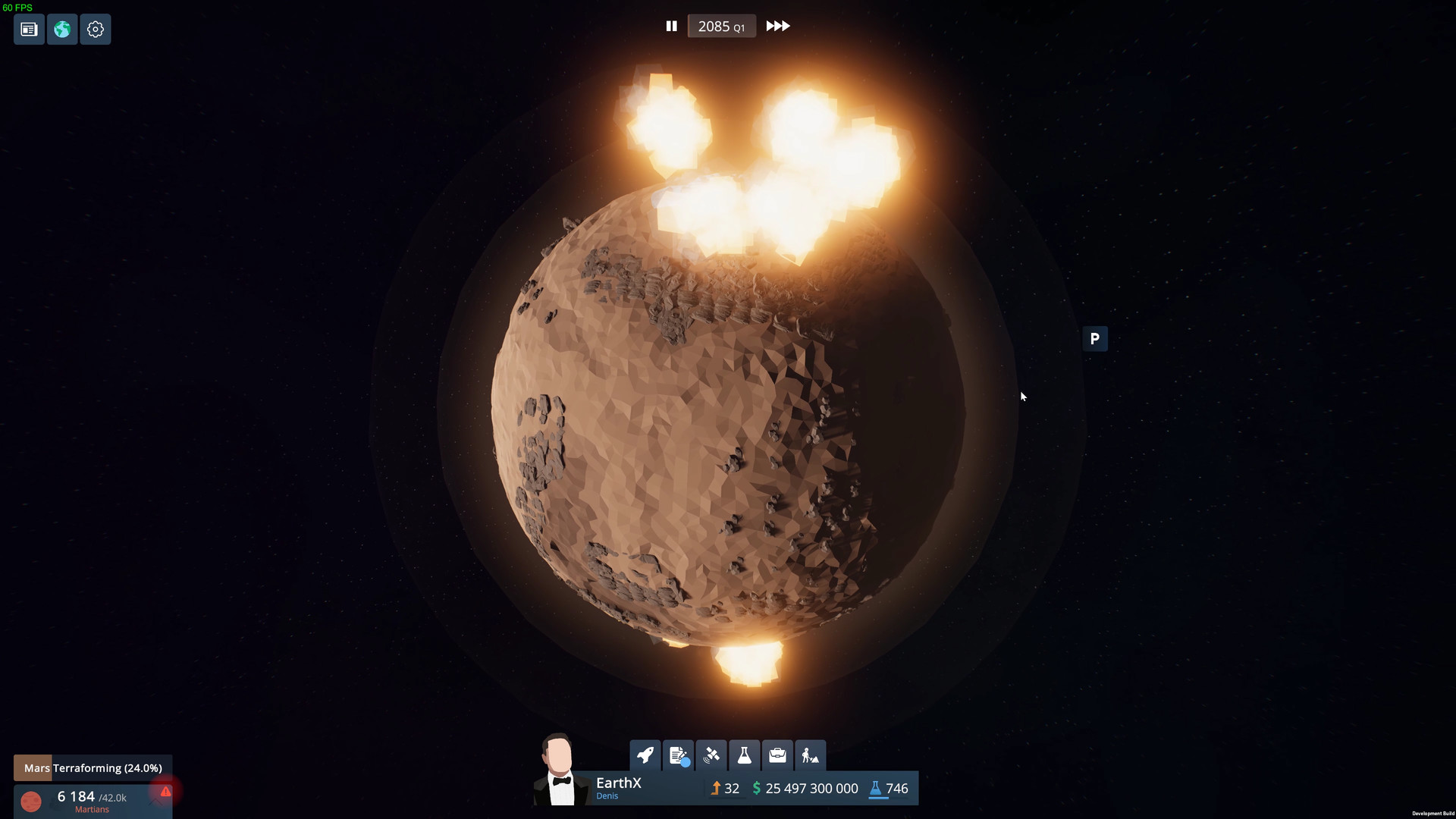
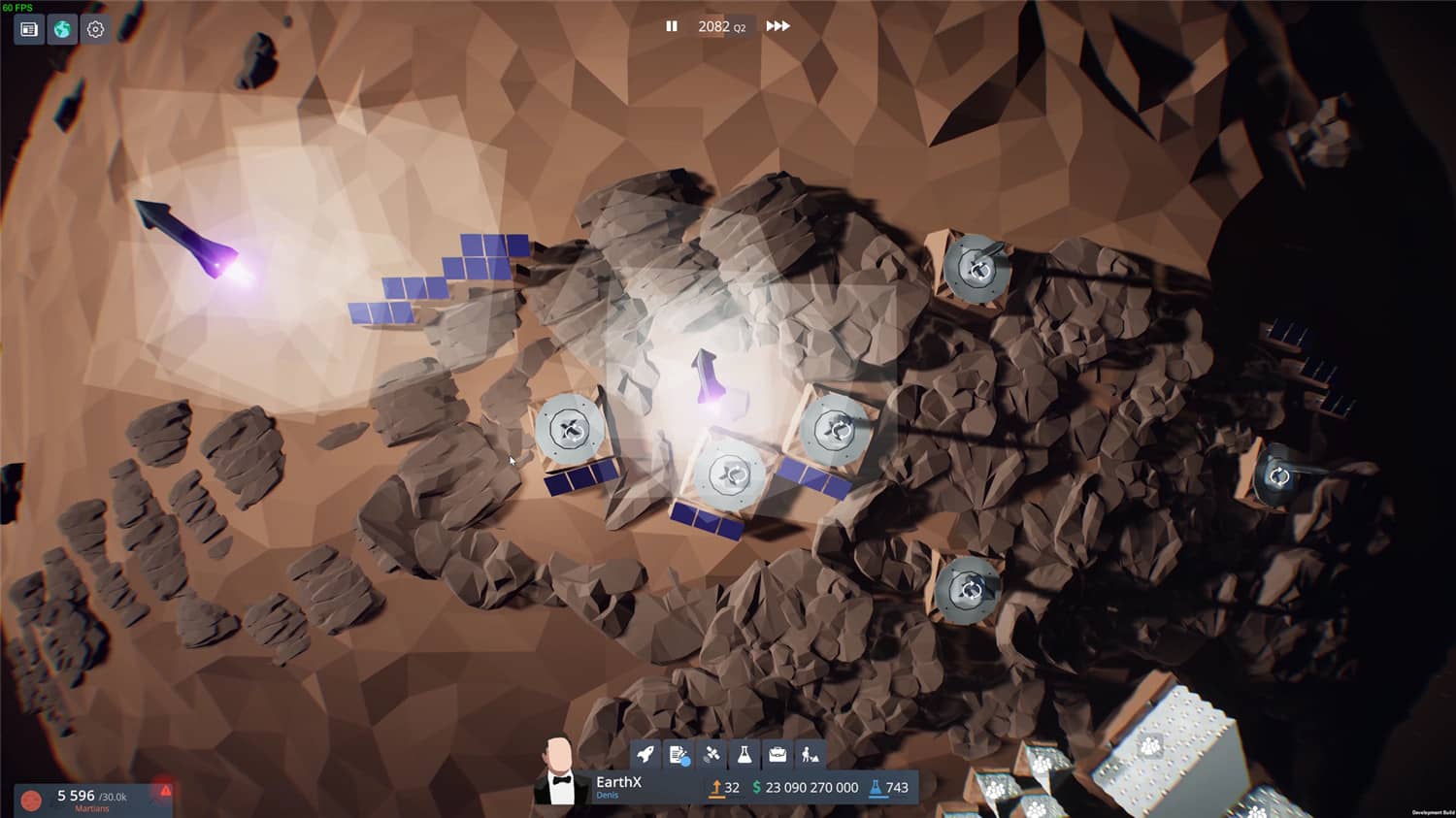
中文设置
SETTINGS-LANGUAGE-Chinese(Simplified)
游戏版本信息
v0.9.0|容量1GB|官方简体中文|支持键盘.鼠标
常见问题FAQ
《地球X》下载后应该怎么解压和安装?
先确认所有压缩包均已完整下载,再使用常见解压工具统一解压。不要直接在压缩包内运行程序,建议使用纯英文目录,并提前确认磁盘空间充足。具体步骤可以参考 游戏手动解压安装教程。
《地球X》解压后打不开怎么办?
优先检查安全软件是否误拦截、文件是否解压完整、运行库是否缺失、显卡驱动是否过旧,以及系统版本是否满足要求。首次运行也可以尝试右键以管理员身份启动。
【游戏问题】游戏启动提示缺少 DLL 或运行组件怎么处理?
这类提示通常与常用运行库不完整有关。建议补全 DirectX、Visual C++ 等常见游戏运行组件,再重新启动游戏。教程可以参考 游戏常用运行库合集。
【游戏问题】启动出现黑屏、闪退、无响应或没有声音怎么办?
通常需要检查显卡驱动、运行组件、解压完整度、安装目录权限和安全软件拦截。建议先更新电脑驱动、补全运行库,并将游戏放在纯英文路径下运行。
【游戏问题】无法存档或手柄无效怎么办?
无法存档通常与目录写入权限有关,可以尝试管理员身份运行或更换可写目录。手柄无效时,请检查驱动、连接模式和游戏内控制器设置。
《地球X》修改器在哪里下载?
是否支持修改器取决于游戏版本和修改器版本。使用前请核对版本说明,并注意部分安全软件可能会拦截修改器程序。也可以查看 WeMod 超8000+单机游戏最新修改器 的使用说明。